Graphic software for Windows Mac graphic software  
Please enter your email to be kept posted on updates and discounts:
 
  
  Products     Download     Online Store     Tutorial     Support     About Company
en  fr  de  es  pt  it  jp  ru    
 

Tutorial: AKVIS Sketch

Changing a baseball photo into a color drawing


The author of the article Danny Raphael is a moderator of Photo-based Art forum at www.RetouchPRO.com.


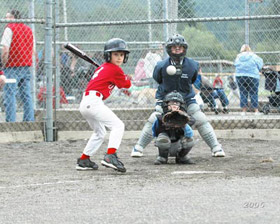
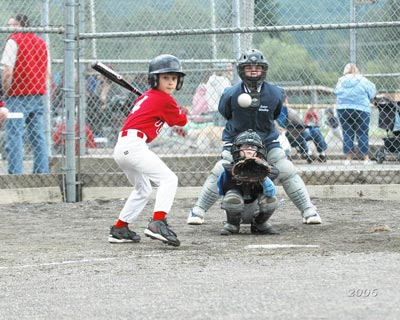
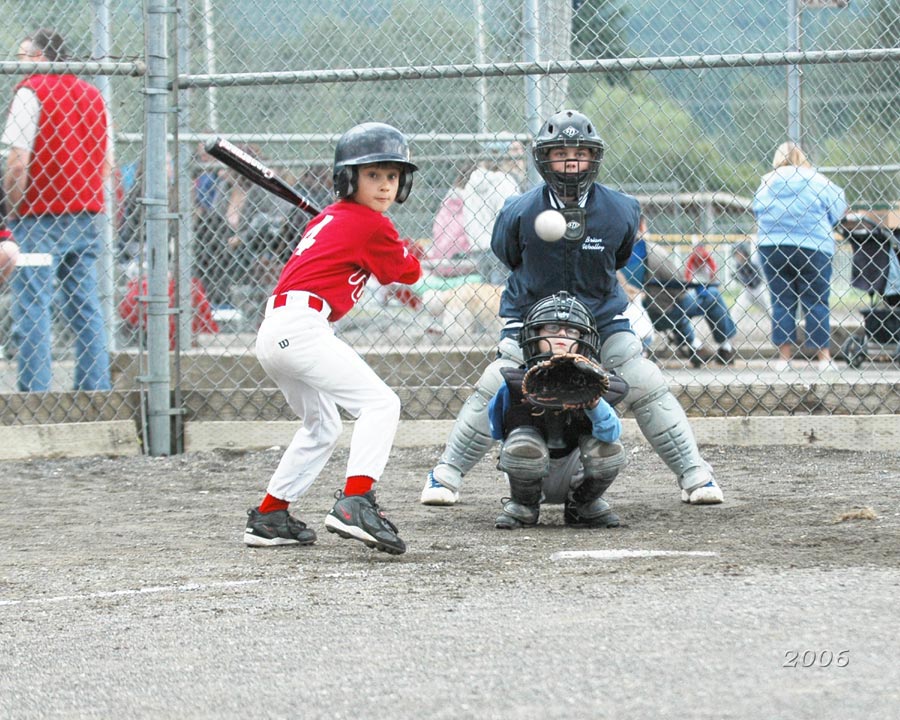
  • Step 1. Lets open the photo of the junior baseball players in Adobe Photoshop editor.
    Junior baseball players
    Click the image to open a larger size image in a new window
  • Step 2. Create a copy of background layer. To do it just drag the background layer to the Create a New Layer button at the bottom of the Layers palette.
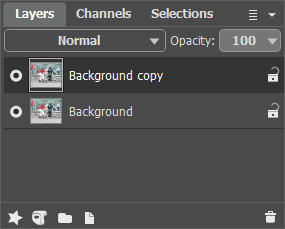
    Layers palette - creating a new background layer
  • Step 3. In the Layers palette go to Background copy layer and open AKVIS Sketch plugin. In the plugin window press Convert to drawing button. The original photo will be transformed into a pencil drawing with default parameters.
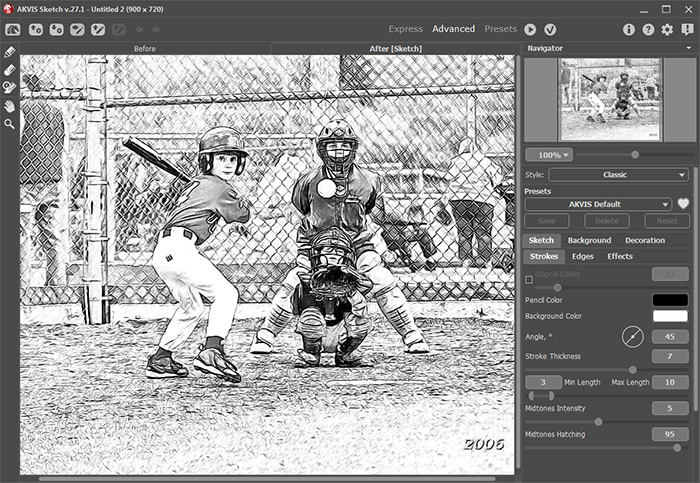
    Đĺçóëüňŕň ďđčěĺíĺíč˙ ďëŕăčíŕ ń íŕńňđîéęŕěč ďî óěîë÷ŕíčţ

    Apply the result by pressing Apply button in the plugin window. Now we have two layers in the Layers palette: the lower layer - original photo, the upper layer - resulted black and white pencil drawing.

  • Step 4. Create another background copy and put it over all other layers.
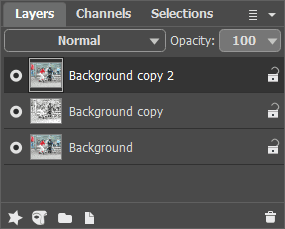
    Layers palette - creating a background layer copy
  • Step 5. After this change the upper layer blending mode from Normal to Color. As a result hue and saturation are taken from the active layer and brightness - from the lower layer (the one with the pencil drawing in this case). As a result colors will retain their saturation and all the lines will stay as distinct and bright as they were in the pencil drawing.
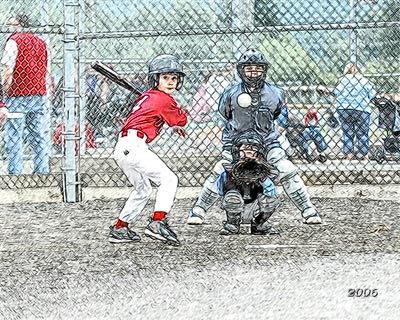
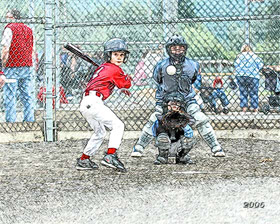
    Pencil drawing after changing the layer blending mode
    Click the image to open the pencil drawing in a new larger window
  • Step 6. Using Hue/Saturation Adjustment layer increase image color saturation by a little bit.
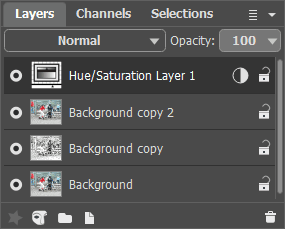
    Layers palette - Hue/Saturation adjustment layer

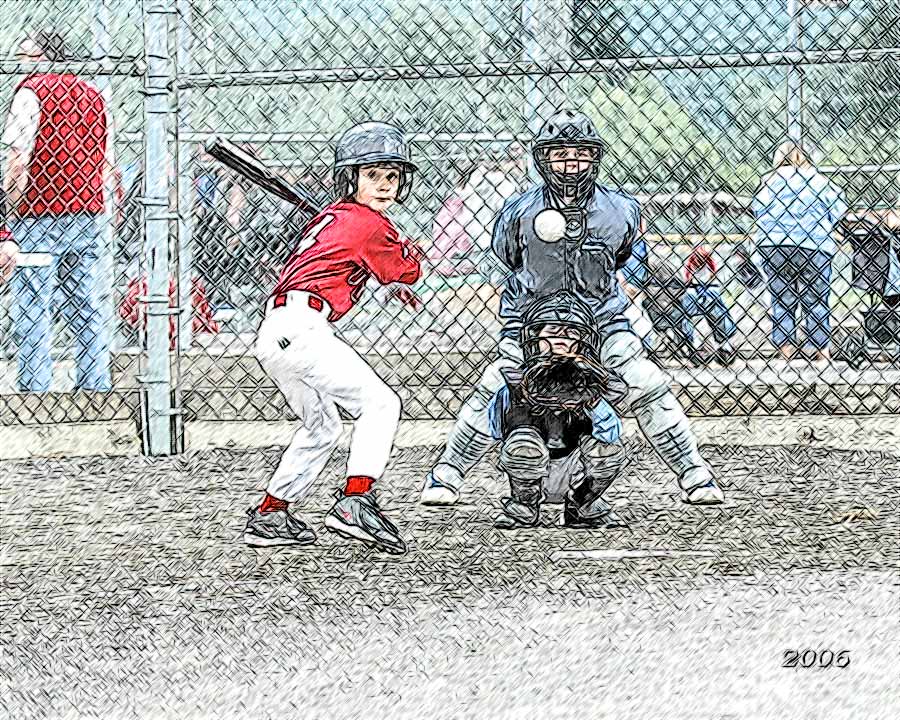
    Few simple steps gave the photo a completely different look. Now it is "handicraft". You can do the same with any photo - wonderful results guaranteed.
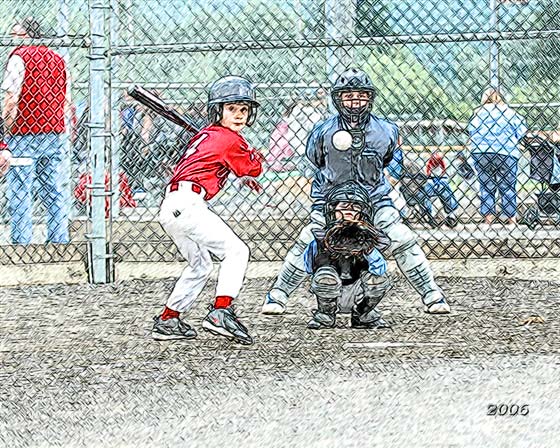
    Junior baseball players - color pencil drawing
 
How It Works How It Works
   — AKVIS Sketch plug-in — AKVIS Sketch plug-in
   — AKVIS Sketch stand-alone — AKVIS Sketch stand-alone
   — Make a Sketch from a Photo — Make a Sketch from a Photo
   — Background Tab — Background Tab
   — Imitate Sketch Drawing on a Canvas — Imitate Sketch Drawing on a Canvas
Examples Examples
   — Pencil Sketch: Let's Draw a Tulip — Pencil Sketch: Let's Draw a Tulip
   — Color Sketch — Color Sketch
   — Graphite Pencil Portrait — Graphite Pencil Portrait
   — Watercolor Drawing — Watercolor Drawing
   — Artistic Processing — Artistic Processing
   — A Painting out of a Photo — A Painting out of a Photo
   — A watercolor portrait from a photo — A watercolor portrait from a photo
   — Winter Dream — Winter Dream
   — Sketch of a Pet — Sketch of a Pet
   — A Little Girl — A Little Girl
   — Westmuir Street in Glasgow — Westmuir Street in Glasgow
   — A woman in a Tub: a real work of art — A woman in a Tub: a real work of art
   — Postcard on a Pencil Drawing — Postcard on a Pencil Drawing
   — Baseball Photo to Color Drawing — Baseball Photo to Color Drawing
   — A Wolf: make a Sketch from a Photo — A Wolf: make a Sketch from a Photo
   — Pastel Drawing Technique — Pastel Drawing Technique
   — Motorshow: a Pencil Drawing — Motorshow: a Pencil Drawing
   — Watercolor of a Wolf — Watercolor of a Wolf
   — A Hand Draws a Hand — A Hand Draws a Hand
   — Transform a Video into a Cartoon — Transform a Video into a Cartoon
   — Convert Vector Drawing to Sketch — Convert Vector Drawing to Sketch
   — Portrait out of a Newspaper Clipping — Portrait out of a Newspaper Clipping
   — Quiet Harbor — Quiet Harbor
   — Sweet Couple — Sweet Couple
   — Black&White Image in Photo Frame — Black&White Image in Photo Frame
   — Dream to Reality — Dream to Reality
   — Christmas Card from a Photo — Christmas Card from a Photo
   — Artist at Work — Artist at Work


   Privacy Policy | Site Map | Search | English  | Français  | Deutsch  | Español  | Português  | Italiano  | 日本語  | Pусский  | © 2004-2008, AKVIS Software Inc. All rights reserved.