AKVIS Chameleon 12.2 | Photo Collage Creation
AKVIS Chameleon is an efficient tool for photo collage creation.
This ingenious software makes the process easy and entertaining. Earlier one had to thoroughly select an object before pasting it into a new background; with this software this tedious part of work drops out. You can concentrate on the creative part and forget about complicated selection techniques.
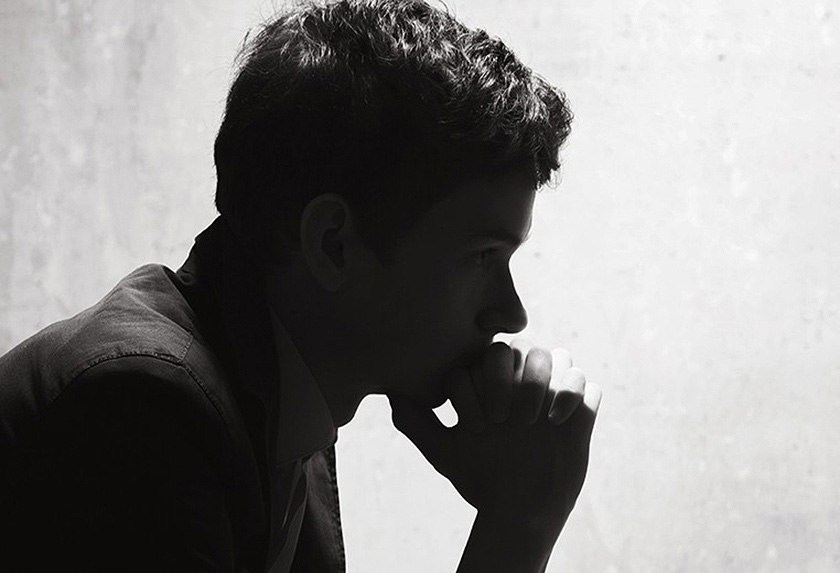
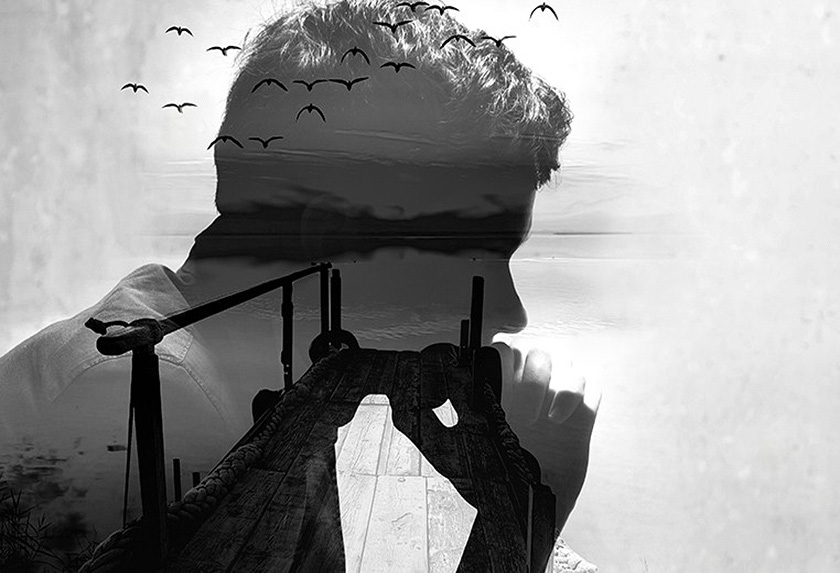
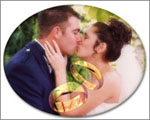
You can use AKVIS Chameleon in many ways. You can create customized postcards for your loved ones; make a wedding album using all kinds of photos and backgrounds; correct closed eyes (by implanting open eyes from another photo of the series), change the appearance of a person, create a multiple exposure effect, etc.
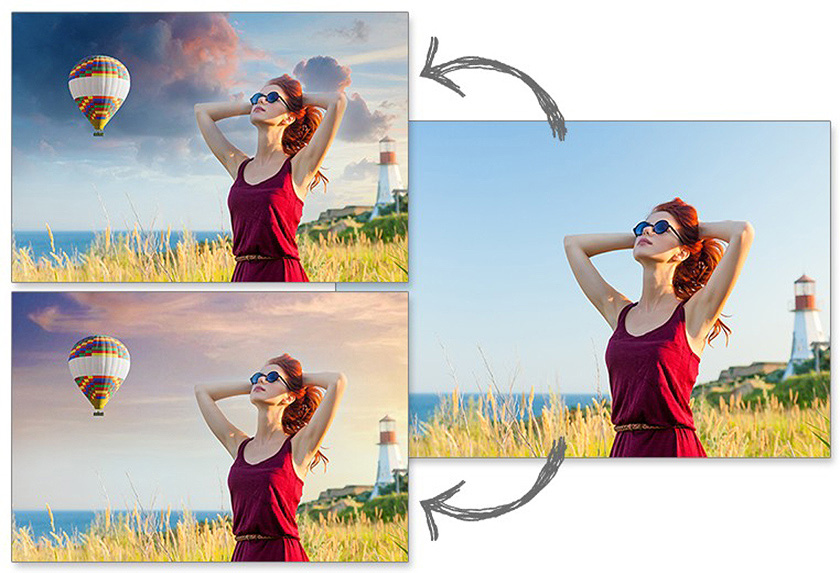
Chameleon can be used for custom web design, greeting cards, promotional materials, logos, and wallpapers. You can combine images with entirely different color ranges, to create the effect of drawing on a texture surface (crumpled paper, wood, etc), and all that with only a mouse-click.
Turn ordinary pictures into something eye-catching with AKVIS Chameleon!
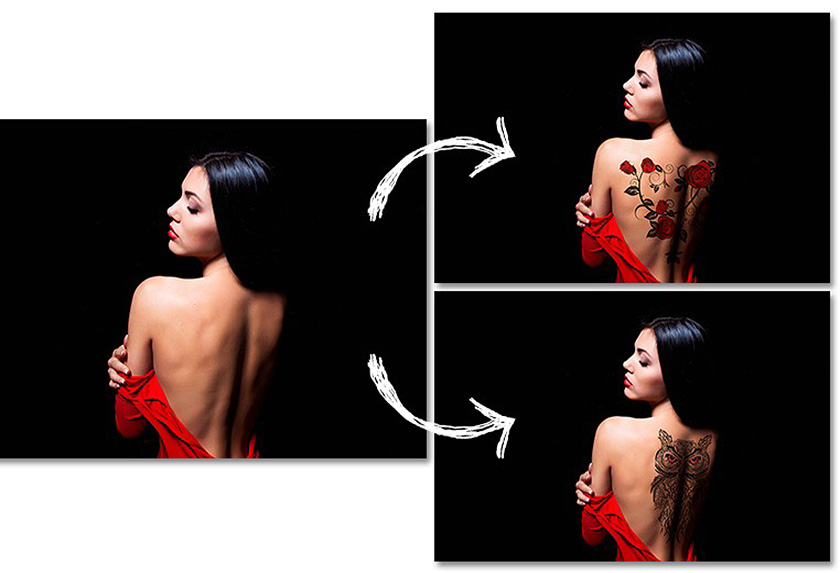
The software works in five modes:
Montage Mode. In this mode the program combines images to create a seamless photo montage. It transfers selected objects to a new background and makes the irrelevant parts of the pasted fragment fade away. The object does not change its color range or opacity, only its edges adapt to the new environment and get smoothed. This mode is good to use for creating photo collages with people (pasting a person into a new background).
Chameleon Mode. In this mode the program adjusts the pasted fragment to the target image color range and smoothes the object's borders. It looks similar to the way a chameleon adapts to the environment.
Blend Mode. In this mode the program does not only smoothen the borders of the pasted object and adjusts its color range, but it also makes the object semi-transparent, so that the texture and the relief of the primary image can be seen through. Use this mode if you want to "dissolve" the pasted image in the background.
Emersion Mode. In this mode, like in Montage mode, the program combines images to create a seamless photo montage. The difference between the two is that in Emersion Mode the pasted fragment does not overlay the background, but embeds into the background so that only certain parts of the fragment are visible. This mode allows making montages with difficult objects (trees, etc).
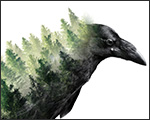
Double Exposure (Home Deluxe/Business). This mode is based on the real-world technique used by photographers. Two images are superimposed into a single photo using different blend modes and taking into account the luminance values. The most popular is combining landscape scenes with human portraiture where a silhouette darkens an overlay photo or appears isolated on a blank background with an overlay image showing through it.

AKVIS Chameleon is available as a standalone program and as a plugin for AliveColors, Adobe Photoshop, Photoshop Elements, Corel PaintShop Pro, etc. Refer to Check the compatibility page for more details.
The software offers a multi-language user interface.
Try all the features of the software during the free 10-day evaluation period.
You do not need to register. Just download the full version and start your Free Trial!
Download the program now to take advantage of its features!
- AKVIS Chameleon 12.2 — Windows 64-bit (Plugin+Standalone)
- AKVIS Chameleon 12.2 — Windows 32-bit (Plugin+Standalone)
- AKVIS Chameleon 12.2 — Mac 64-bit (Standalone)
- AKVIS Chameleon 12.2 — Mac 64-bit (Plugin)
- Installation on Linux 64-bit (Standalone)