AKVIS AirBrush 9.6 | Airbrushing Techniques on Your Photos
AKVIS AirBrush is photo to painting software that makes an airbrush drawing from a photo.
Airbrushing is a painting technique based on the use of a special tool called an air brush or spraying gun. Since it’s a touch free technique, it allows the painter to add light strokes, minor details, and blurry edges. The result is impressive and looks great, often reaching photographic quality and incredible realism.


Airbrushing offers freedom of artistic expression and allows an artist to use all types of paints: oil, acrylic, gouache, watercolor, and ink. This technique has grown so popular that one can come across airbrush paintings anywhere. The art is widely used in auto body industry, for adding graphics to cars, motorbikes, and helmets. It is also used for decorating mobile phones, computers and home electronics, for creating T-shirt or fingernail designs.
Airbrushing makes it possible to turn any regular item into a work of art. It has already become a new trend in modern art. Airbrush paintings look great and catch the eye with unprecedented clarity and level of detail.
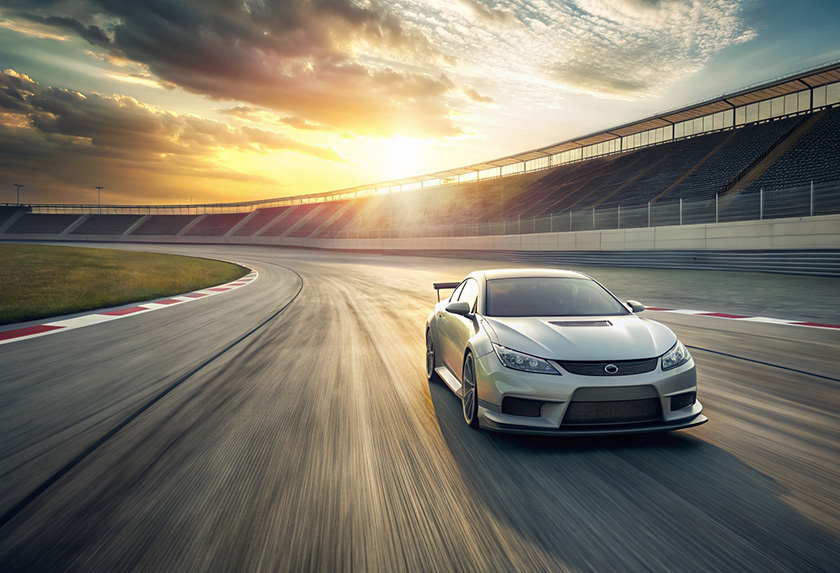
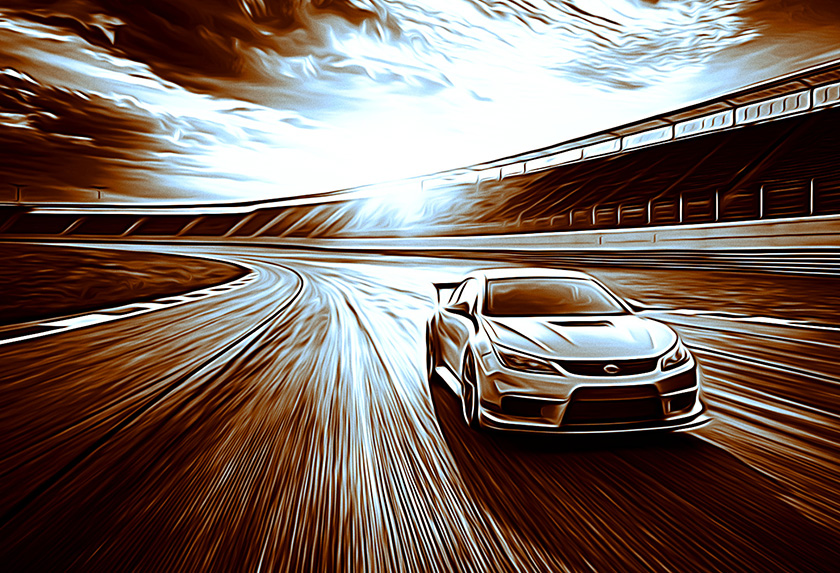
AKVIS AirBrush automatically transforms a photograph into your own fine art masterpiece. It works as an artistic filter creating stylish colorful designs from images using chosen settings of photo to painting conversion. Now you do not need to perform complex manual work. Just choose one of the presets or play with the effect settings. The software will do all work like a real artist.


AKVIS AirBrush works in three modes: Original Colors, Monochrome, and Multicolor. You can either create a photorealistic painting keeping the original color range, a monochrome painting - all in shades of one color, or a multicolored painting with delicate gradations of contrasting colors.
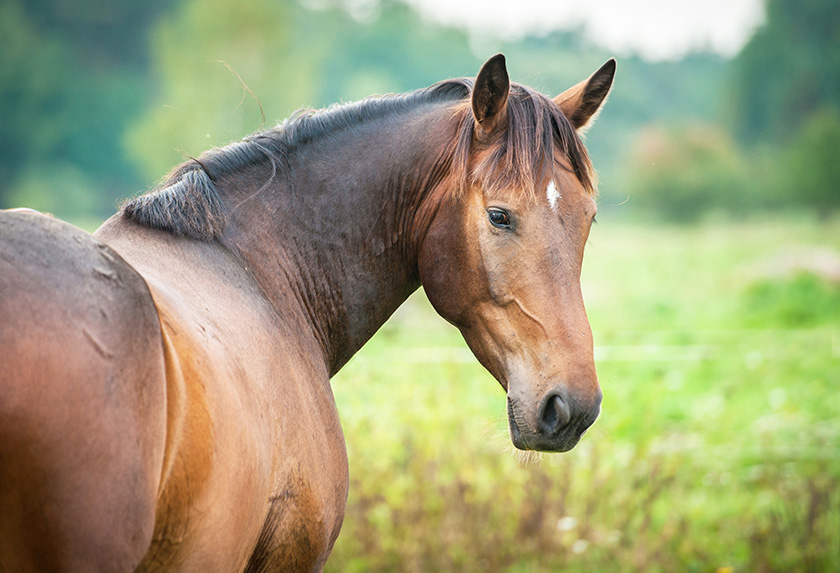
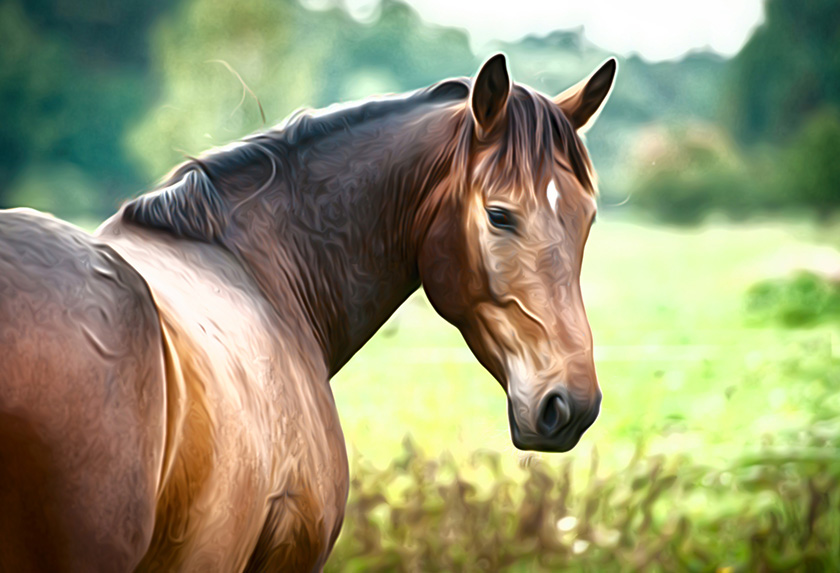
The software is equipped with a wide range of ready-to-use presets which help you apply the effect to your image instantly and in various styles. You can save your favorite settings as presets to use them further, import and export them, share with other fans of this exciting technique.


The software offers the Batch Processing feature that lets you automatically process a series of images. It is useful when dealing with a lot of photos or when creating a video (to process all frames automatically).
For video processing, we also offer a special filter for After Effects and Premiere Pro - AKVIS AirBrush Video.
AKVIS AirBrush is available as a standalone application and as a plugin filter. The plugin version is compatible with AliveColors, Adobe Photoshop, Photoshop Elements, Corel PaintShop Pro, and other photo editors. Consult the AKVIS plugins compatibility page.
The functionality of the product depends on the license type. The Original Colors and Multicolor modes, as well as the Post-Processing tools are available for the Home Deluxe and Business licenses. Owners of the Home license can create airbrush drawings only in Monochrome mode. Compare the licenses and features.
During the trial period you can try all options and choose the license you like.
The software offers a multi-language user interface.
Try all the features of the software during the free 10-day evaluation period.
You do not need to register. Just download the full version and start your Free Trial!
Download the program now to take advantage of its features!
- AKVIS AirBrush 9.6 — Windows 64-bit (Plugin+Standalone)
- AKVIS AirBrush 9.6 — Windows 32-bit (Plugin+Standalone)
- AKVIS AirBrush 9.6 — Mac 64-bit (Standalone)
- AKVIS AirBrush 9.6 — Mac 64-bit (Plugin)
- Installation on Linux 64-bit (Standalone)