How It Works
AKVIS SmartMask is an efficient selection tool that saves you time and is fun to use. Never before has selection been so simple!
The software lets you mask objects on images and remove backgrounds. SmartMask makes even a difficult selection as easy as pie. Now, you can spend less of your time on selection of objects and more of it on creativity.
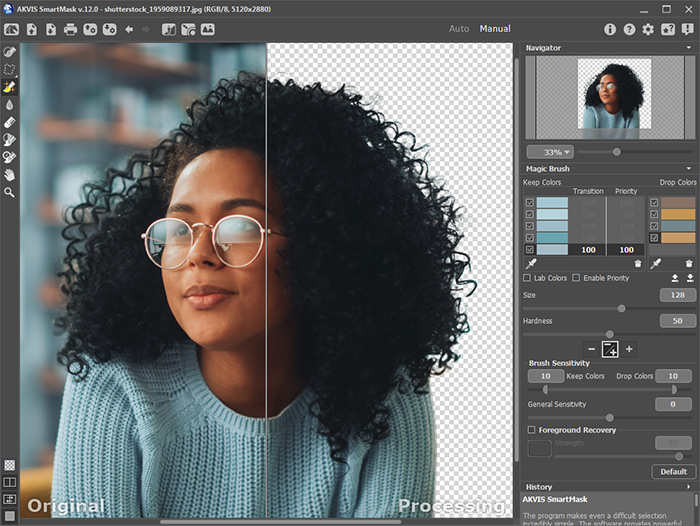
Use our Tutorial to learn how to make a selection using SmartMask.
- Workspace
- Using the Program
- Mask View Modes
- Custom Background
- History Palette
- Save and Load Projects
- Preferences
- Hot Keys
- Automatic Selection Tools
- Manual Selection Tools
- Quick Selection
- Standard Selection Tools
- Magic Brush
- Chroma Key
- Refine Edges
- Post-Processing Tools
- Additional Tools
SmartMask v. 12.0 - Free 10-day Trial

