AKVIS SmartMask AI 15.1 | Selection Made Easy
AKVIS SmartMask AI is efficient object selection software that saves you time and is fun to use. Equipped with artificial intelligence tools, the program is the most convenient and fastest way to select and mask objects in an image. Selection has never been so simple!
There are many occasions when you need to target a specific area of an image. It is often necessary to highlight regions to which an effect or correction should be applied. Creating photo collages and montages requires a precise selection of objects. This can be a painful task because many objects don't have clearly defined edges and fade into the background. For instance, just try selecting yourself in a group photo.
AKVIS SmartMask AI makes even a difficult selection incredibly simple! Now, you can spend less of your time on selection of objects and more of it on creativity.

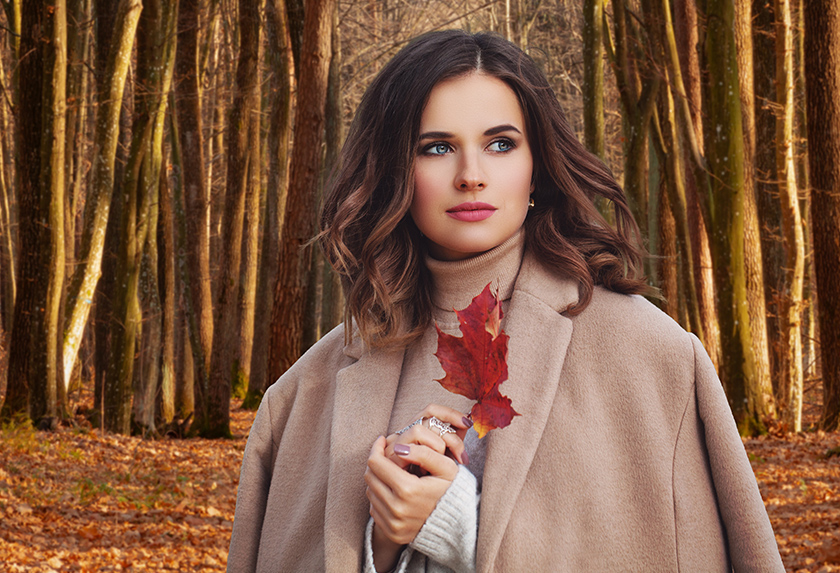
Extracting Complex Objects a Breeze!
The software provides powerful tools for masking objects on images and removing backgrounds. The program works equally well with both soft and sharp edges of a fragment. It allows you to instantly select objects with both clearly drawn or with blurred, semi-transparent edges.
All you need is a couple of movements, SmartMask AI will complete the image processing and remove unnecessary parts, leaving the selected object. The program also allows you to get rid of unwanted color shades of the previous background, which may remain on the cut-out object.


AI-Based Object Selection Tools
AKVIS SmartMask AI includes a set of smart and helpful brushes to select objects and touch up the result where needed.
Using the AI-powered Object Selection tools is often enough to produce a professional-looking result.
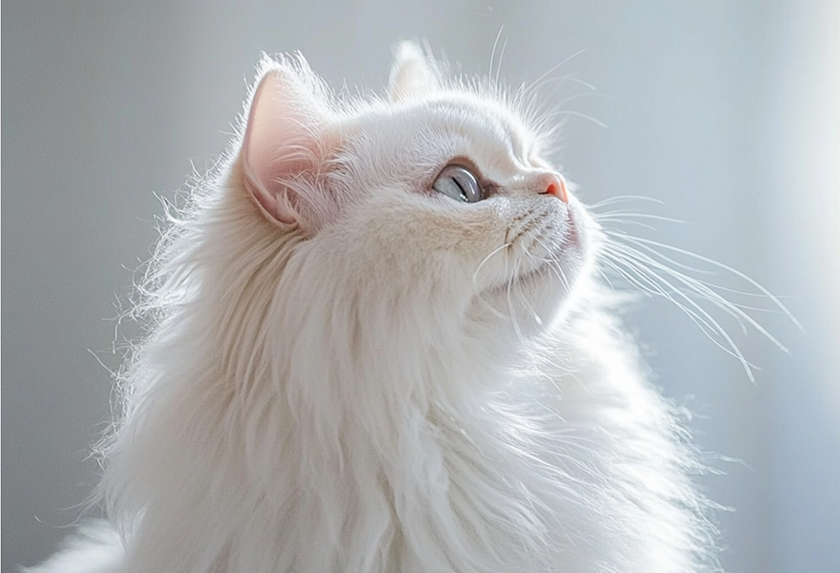

Precise & Fast AI-Powered Point Selection Tool
Using advanced neural network technology, the innovative Point Selection tool allows you to quickly and accurately select specific areas with just a few clicks.
Simply mark the desired area with points, and the intelligent algorithm will automatically create the selection — saving you time and effort in your creative workflow.


In cases where the selected object stands against a background of a similar color range, or the object's edges are uneven, you can use touch-up brushes, like the Magic Brush and Background Eraser.
Also, it is possible to automatically remove the solid background color from an image with the Chroma Key technology.
The edges of the cut-out object can be additionally adjusted using the Refine Edges feature.
Afterward, place the resulting cut-out object on a new image by adding a Custom Background - there's no limit to your creativity!
Less Time on Selections, More on Creating!
Like all AKVIS products, SmartMask AI is not only a straightforward tool but also fun to use. It makes the dull process of image manipulation fun and entertaining.
Making selections can take a great deal of time out of a designer's workday. For this reason, with AKVIS SmartMask AI you can considerably increase your productivity! You will be freed from boring work and will have more room for creativity and the realization of your ideas.


Saving Project
When using the software, you can save a working draft of your project into an .akvis file which contains the original image, the state of the image at the moment it was saved with all its parameters and settings, and, in the Deluxe/Business versions, any manually created checkpoints which where added during your work. This very helpful feature is highly appreciated by professionals.


AKVIS SmartMask AI is available as a standalone program and as a plugin for photo editors. The plugin version is compatible with AliveColors, Adobe Photoshop, Corel PaintShop Pro, and other image editors.
The functionality of the product depends on the license type. Some features are only available for the Home Deluxe and Business licenses. Compare the licenses and features.
During the trial period, you can try all options and choose the license you like.
The software offers a multi-language user interface.
Try all the features of the software during the free 10-day evaluation period.
You do not need to register. Just download the full version and start your Free Trial!
Download the program now to take advantage of its features!
- AKVIS SmartMask AI 15.1 — Windows 64-bit (Plugin+Standalone)
- AKVIS SmartMask AI 15.1 — Mac 64-bit (Standalone)
- AKVIS SmartMask AI 15.1 — Mac 64-bit (Plugin)
- Installation on Linux 64-bit (Standalone)