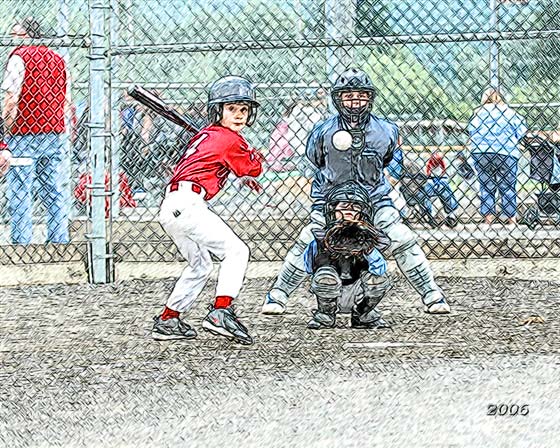
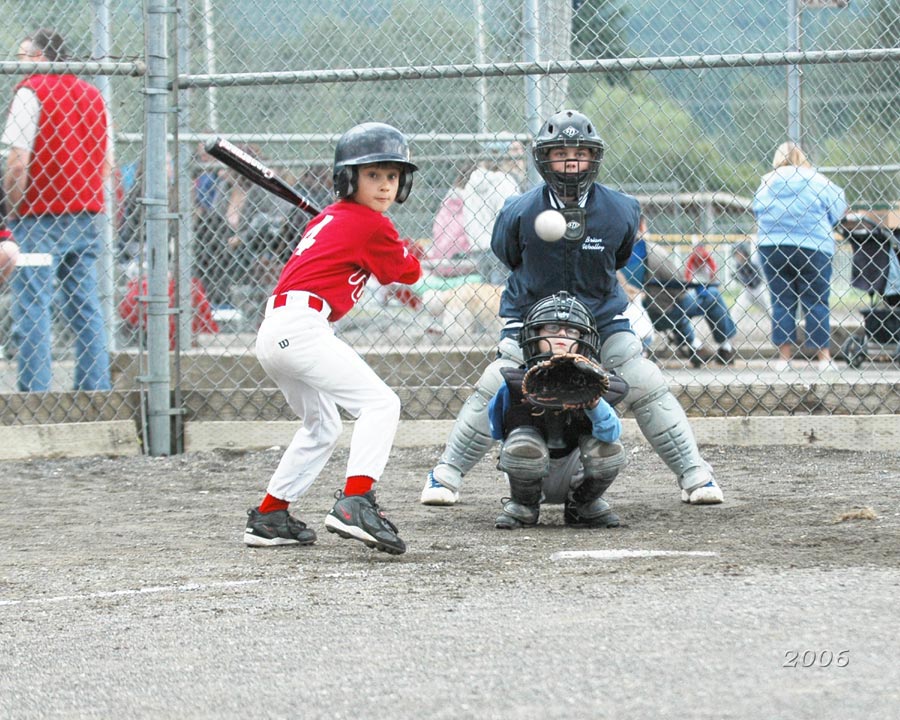
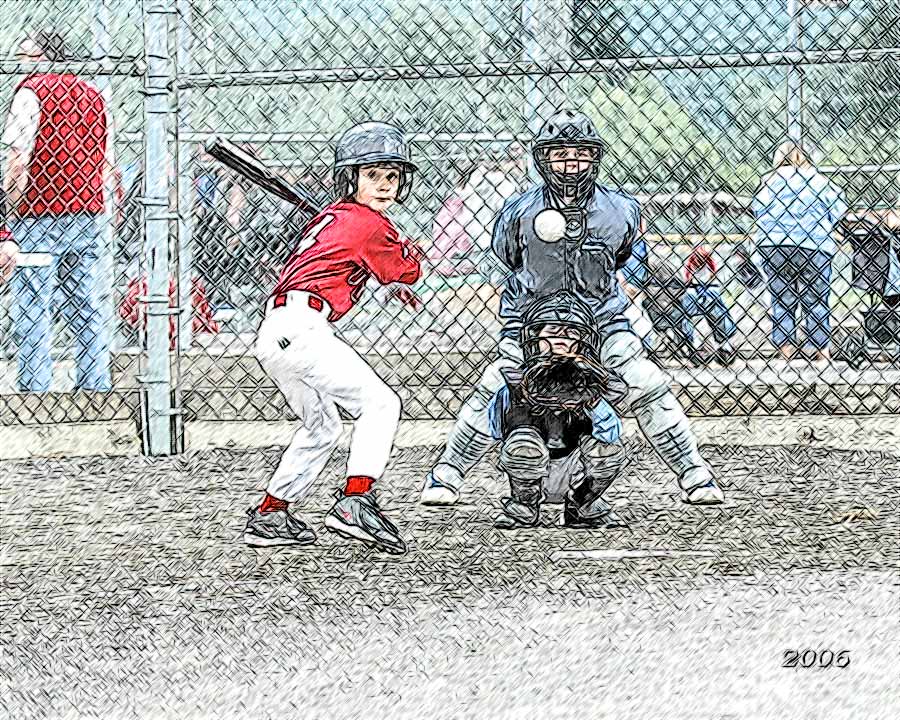
Desenho colorido de foto de bola de baseball
O autor deste artigo Danny Raphael é o moderador do fórum - Arte baseada em foto - www.RetouchPRO.com. Veja a avaliação de AKVIS Sketch e Galeria por Danny.
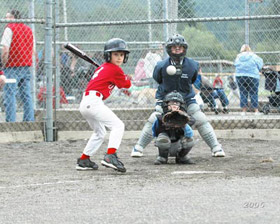
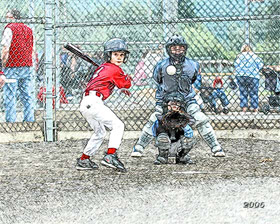
-
Passo 1. Vamos abrir a foto dos jogadores júnior de baseball no editor AliveColors.
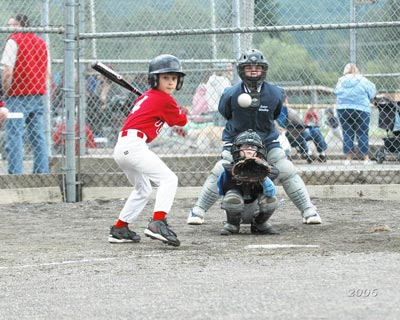
Clique na imagem para ver uma versão maior em uma nova janela -
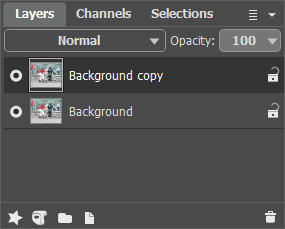
Passo 2. Crie uma cópia da camada de fundo. Para faze-lo, simplesmente arraste a camada de fundo para o botão New Layer em baixo da paleta Layers.
-
Passo 3. Na paleta Layers vá para a camada cópia de fundo e abra o plugin AKVIS Sketch. Na janela do plugin, aperte o botão
 . A foto original será transformada em desenho a lápis com as definições padrão.
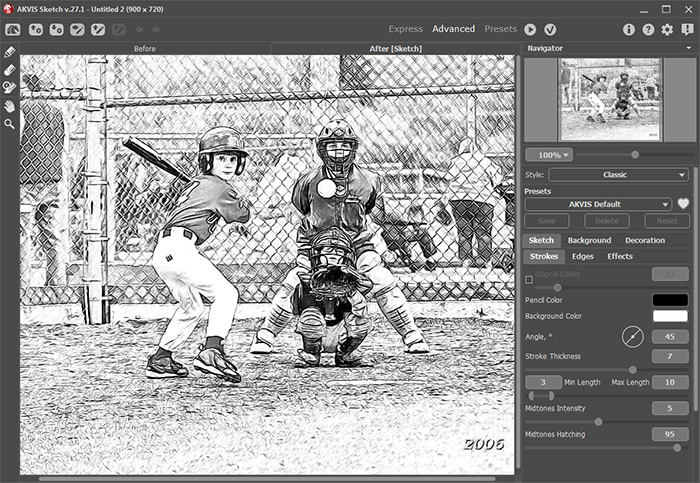
Aplique o resultado apertando o botão
 na janela do plugin. Agora temos duas camadas na paleta Layers: na debaixo a foto original, na de cima – desenho a lápis preto e branco resultante do plugin.
-
Passo 4. Crie nova cópia da camada de fundo e ponha acima das outras camadas.
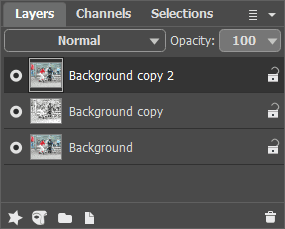
-
Passo 5. Depois disso mude o modo mistura da camada de cima de Normal para Color. Como resultado matiz e saturação são tomadas da camada ativa e luminosidade – da camada de baixo (a do desenho a lápis neste caso). As cores retêm sua saturação e todas as linhas ficam distintas e brilhantes como eram no desenho a lápis.
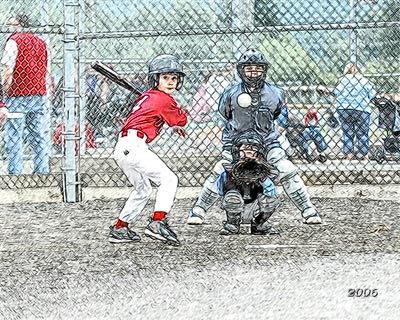
Clique na imagem para abrir o desenho a lápis em janela maior -
Passo 6. Usando a camada de ajuste Hue/Saturation aumente a saturação de cor da imagem um pouco.
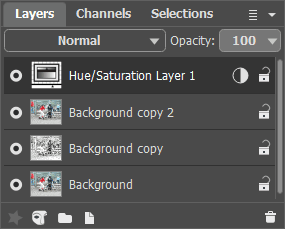
Poucos passos simples dão a foto uma aparência completamente diferente. Agora isto é “artesanato”. Você pode fazer o mesmo com qualquer foto – resultados maravilhosos são garantidos.
Sketch v. 27.1 - Teste gratuito 10 dias

