Baseballfoto in eine Farbzeichnung umwandeln
Der Autor dieses Tutorials ist Danny Raphael - Moderator des Kunstforums Photo-based Art www.RetouchPRO.com.
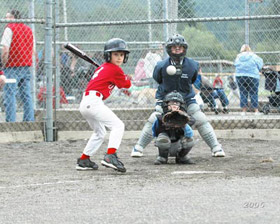
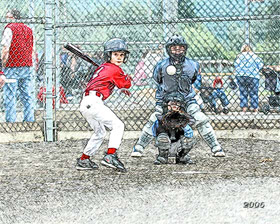
-
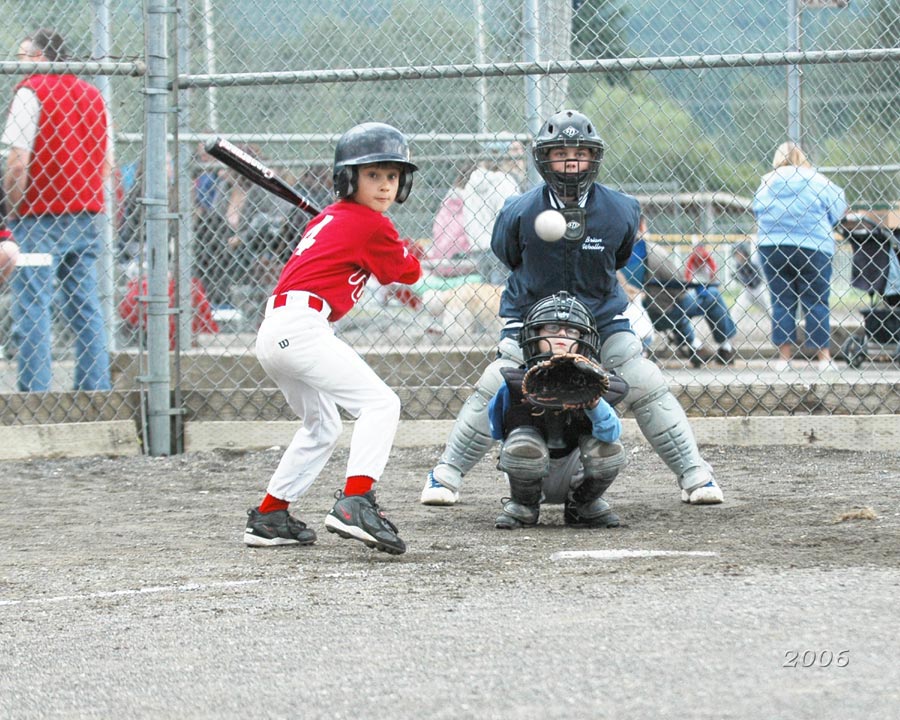
Schritt 1. Öffnen Sie das Baseballfoto in AliveColors.
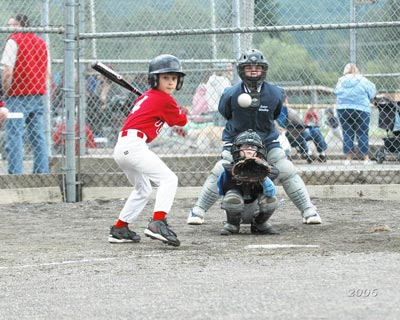
Klicken Sie auf das Bild, um eine vergrößerte Version zu sehen -
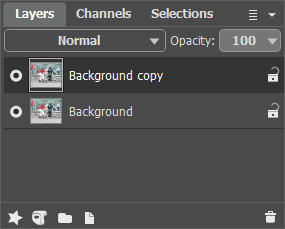
Schritt 2. Erstellen Sie eine Kopie der Hintergrundebene. Dazu ziehen Sie die Hintergrundebene auf die Schaltfläche Neue Ebene im unteren Teil der Ebenenpalette.
-
Schritt 3. In der Ebenenpalette aktivieren Sie die Kopie der Hintergrundebene und rufen Sie das Plugin AKVIS Sketch auf. In dem Pluginfenster klicken Sie auf
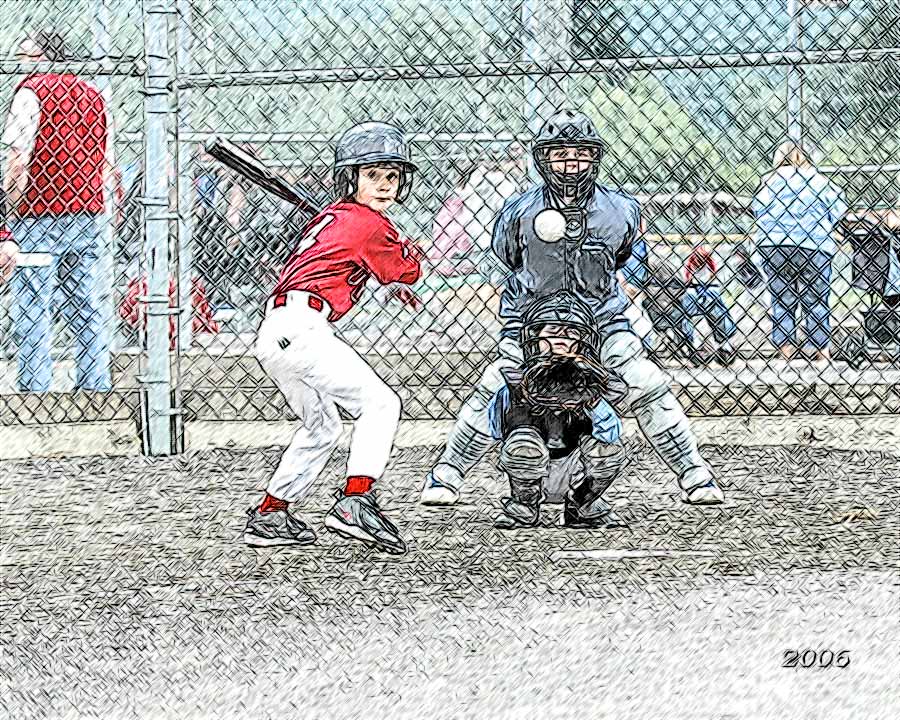
 . Das Originalfoto wird in eine Zeichnung mit Standardeinstellungen konvertiert.
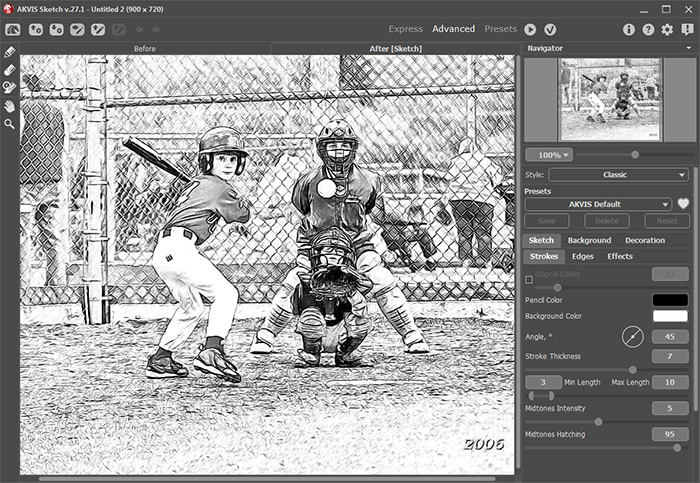
Nehmen Sie die Änderungen an, indem Sie auf
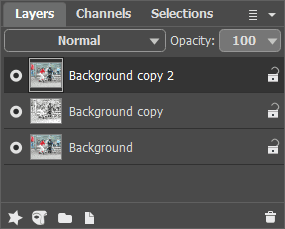
 drücken. Nun haben wir zwei Ebenen in der Ebenenpalette: die untere Ebene ist das Originalfoto, die obere Ebene ist die Schwarz-Weiß-Zeichnung.
-
Schritt 4. Legen Sie an oberster Stelle der Ebenenpalette eine Hintergrundkopie an.
-
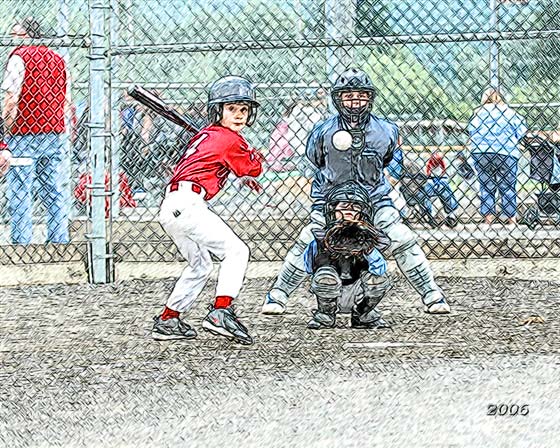
Schritt 5. Ändern Sie die Füllmethode von Normal auf Farbe. Die Ergebnisfarbe hat den Farbton und die Sättigung der aktiven Ebene und die Helligkeit der unteren Ebene. Die Farben bleiben satt und die Linien sind scharf und gut sichtbar.
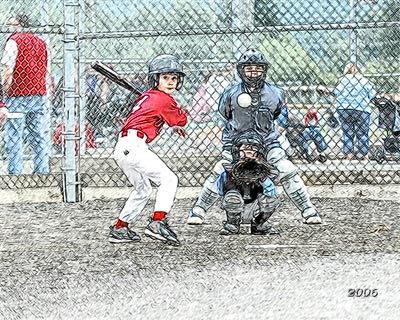
Klicken Sie auf das Bild, um eine vergrößerte Version zu sehen -
Schritt 6. Benutzen Sie die Einstellungsebene Farbton/Sättigung, um die Sättigung der Farben auf dem Bild zu erhöhen.
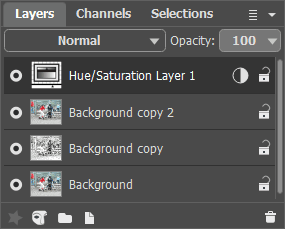
Wie Sie sehen, der Vorgang ist schnell, unkompliziert und benötigt nur wenige einfache Schritte. Geben Sie Ihrem Bild ein völlig anderes Aussehen!
Sketch v. 28.1 - 10-Tage-Testversion
