Frau im Bad: Foto in Bildwerk umwandeln
Der Autor des Tutorials ist Danny Raphael (Photo-based Art, RetouchPRO.com).
Danny ist Photoshop-Profi. Er kann ein einfaches Foto in ein echtes Kunstwerk umwandeln.
-
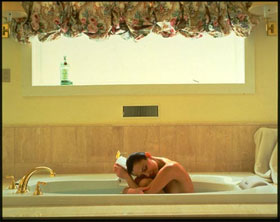
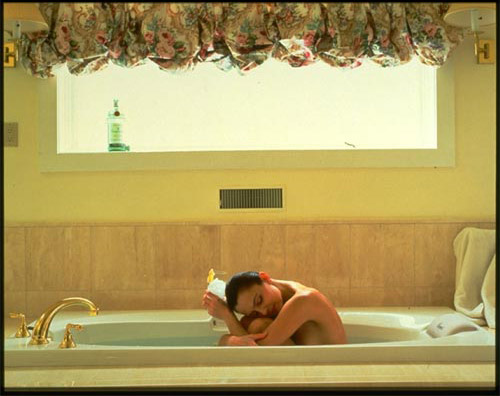
Schritt 1. Öffnen Sie das Originalfoto einer Frau in Adobe Photoshop.
-
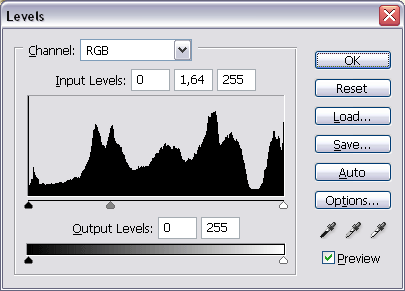
Schritt 2. Erstellen Sie eine neue Einstellungsebene Tonwertkorrektur und hellen Sie das Bild auf, indem Sie den grauen Schieberegler auf 1,64 einstellen.
-
Schritt 3. Stellen Sie sicher, dass die Einstellungsebene Tonwertkorrektur aktiviert ist. In der Werkzeugpalette wählen Sie Schwarz als Vordergrundfarbe, wählen Sie das Pinsel-Werkzeug mit weichen Kanten und mit der Deckkraft ungefähr 70%. Markieren Sie mit dem Pinsel die Flasche auf dem Fenster. So bleibt die Flasche unverändert, sonst wird sie beim Aufhellen zu hell.
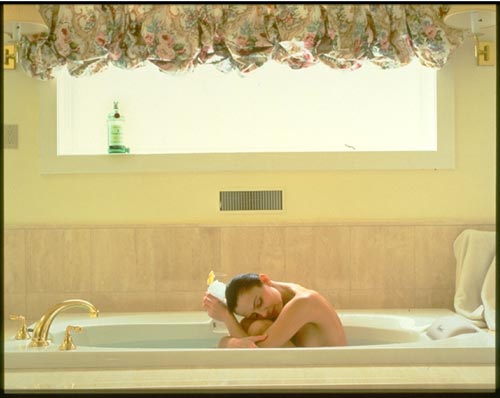
- Schritt 4. Wählen Sie in dem Menü Bearbeiten den Befehl Auswahl - Alles auswählen und dann den Befehl Auf eine Ebene reduziert kopieren.
- Schritt 5. Fügen Sie das in die Zwischenablage kopierte Bild mit dem Befehl Bearbeiten - Einfügen ein. Nennen Sie die neue Ebene Layer A.
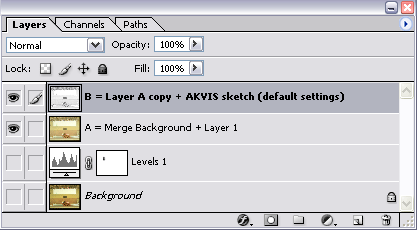
- Schritt 6. Duplizieren Sie die Ebene Layer A, indem Sie sie auf die Schaltfläche Neue Ebene erstellen ziehen. Nennen Sie diese Ebene Layer B.
-
Schritt 7. Aktivieren Sie die Ebene Layer B, rufen Sie das Plugin AKVIS Sketch auf und wenden Sie es mit Standardeinstellungen an.
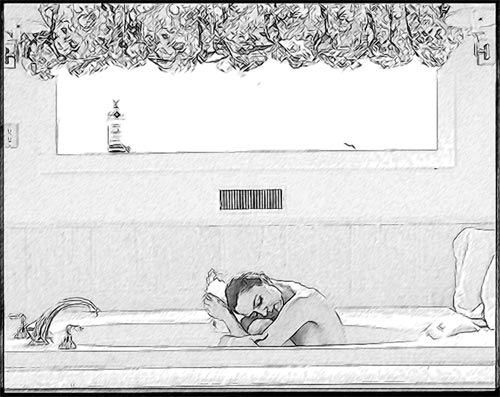
Die Ebenenpalette enthält nun 4 Ebenen.
-
Schritt 8. Duplizieren Sie die Ebene Layer B und nennen Sie sie Layer C. Bearbeiten Sie die Ebene Layer C mit dem Filter Unscharf maskieren. Wir wollen nur die Frau scharfstellen, deswegen erstellen Sie eine Vektormaske (die Schaltfläche Vektormaske hinzufügen im unteren Teil der Ebenenpalette). Mit dem Pinsel maskieren Sie das ganze Bild, außer der Frau.
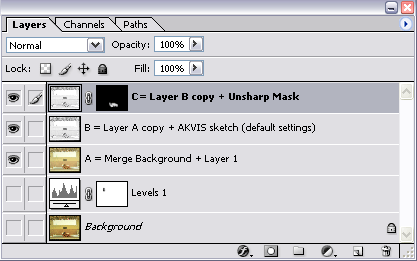
- Schritt 9. Fügen Sie die Ebenen Layer B und Layer C zusammen und nennen Sie die neue Ebene Layer D. Bearbeiten Sie Layer D mit dem Plugin Paint Engine von Fantastic Machines (Watercolour Modus).
-
Schritt 10. Fügen Sie der Ebene Layer D eine Vektormask hinzu, um die Frau zu maskieren.
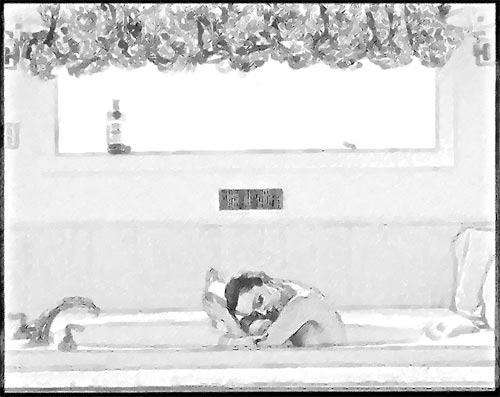
-
Schritt 11. Erstellen Sie eine Kopie der Ebene Layer A an der Spitze der Ebenen-Palette. Ändern Sie die Füllmethode von Normal zu Farbe.
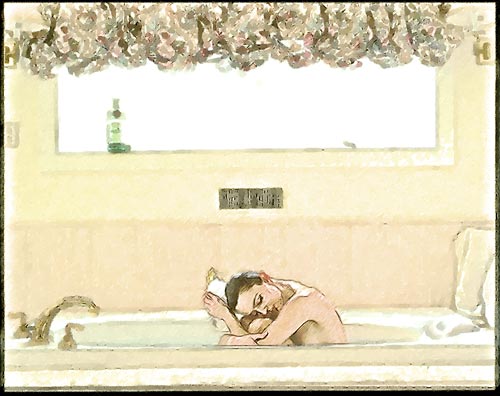
-
Schritt 12. Erstellen Sie eine neue Einstellungsebene Farbton/Sättigung mit folgenden Werten: Farbton = -4, Sättigung = 0, Helligkeit = 0.
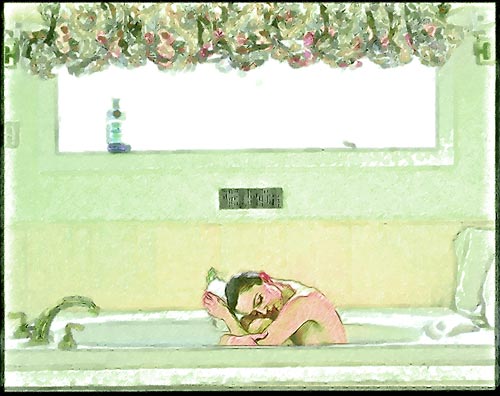
-
Schritt 13. Verwenden Sie wieder die Maskierung (wie in dem 3. Schritt), damit der grünen Farbton nur in bestimmten Bereichen des Bildes durchblickt.
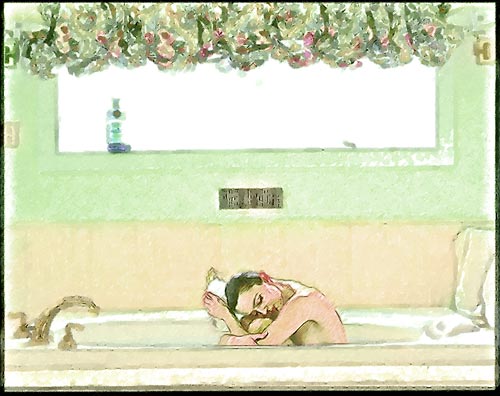
-
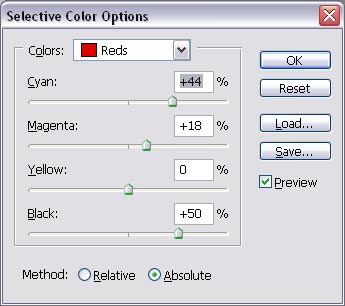
Schritt 14. Im letzten Schritt erstellen Sie eine Einstellungsebene Selektive Farbkorrektur mit folgenden Parametern:
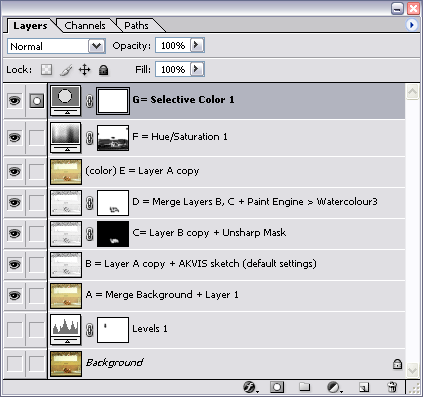
Die Ebenen-Palette sieht nun wie folgt aus:
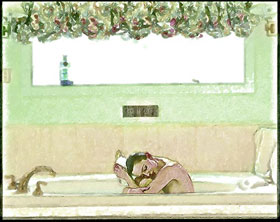
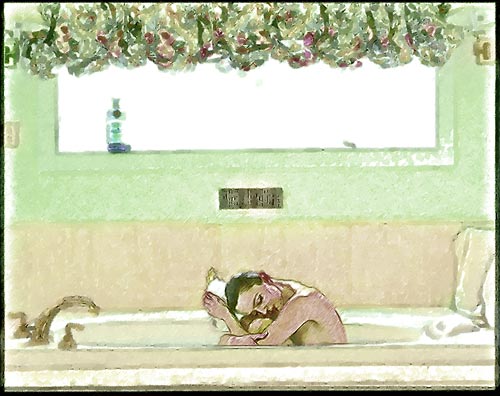
Das Endresultat hat nichts mit dem Original zu tun. Diese wie von Hand erstellte Zeichnung ist ja wunderschön.
Sketch v. 28.1 - 10-Tage-Testversion
