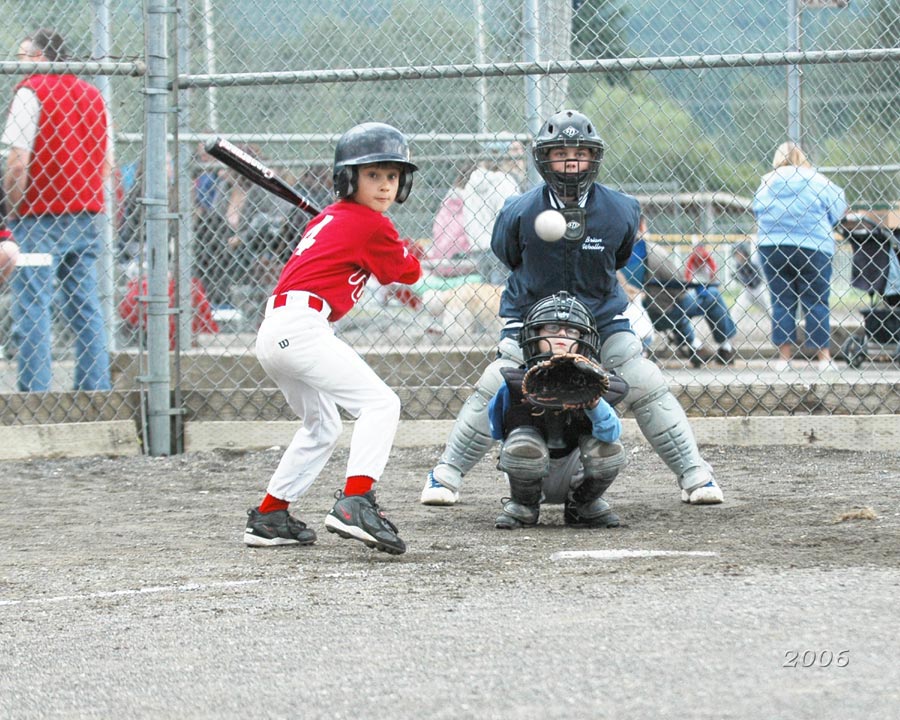
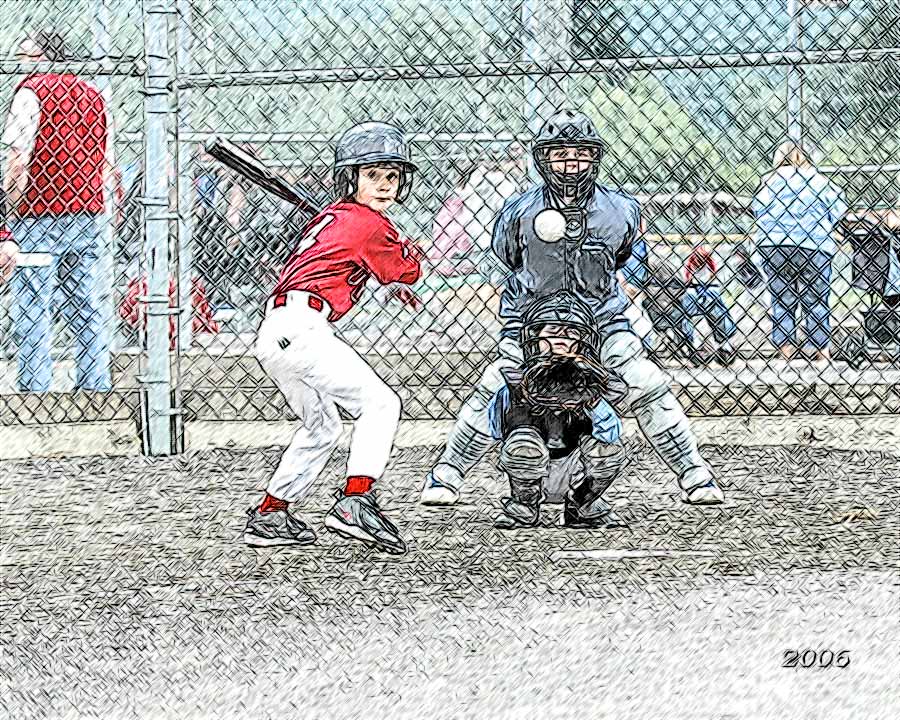
Changing a baseball photo into a color drawing
あいにく, このページは英語にだけ使用可能です。
The author of the article Danny Raphael is a moderator of Photo-based Art forum at www.RetouchPRO.com.
-
Step 1. Lets open the photo of the junior baseball players in AliveColors editor.
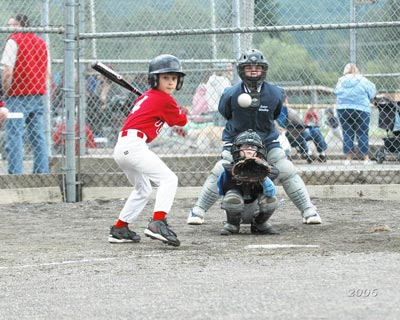
Click the image to open a larger size image in a new window -
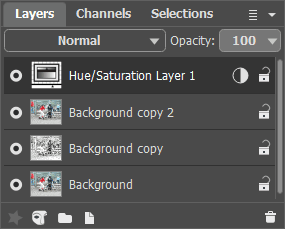
Step 2. Create a copy of background layer. To do it just drag the background layer to the New Layer button at the bottom of the Layers palette.
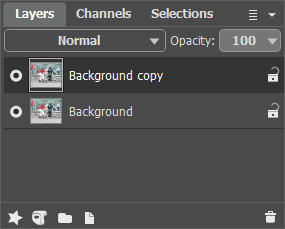
-
Step 3. In the Layers palette go to Background copy layer and open AKVIS Sketch plugin. In the plugin window press
 button. The original photo will be transformed into a pencil drawing with default parameters.
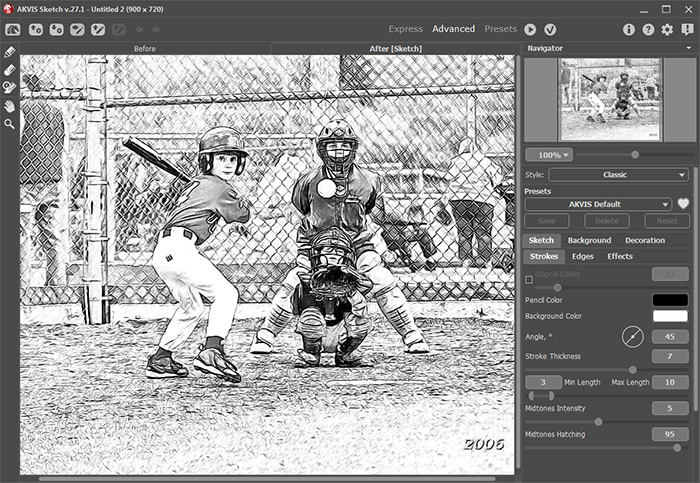
Apply the result by pressing
 button in the plugin window. Now we have two layers in the Layers palette: the lower layer - original photo, the upper layer - resulted black and white pencil drawing.
-
Step 4. Create another background copy and put it over all other layers.
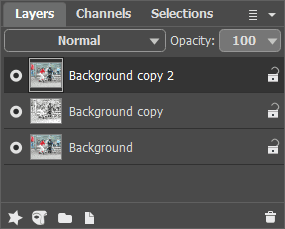
-
Step 5. After this change the upper layer blending mode from Normal to Color. As a result hue and saturation are taken from the active layer and brightness - from the lower layer (the one with the pencil drawing in this case). As a result colors will retain their saturation and all the lines will stay as distinct and bright as they were in the pencil drawing.
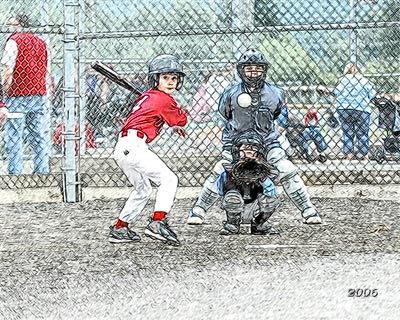
Click the image to open the pencil drawing in a new larger window- Step 6. Using Hue/Saturation Adjustment layer increase image color saturation by a little bit.
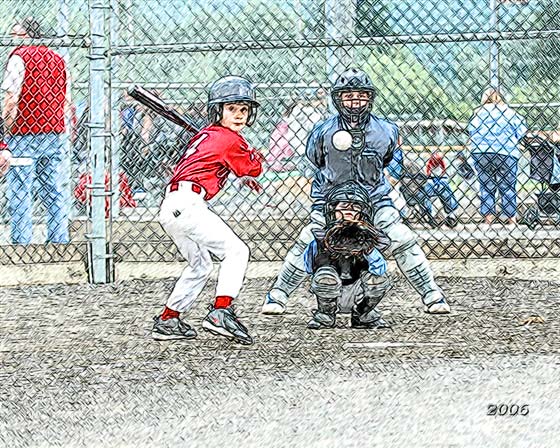
Few simple steps gave the photo a completely different look. Now it is "handicraft". You can do the same with any photo - wonderful results guaranteed.
Sketch v. 28.1 - 10日間の評価期間

- Step 6. Using Hue/Saturation Adjustment layer increase image color saturation by a little bit.