Cambiar una foto de béisbol en un dibujo a color
El autor del artículo Danny Raphael es un moderador del foro Art Foto-based en www.RetouchPRO.com. Mira el AKVIS Sketch Evaluación y la Galería de Danny.
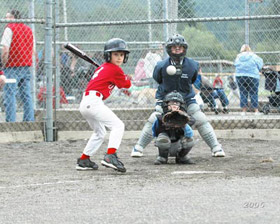
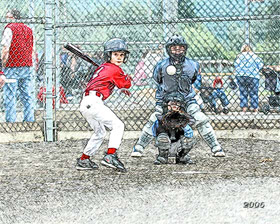
-
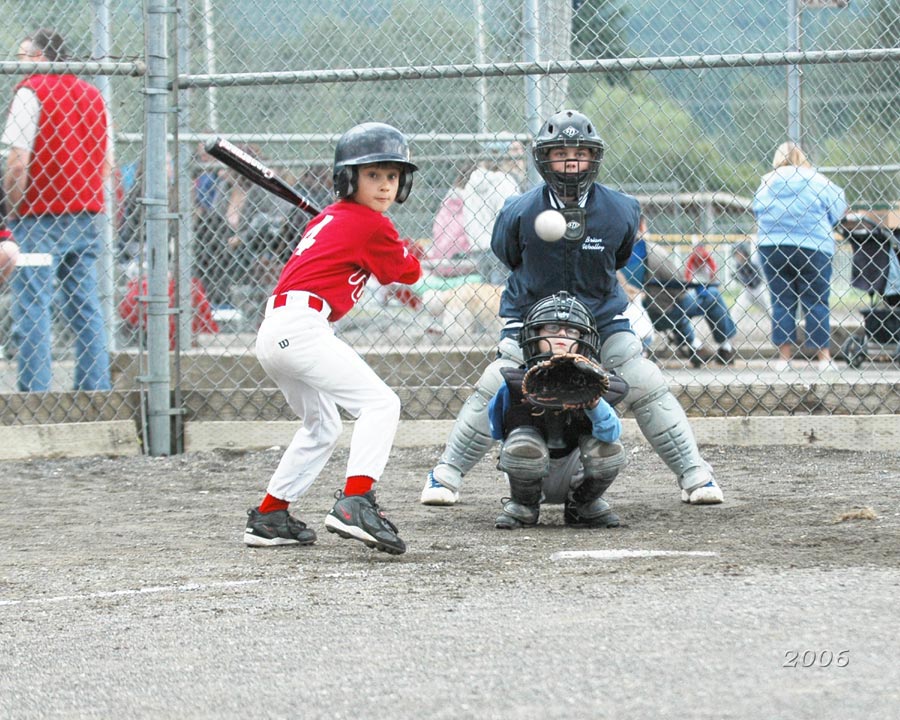
Paso 1. Abramos la foto de los jugadores de béisbol en el editor en el editor AliveColors.
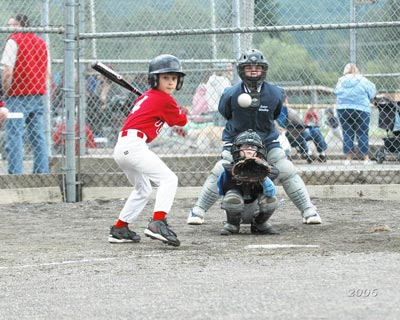
Haga clic en la imagen para abrir una copia más grande en otra nueva ventana -
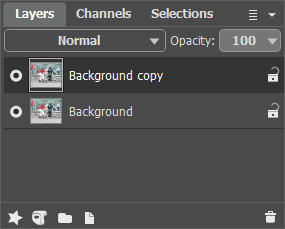
Paso 2. Cree una copia de la capa de fondo. Para hacerlo, simplemente arrastre la capa de fondo para crear un botón de nueva capa en la parte inferior de la paleta de Capas.
-
Paso 3. En la paleta de Capas copie la capa de fondo y abre el plugin AKVIS Sketch. Pulse el botón de la ventana del plugin
 . La foto original se transformará en un dibujo a lápiz con sus parámetros por defecto.
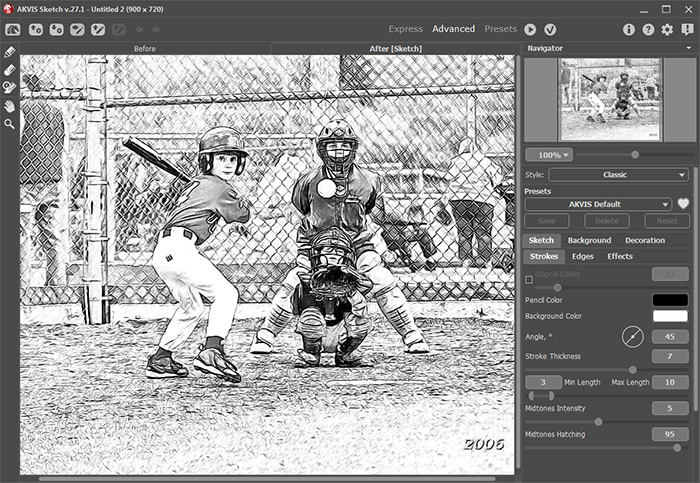
Aplicamos el resultado presionando el botón
 en la ventana del plugin. Ahora tenemos dos capas en la paleta de Capas: en la capa inferior – la foto original. En la capa superior – el resultado del dibujo a lápiz en blanco y negro.
-
Paso 4. Cree otra copia del fondo y póngala sobre todas las capas.
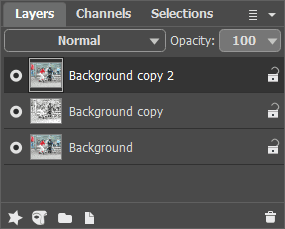
-
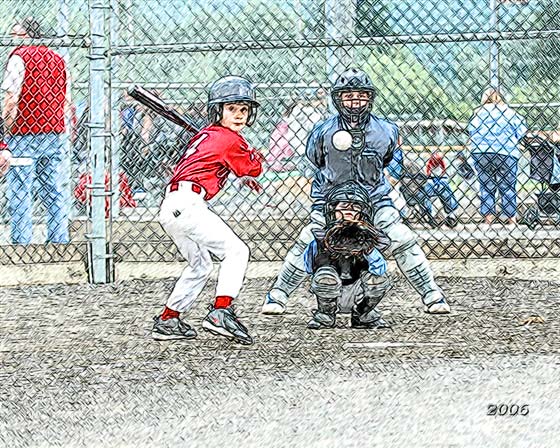
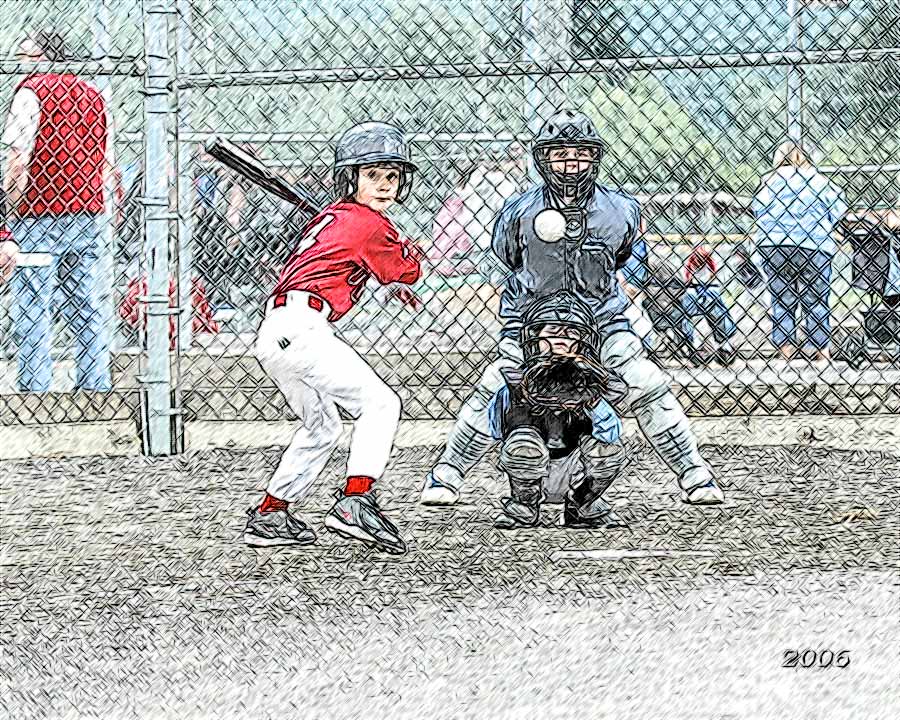
Paso 5. Después, cambia el modo de fusión de la capa superior de Normal a Color. Como resultado la tonalidad y la saturación se toman de la capa activa y el brillo - de la capa inferior (la que tiene el dibujo de lápiz en este caso). Como resultado, los colores conservan su saturación y todas las líneas se mantendrán como distintas y brillantes como lo fueron en el dibujo a lápiz.
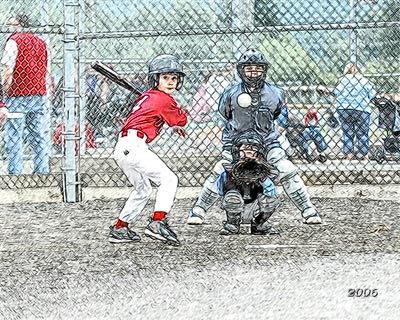
Haga clic en la imagen para abrir el dibujo a lápiz en nueva ventana mayor -
Paso 6. El uso del ajuste Tono/Saturación aumenta un poco en la capa una saturación de color en la imagen.
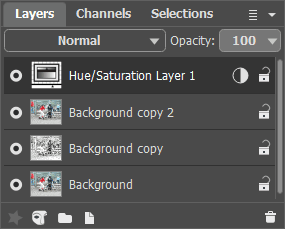
Unos pocos pasos simples dan a la foto un aspecto totalmente diferente. Ahora bien, es "artesanal". Usted puede hacer lo mismo con cualquier foto. Tendrá maravillosos resultados garantizados.
Sketch v. 28.1 - Prueba gratuita de 10 días
