Dos perros amados
La autora de este ejemplo es Brigitta Boonen (Alemania).
Con AKVIS Sketch podemos transformar una foto en un dibujo a color.
-
Paso 1. Abra la imagen en su editor gráfico.
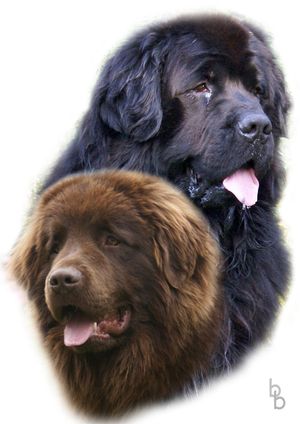
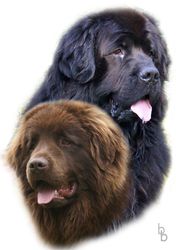
Foto original -
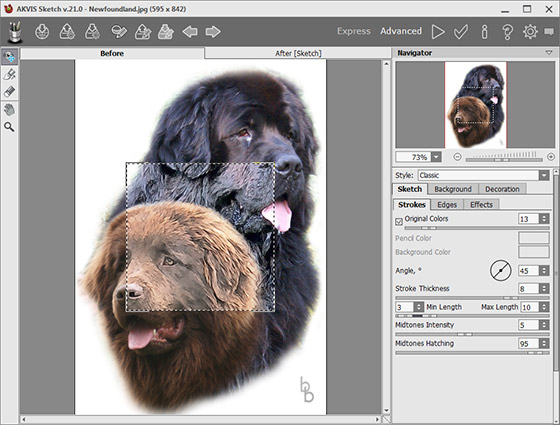
Paso 2. Llame el plugin de AKVIS Sketch seleccionando Effects -> AKVIS -> Sketch. Se abrirá la ventana del plugin, que muestra la foto procesada. La pequeña caja cuadrada mostrará el resultado de la transformación utilizando la configuración predeterminada.
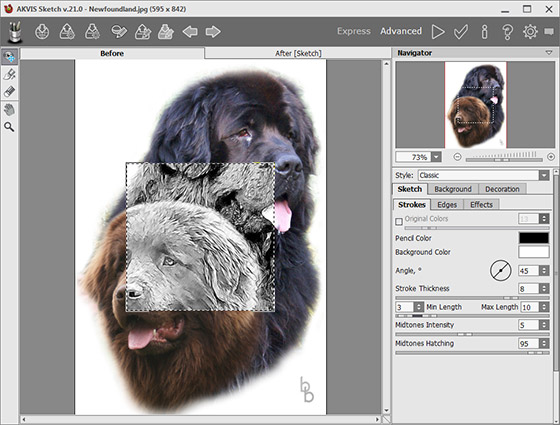
Área de trabajo de AKVIS SketchPara ver el resultado de toda la imagen, pulse
 . Se iniciará el proceso de la imagen.
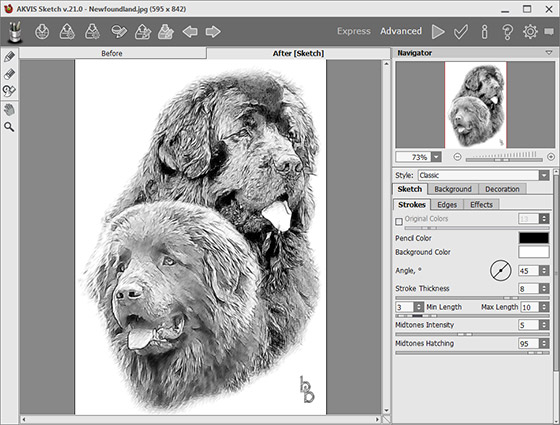
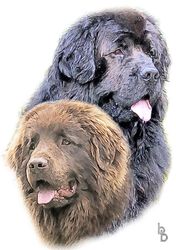
Sketch en blanco y negro -
Paso 3. Para añadir color al dibujo, ajuste el parámetro Coloración. En este tutorial se ha establecido el valor a 15.
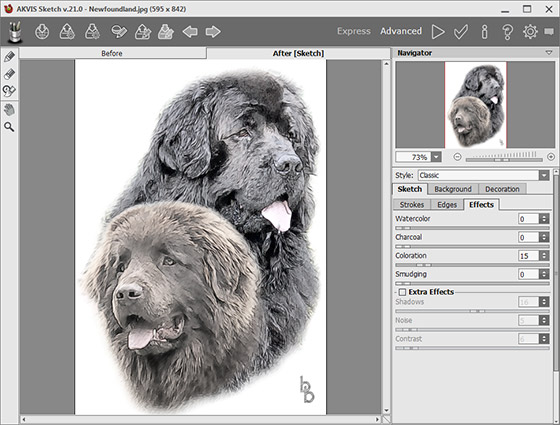
Dibujo coloreado -
Paso 4. La autora decidió añadir el efecto de los colores originales (la fuerza del efecto era el valor por defecto de 13). Es posible cambiar el aspecto y el ángulo de los trazos, así como Intensidad de tonos medios y Sombreado de tonos medios. Los ajustes óptimos para esta imagen son los valores por defecto.
Dibujo a color -
Paso 5. Si usted está satisfecho con el resultado, pulse
 para aplicar el efecto y volver a su editor de gráficos.
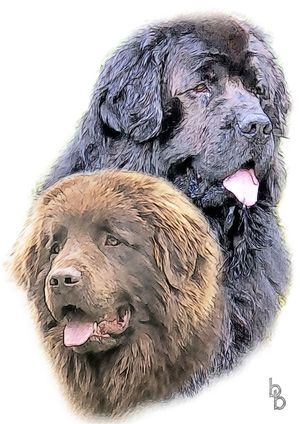
Resultado
Sketch v. 28.1 - Prueba gratuita de 10 días
