La mano dibuja una mano
El autor de este ejemplo es Adriano A. Mayer.
Viene de Brasil - Canoinhas - Santa Catarina. El tutorial fue traducido del portugués, sin embargo con las capturas de pantalla se quedó en el idioma original. Lea las instrucciones con atención para comprender que herramientas utiliza Adriano para lograr el efecto.
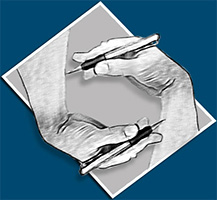
Adriano escribe:
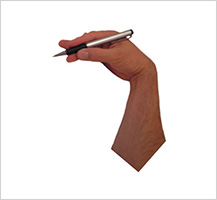
En primer lugar se debe crear un nuevo documento (600 x 600 píxeles) en su editor de imágenes y pegar una imagen de una mano.
Utilicé una imagen de mi propia mano.
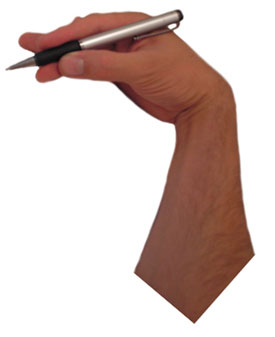
Llamé el plugin AKVIS Sketch desde el menú del editor de fotos. En Adobe Photoshop llamamos Filtro -> AKVIS -> Sketch.
A continuación, ajuste los valores de los parámetros y pulse  . Si estás satisfecho con el resultado pulsa
  y cierra el plugin.
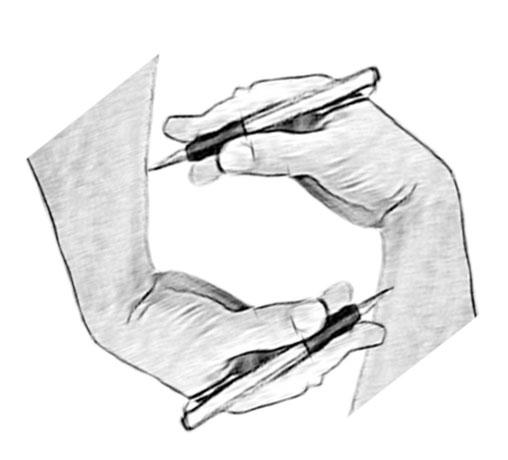
Este es el resultado.
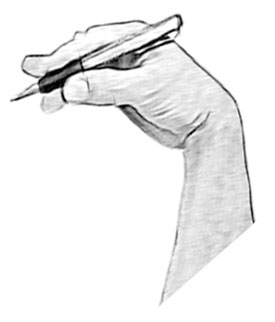
Ahora duplica la capa y transformarlo como creas necesario.
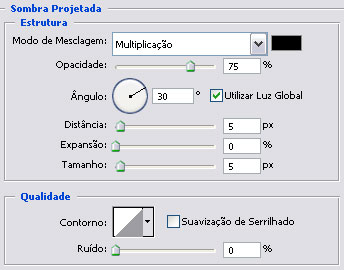
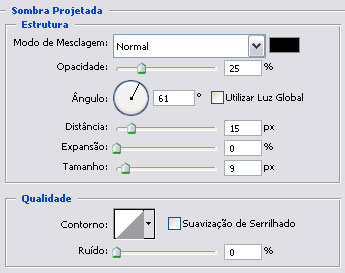
Selecciona el menú Capa en Photoshop: Estilo de Capa -> Sombra y configuramos la sombra en su área de corte.
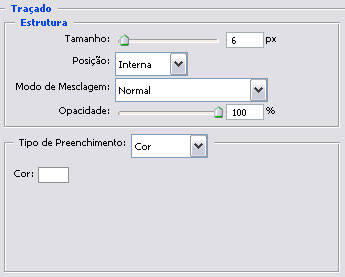
A continuación, seleccione Trazo en la lista de los estilos:
Tenemos ahora:
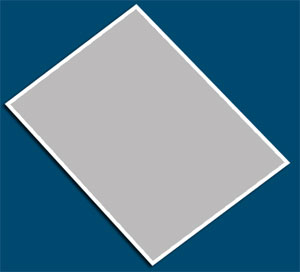
Seleccione la herramienta Subexponer  para dar protuberancia a la capa.
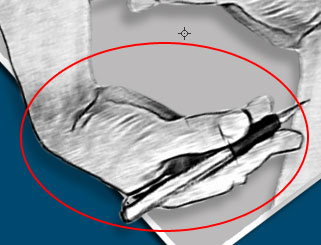
Nuevamente duplicamos 2 capas y establecemos la dirección de la luz.
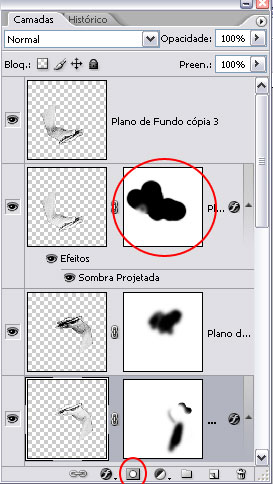
Añadir una máscara en la capa duplicada, luego borrar la parte de la imagen con el pincel negro en su interior dejando la sombra sólo en el medio.
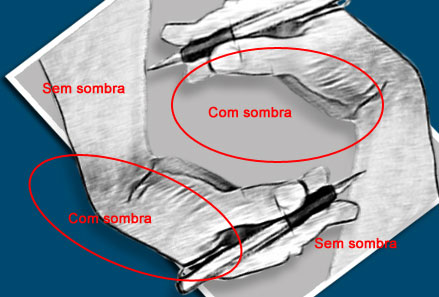
Este es el resultado final.
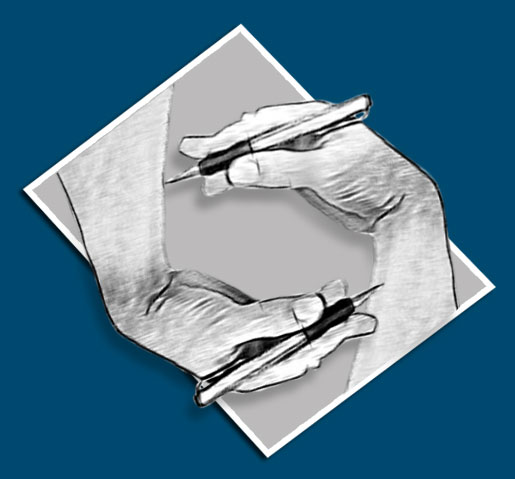
Como puedes ver, AKVIS Sketch le permite obtener este efecto en cuestión de minutos en lugar de trabajar largas horas de forma manual.
Sketch v. 28.1 - Prueba gratuita de 10 días
