Tarjeta enmarcada en un dibujo a lápiz
El autor de este tutorial es Adriano A. Mayer (Brasil - Canoinhas - Santa Catarina), que nos muestra un uso original de AKVIS Sketch. La imagen final se ve como una tarjeta postal si se encuentra en un dibujo a lápiz.
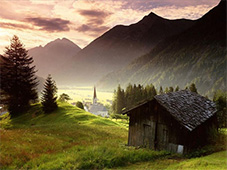
Paisaje original
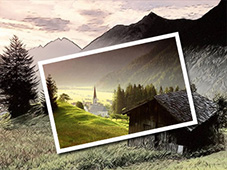
Tarjeta sobre un dibujo a color
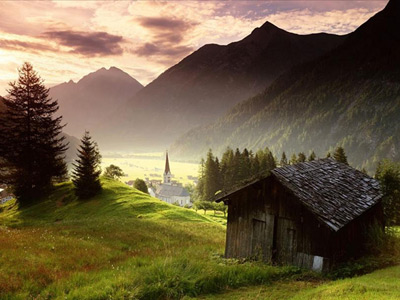
Elija una bella imagen de color para nuestro futuro collage. Es un pintoresco paisaje con colores intensos.
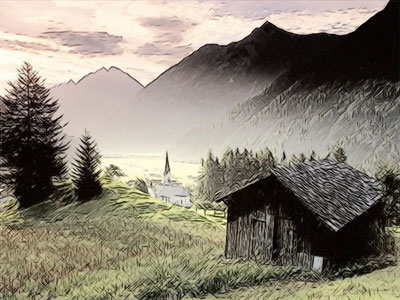
Duplique la capa en la paleta Capas de AliveColors y aplique el plugin AKVIS Sketch para convertir la foto en un dibujo a lápiz.
Llame el plugin en el menú Effects -> AKVIS -> Sketch.
Ajuste los parámetros. Tenemos esta imagen:
En la capa original de la imagen (capa de fondo), que se dejó sin cambios, seleccione una parte de la imagen con la herramienta Marco rectangular. Para activar la selección utilice el comando Selección -> Transformar selección.
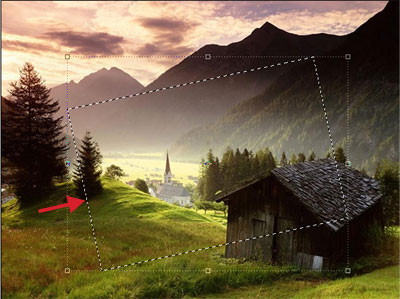
Copie la selección en una nueva capa. Para hacer los ajustes más fáciles, apague la visibilidad de las dos capas más bajas, para ver el fragmento en una capa transparente.
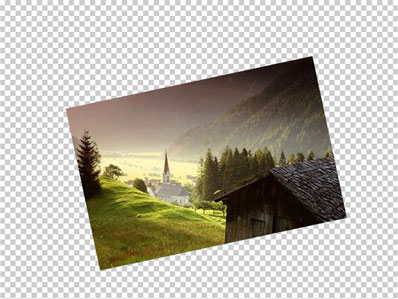
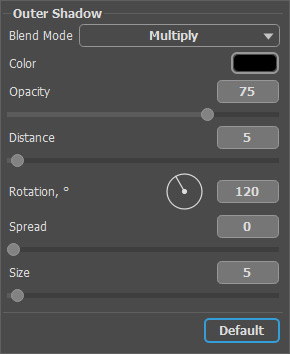
Seleccione en el menú de AliveColors Layers -> Layer Effects -> Outer Shadow y cree la sombra en la zona de corte.
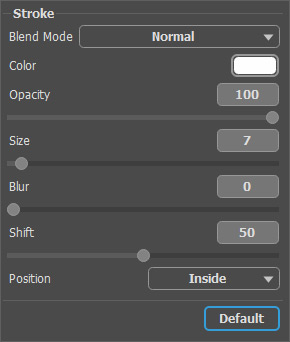
A continuación, seleccione Stroke en la lista de los estilos y ajuste los parámetros de la siguiente manera:
¡Ahora nuestra foto tiene un marco! Aquí está el resultado:
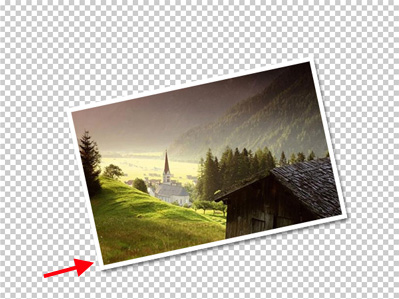
Encienda la visibilidad de la capa inferior y disfrute el resultado final.
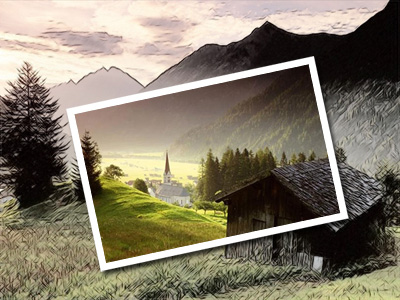
A pocos pasos simples con AKVIS Sketch y tenemos un efecto maravilloso.
Sketch v. 28.1 - Prueba gratuita de 10 días
