Cartolina incorniciata su sfondo disegnato
L’autore di questo tutorial è Adriano A. Mayer (Brasile - Canoinhas - Santa Catarina).
Egli ci mostra un originale utilizzo di AKVIS Sketch. L'immagine finale si presenta come una cartolina posata su un disegno a matita.
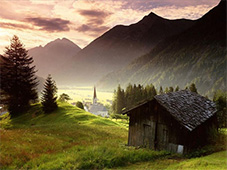
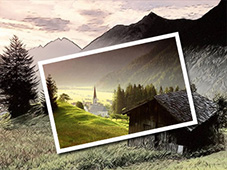
In primo luogo abbiamo scelto una bella foto a colori per il nostro prossimo collage. E' un paesaggio pittoresco con intensità di colori.
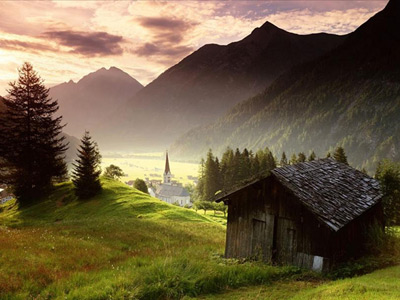
Duplicate il livello selezionandolo dal menu Livelli e applicate AKVIS Sketch per convertire la foto in un disegno a matita.
Richiamate il plugin dal menu del vostro programma di grafica in Effetti -> AKVIS -> Sketch.
Impostate i valori dei parametri a piacimento fino ad ottenere un disegno:
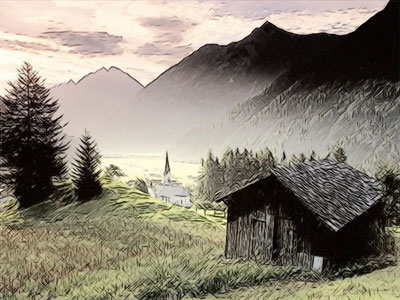
Ora sul livello dell’immagine originale (livello di sfondo), che abbiamo lasciato senza modifiche, selezionate una parte dell’immagine utilizzando lo strumento rettangolare (vedi l'esempio qui sotto). Per attivare la selezione utilizzare il comando Seleziona -> Trasforma selezione.
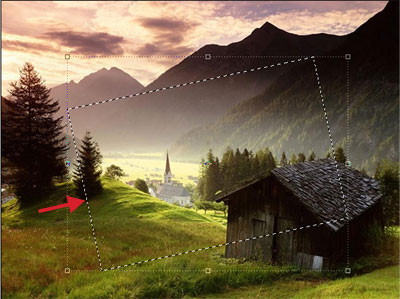
Incollate la parte selezionata su un nuovo livello (creato precedentemente) con il comando Modifica -> Copia e poi Modifica -> Incolla. Per rendere più facile la sistemazione, togliete la visibilità dei due livelli più bassi e vedrete il frammento su un livello trasparente.
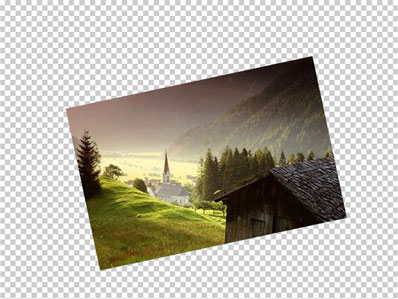
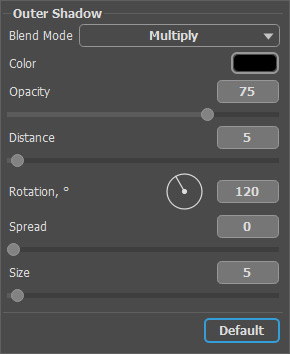
Selezionate, dal menu di Photoshop, Livelli -> Effetti di livello -> Ombra esterna e regolate i parametri come segue.
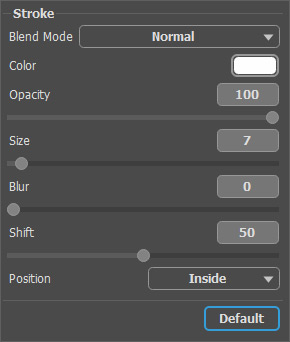
Selezionate, dal menu di AliveColors, Livelli -> Effetti di livello -> Traccia e regolate i parametri come segue:
Ora la nostra fotografia ha una cornice! Guardate il risultato:
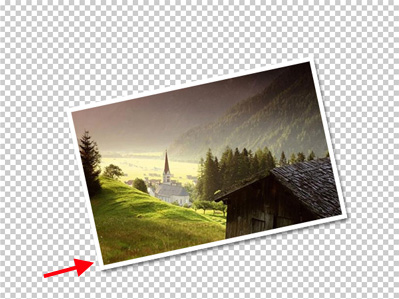
Riattivate la visibilità dei livelli inferiori e godetevi il risultato finale!
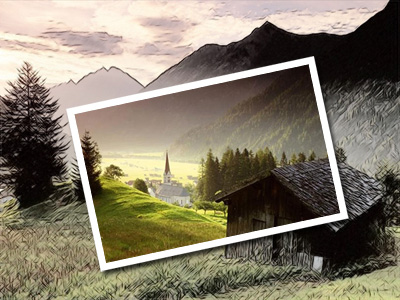
Pochi semplici passaggi con AKVIS Sketch e abbiamo ottenuto un bellissimo effetto.
Sketch v. 28.1 - 10-giorni di prova gratuita
