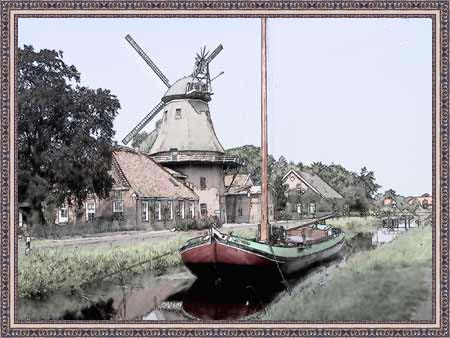
Porto tranquillo: un dipinto ad acquerello da un paesaggio fotografico
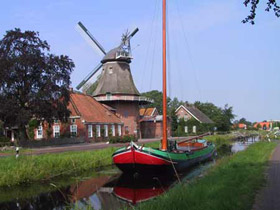
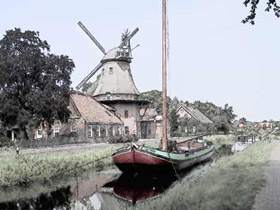
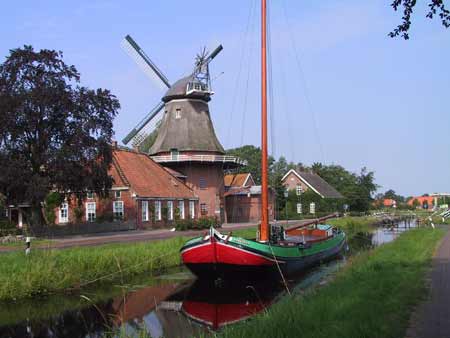
L'autore di questo tutorial è Manfred Altenkirch. Ha creato un dipinto ad acquerello, dalla fotografia di un paesaggio, utilizzando AKVIS Sketch.
|
|
| Immagine originale | Risultato finale |
Manfred utilizza, in questa esercitazione, il plugin Sketch, ma è possibile usare anche la versione standalone (autonoma).
Lasciatevi guidare dai seguenti passaggi per raggiungere lo stesso risultato.
- Passaggio 1. Aprire l'immagine in IrfanView, oppure utilizzate qualsiasi altro programma di grafica compatibile con AKVIS plugin, o meglio ancora, la versione autonoma di AKVIS Sketch.
- Passaggio 2. Lanciare AKVIS Sketch dal menu del programma Filtri -> AKVIS -> Sketch. Nella Finestra di anteprima si potrà vedere un frammento della foto convertita in disegno a matita con le impostazioni predefinite. Premere su
 per visualizzare il risultato nella scheda Dopo.
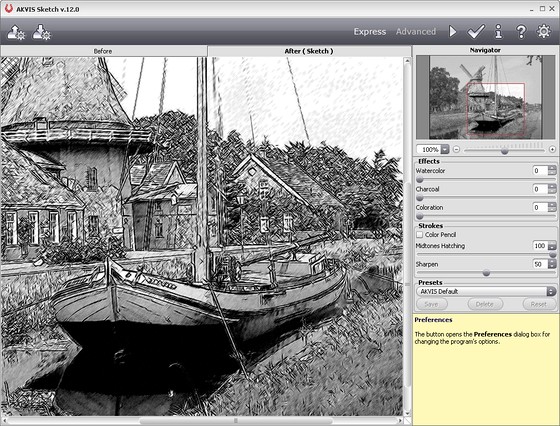
- Passaggio 3. Modificare il valore del parametro Ombreggiatura dei mezzitoni=50 per ridurre l'intensità delle medie tonalità e premere su , per vedere i cambiamenti.
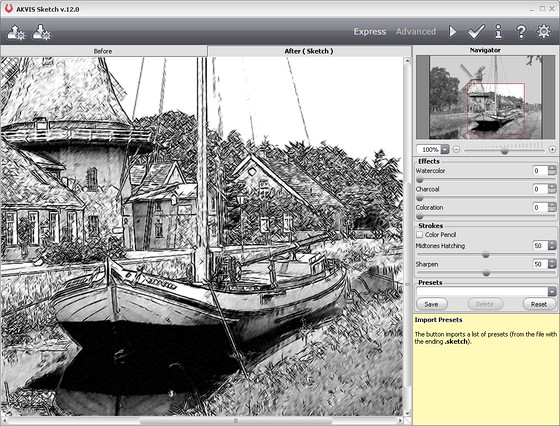
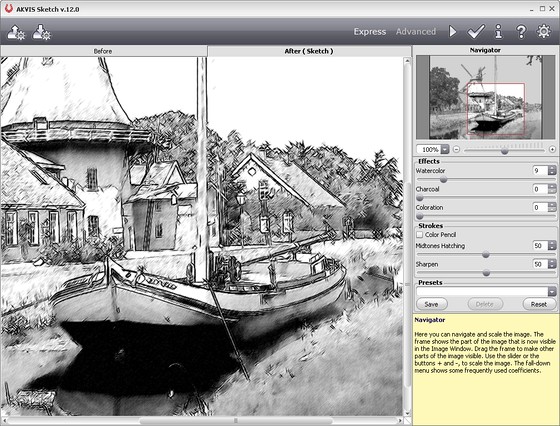
- Passaggio 4. Impostare il parametro Acquerello=9 per sfocare un po’ l'immagine. Premere su .
Ecco il risultato:
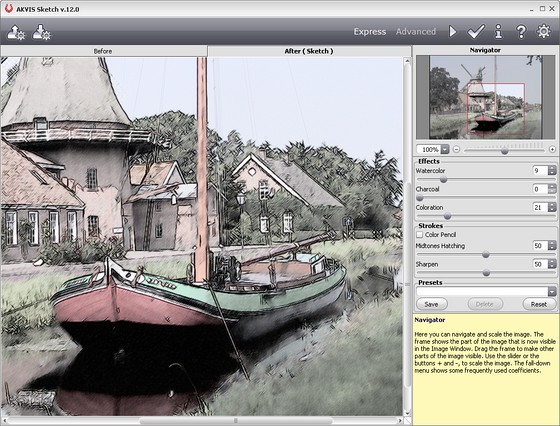
- Passaggio 5. Per aggiungere colore all'immagine aumentare il valore del Colore = 21. Premere nuovamente su
.
- Passaggio 6. Per applicare il risultato all'immagine e chiudere la finestra del plugin premere su .
Ecco il risultato finale:
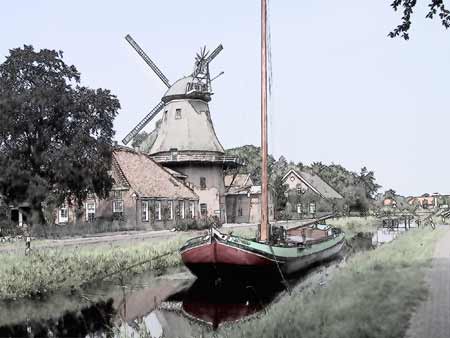
Se desiderate potete aggiungere una cornice utilizzando gli strumenti di Photoshop o, ancor più veloce, con il programma AKVIS ArtSuite.
Sketch v. 28.1 - 10-giorni di prova gratuita
