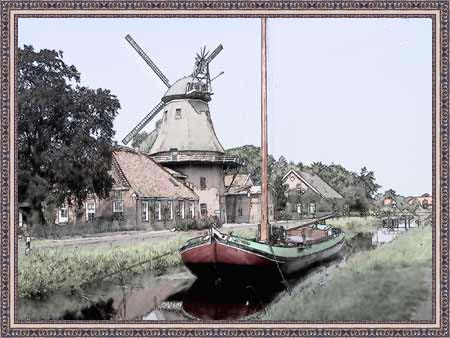
Porto Tranqüilo: uma aquarela pintada a partir de uma foto de paisagem
O autor deste tutorial é Manfred Altenkirch. Ele criou uma aquarela a partir de uma foto de paisagem usando o AKVIS Sketch.
Manfred usou o plug-in Sketch neste tutorial, mas você pode usar a versão autônoma (standalone).
Vamos seguir os seus passos para alcançar o mesmo resultado.
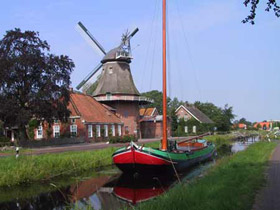 |
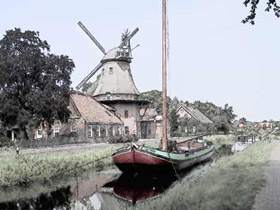 |
| Imagem original | Resultado |
-
Passo 1. Abra a imagem no Irfanview, ou você pode usar outro foto editor compatível com os plugins AKVIS.
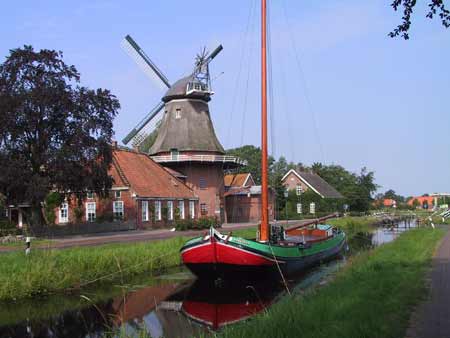
-
Passo 2. Chame o AKVIS Sketch a partir do menu do foto editor Filtro -> AKVIS -> Sketch. Quando a janela do plug-in se abrir, pressione o botão
 .
.
A foto será convertida em um desenho a lápis com as configurações padão. O esboço a lápis resultante será mostrado na aba Depois.
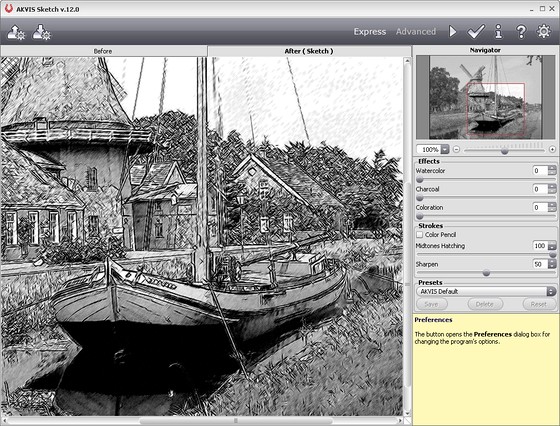
-
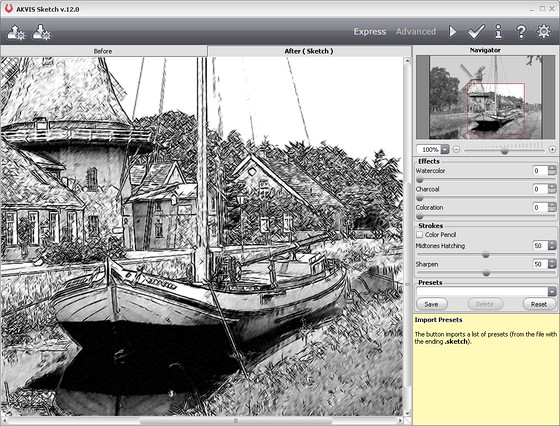
Passo 3. Reduza o parâmetro Densidade dos cinzas = 50 para reduzir a intensidade das áreas em meio-tom e pressione o botão para ver as mudanças.
-
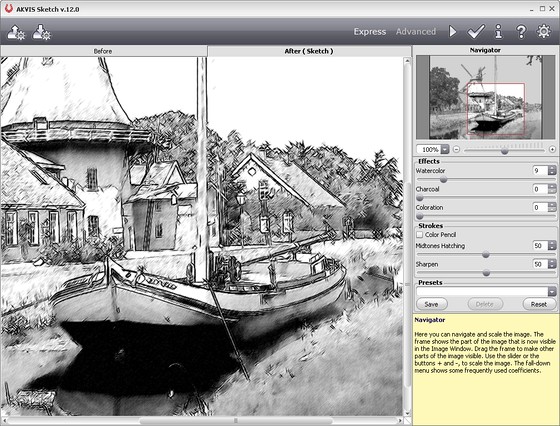
Passo 4. Mova o controle deslizante da Aquarela = 9 para borrar a imagem um pouco. Pressione o botão . Eis o resultado:
-
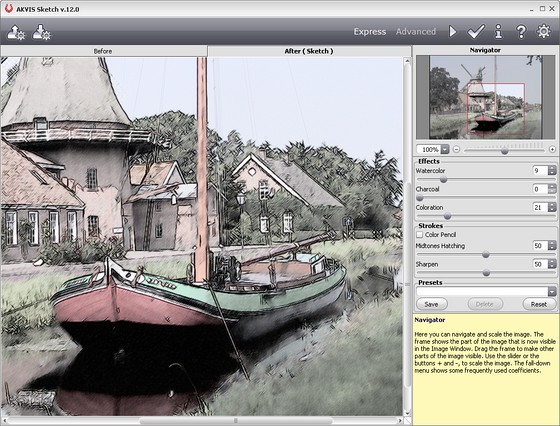
Passo 5. Agora vamos adicionar cor à imagem. Incremente o valor de Coloração = 21. Pressione o botão novamente.
-
Passo 6. Para aplicar o resultado à imagem e fechar a janela do plug-in, pressione o botão
 . Aqui está o resultado final:
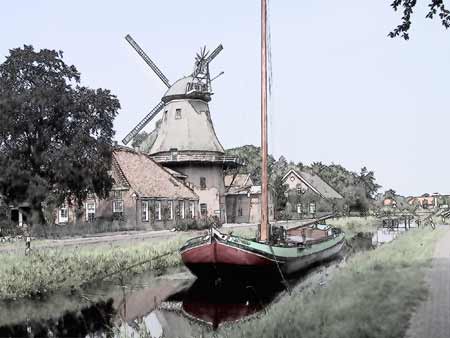
Você pode adicionar uma moldura a sua foto se quiser. Use as ferramentas do Photoshop, ou então, o que é mais rápido, o programa AKVIS ArtSuite.
Sketch v. 28.1 - Teste gratuito 10 dias
