Converter uma foto em pintura em aquarela
O autor deste exemplo K.J. Hartmann escreve:
Eu tentei muitas vezes, converter uma foto em esboço ou desenho usando programas diferentes, mas nem sempre fiquei satisfeito com a imagem final. Agora eu estou usando AKVIS Sketch e estou muito satisfeito com o resultado!
Para este tutorial eu usei AKVIS Sketch e um do padrão de filtros do Adobe Photoshop. Eu vou te mostrar como converter uma foto em obra de arte.
-
Passo 1. Abra a imagem no Adobe Photoshop e duplique essa imagem para ter mais uma camada - Camada -> Duplicar camada (Ctrl+J).
Por padrão, a camada superior é selecionada e começamos a trabalhar com ele.
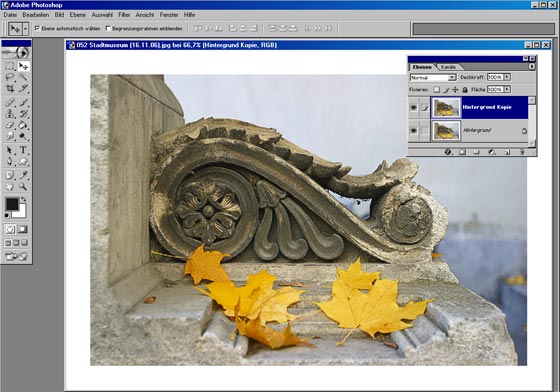
- Passo 2. Ative o plugin Sketch (Filters -> AKVIS -> Sketch).
-
Passo 3. Defina o parâmetro da Coloração no painel Efeitos a 40.
Pressione o botão . A aba Depois mostra o desenho a lápis resultante.
-
Passo 4. Para aplicar o resultado pressione o botão
 .
.
Aqui está o desenho a lápis que temos sobre a segunda camada da nossa imagem.
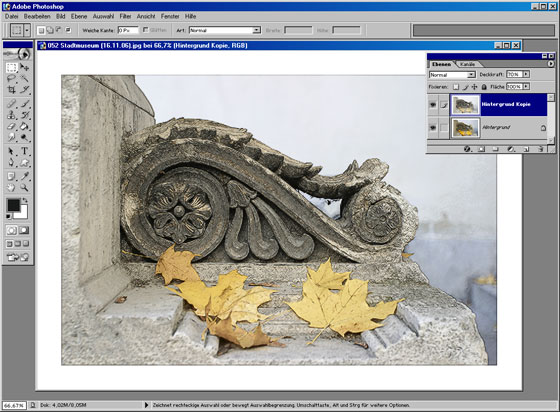
- Passo 5. Agora desative a visibilidade da camada de segundo com um clique duplo no ícone do olho perto da camada na paleta Camadas. Precisamos dele para ver o resultado das nossas manipulações com a camada inferior. Em seguida, ative a camada inferior (camada de fundo) e trabalhe com ele.
-
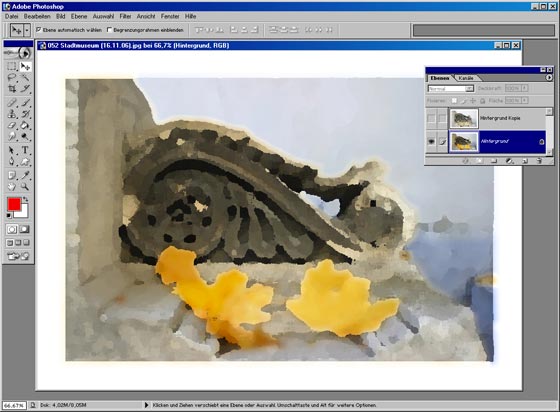
Passo 6. Acione Filter -> Artistic -> Palette Knife na camada de fundo e definir os parâmetros que desejar.
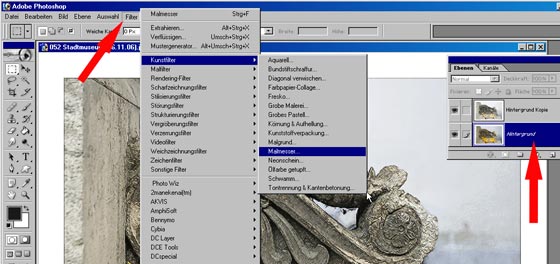
Aqui está o resultado:
-
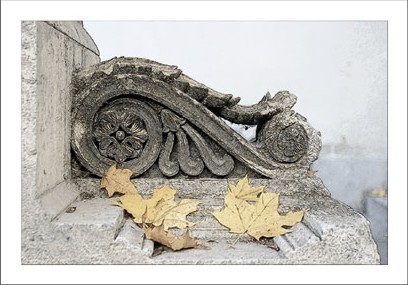
Passo 7. Ative a visibilidade da primeira camada com um clique duplo no ícone do olho na paleta Camadas. Escolha o modo de mistura de luz suave Soft Light no menu drop-out da paleta Camadas.
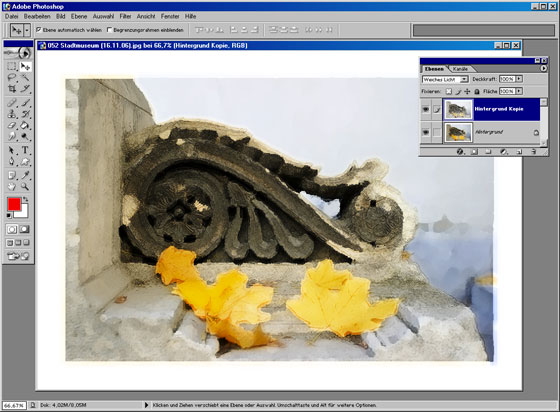
A imagem ficará bem em uma moldura. Você pode tentar AKVIS ArtSuite para esta finalidade.
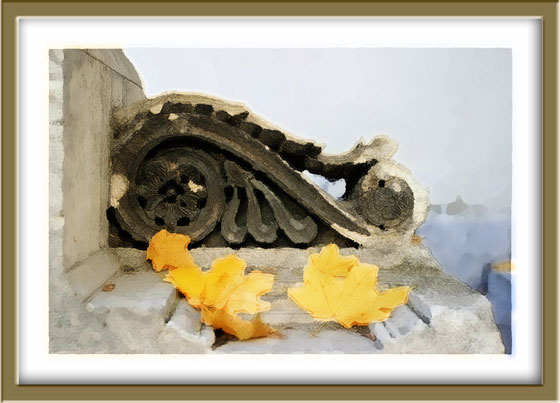
Clique na imagem para abrir sua maior cópia em uma nova janela

Sketch v. 28.0 - Teste gratuito 10 dias
