Graphic software for Windows Mac graphic software
Entrar seu e-mail para subscrição em novidades.
 
  
  Produtos     Download     Online Store     Tutorial     Suporte     Quem Somos
en  fr  de  es  pt  it  jp  ru    
 

Tutorial: AKVIS Sketch

Creating a watercolor of a wolf


Neste momento algumas páginas estão disponíveis somente em Inglês e em Espanhol.
Você pode obter uma licença para qualquer programa AKVIS, se traduzir os arquivos do nosso acervo
para o Português (do espanhol ou do inglês) para saber mais escreva para o team@akvis.com

The author of the tutorial is Alexey Pasko. The example is created in Adobe Photoshop CS.

The description is given by the author himself.


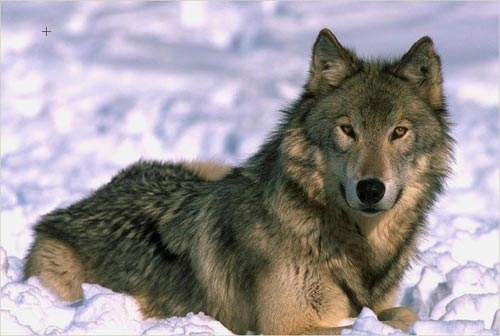
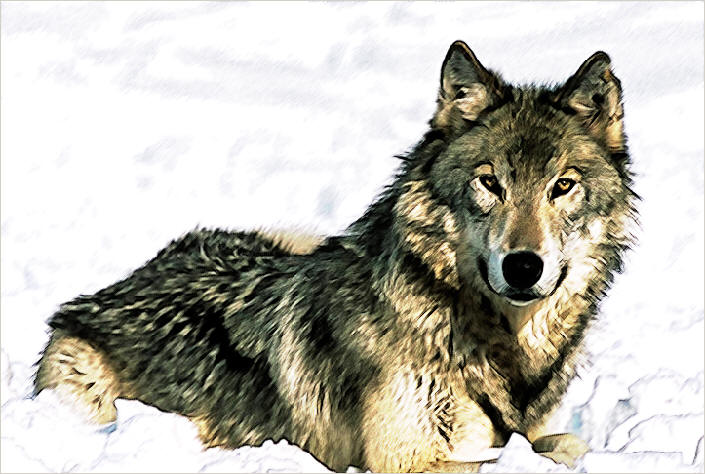
I wanted to know how the AKVIS Sketch plug-in would handle fur, that is why I chose a photo of a wolf.

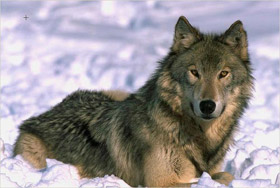
The color photo of a wolf
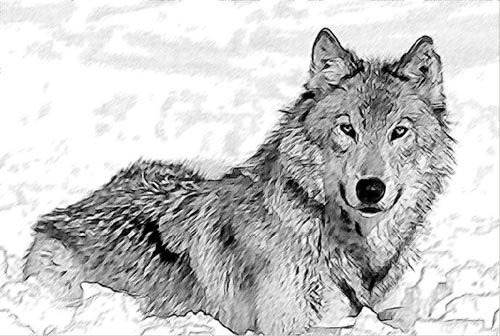
  • Step 1. I blurred the copy of the original layer with Gaussian Blur filter at Radius = 1 pixel. Then I applied AKVIS Sketch with the following settings: Watercolor 0, Charcoal 0, Coloration 0, Angle 45, Size 9, Minimum/Maximum length 3/10, Midtones intensity 3, Midtones hatching 100, Sharpen 50.
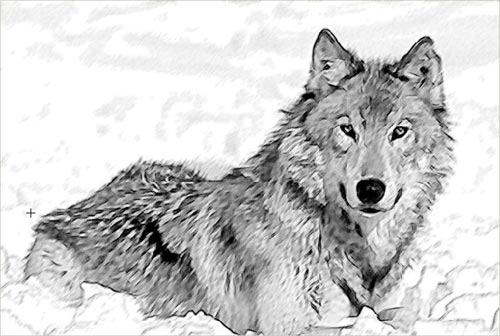
    Pencil drawing

    If I hadn't blurred the wolf before applying AKVIS Sketch, it would have looked like a hedgehog.

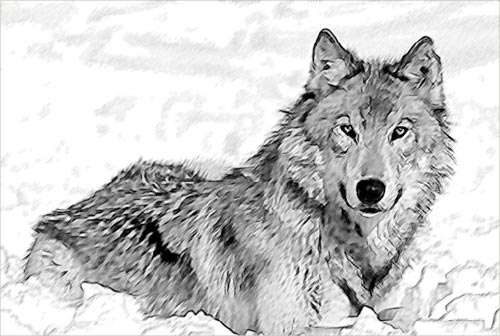
  • Step 2. Then I copied the original layer again and blurred it at radius 0.7 px. Then I applied AKVIS Sketch plug-in with default settings. This time I got sharper strokes.
    Pencil drawing with default settings
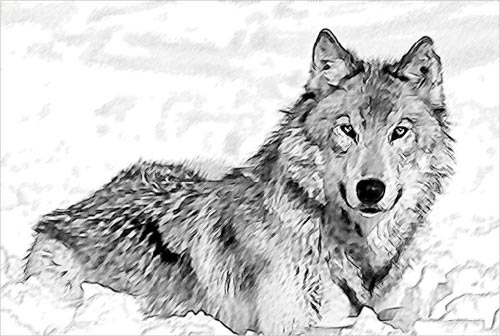
  • Step 3. Then I used Clone Stamp to clone some parts from the image I got in Step 2 into the image I got in Step1. In the process I used a 10-30 px soft brush with transparency ranging from 90 to 100%.
    Pencil drawing
  • Step 4. I added a Curves Adjustment layer to the very top of the Layers palette to lighten the image and slightly increase the contrast.
    Curves dialogue window
  • Step 5. Using Sharpen tool with Strength=20% I increased sharpness in certain areas of the image (eyes, nose etc.).
    The drawing after local increases of sharpness
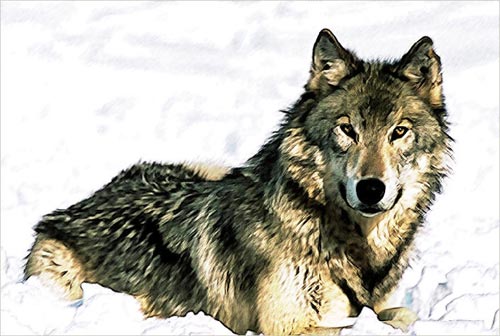
  • Step 6. Then I changed the blend mode of this layer onto the original layer from Normal to Overlay.
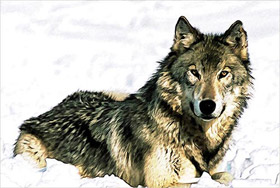
    Watercolor of a wolf
    Click the image to open its larger copy in a new window

    This example is rather simple but there is an infinite number of variants. I liked this one - it reminds me of watercolor.

 
Como Funciona Como Funciona
   — Área de Trabalho — Área de Trabalho
   — Utilizando o Programa — Utilizando o Programa
   — Desenho a lápis a partir de foto — Desenho a lápis a partir de foto
   — Efeitos de Fundo — Efeitos de Fundo
   — Adicionar texto — Adicionar texto
   — Desenho em Tela — Desenho em Tela
   — Ajustes predefinidos — Ajustes predefinidos
   — Opções — Opções
Exemplos Exemplos
   — Vamos desenhar uma tulipa — Vamos desenhar uma tulipa
   — Desenho Colorido — Desenho Colorido
   — Um vídeo em um desenho animado — Um vídeo em um desenho animado
   — Desenho com pasteis — Desenho com pasteis
   — Um inverno dos sonhos — Um inverno dos sonhos
   — Efeito: foto no desenho a lápis — Efeito: foto no desenho a lápis
   — Faça um desenho a partir de uma foto — Faça um desenho a partir de uma foto
   — Desehno a lápis — Desehno a lápis
   — Porto Tranqüilo: uma aquarela — Porto Tranqüilo: uma aquarela
   — Um casal encantador — Um casal encantador
   — Parada do Momento!(Desenho&Desfoque) — Parada do Momento!(Desenho&Desfoque)
   — Versailles: Viagem ao passado — Versailles: Viagem ao passado
   — Auto-expressão: desenho em um minuto — Auto-expressão: desenho em um minuto


   Política de privacidade | Mapa do Site | Pesquisar na site | English  |Français  |Deutsch  |Español  | Português  |Italiano  |日本語  |Pусский  | © 2004-2009, AKVIS Software Inc. Todos os direitos reservados.