Pastel Drawing Technique
Pastel crayon is a kind of chalk. One usually draws with chalk or pastel on textured paper, but unlike chalk, pastel forms velvety strokes with soft porous edges and looks more intense in color.
In this example we will show you how to make a pastel drawing out of a digital photo. You can achieve this result by using our files: just download the source image and the preset we used in the file pastel.zip.
-
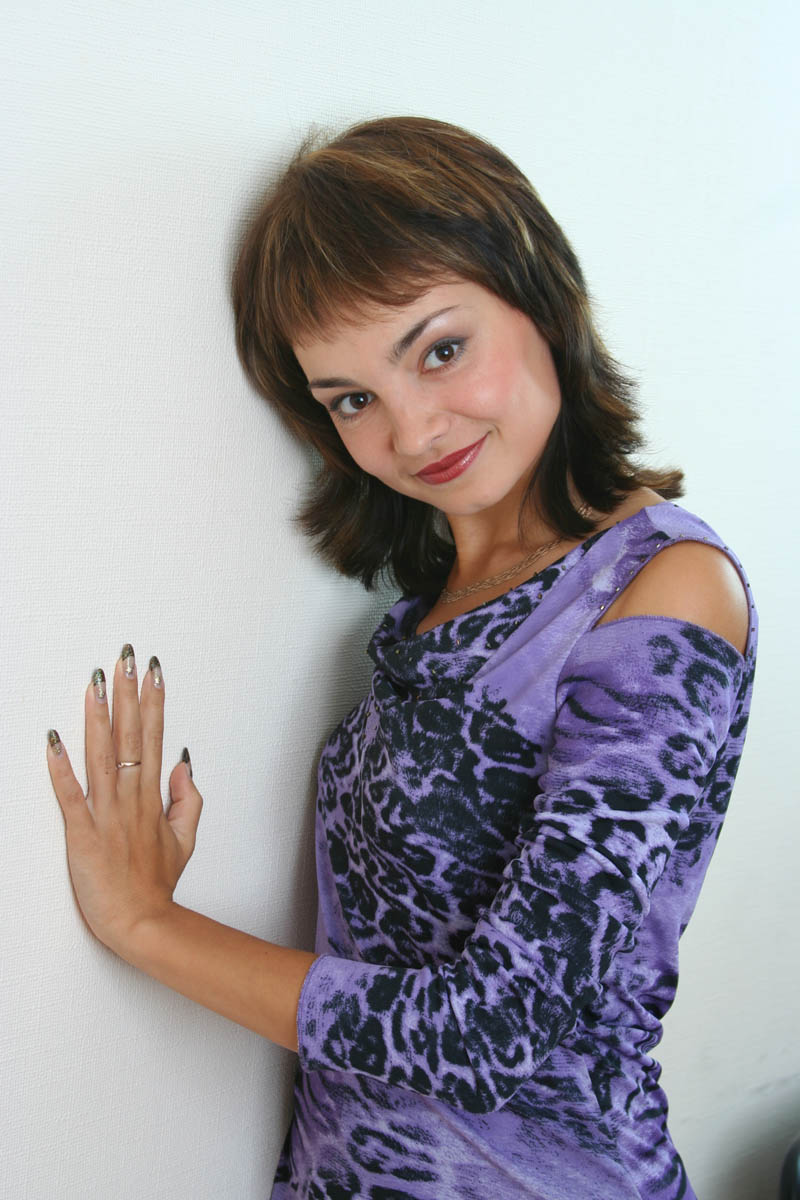
Step 1. Run AKVIS Sketch and open the photo:
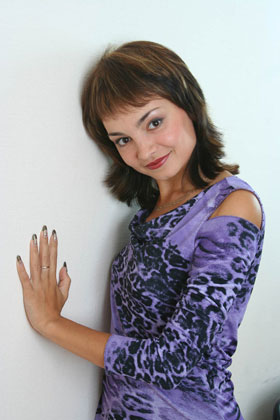
Source portrait of a girl -
Step 2. Using the Preview Window adjust the settings of photo-to-sketch conversion.
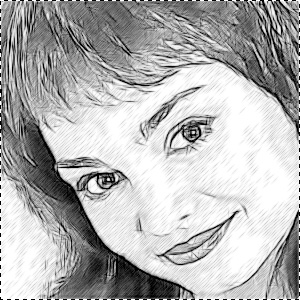
Default settings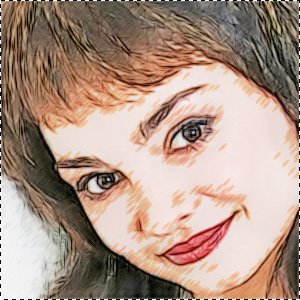
Adjusting settingsWe made moderate changes to the parameters to reduce hatching. Then we added color to make the strokes intense and bright.
Coloration = 20;
Original Colors = 81;
Stroke Thickness = 9;
Midtones Intensity = 4;
Midtones Hatching = 80;
Edge Strength = 90.Click on
 to convert the whole image.
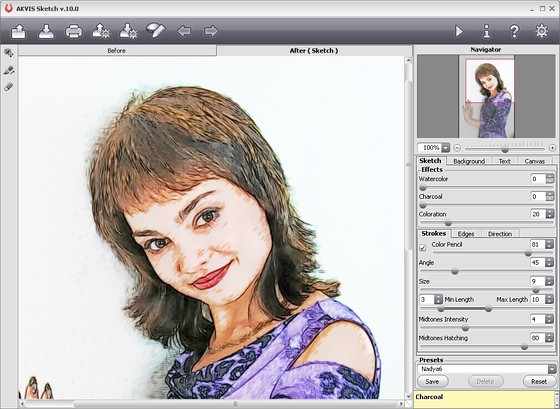
-
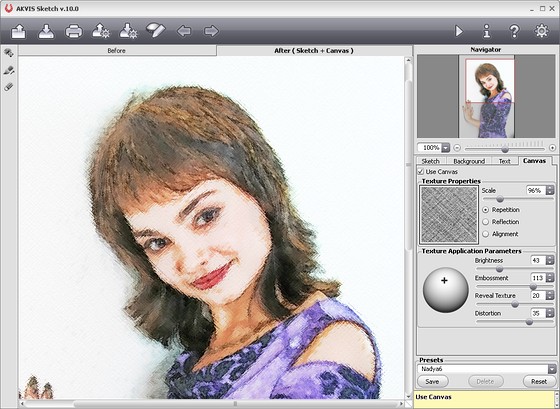
Step 3. To add the effect of drawing on rough paper we can use a texture: switch to the Canvas tab, make the Use Canvas option active, select a texture from the Library and adjust parameters as shown on the screenshot below.
Click on
to process the image. The texture totally changes the image: strokes become more blurred and shaded, edges are more soft and friable. That's exactly what we need from pastel.

Only three simple steps — and the pastel drawing is ready!
The reduced images do not let us see the effect well, so please click on the image to open a larger copy in a new window.
A pastel out of a photo
(click on the image to open a larger copy in a new window)
Sketch v. 28.1 - Free 10-day Trial
