Making Embroidery Patterns
We received a letter about a novel application of AKVIS Sketch. It can be used to create designs from photos which can then be followed as embroidery patterns on a sewing machine. Sketch is indispensable for those who can not draw, the program helps to form distinct lines along contours in an image which can then be used to mark stitch lines. A photograph was transformed to a drawing in AKVIS Sketch and then converted to embroidery by photostitching software (Embird Sfumato и PE-Design Photostitch).
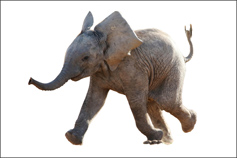
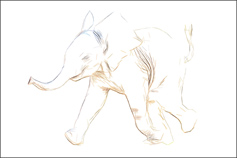
-
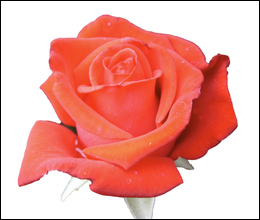
Step 1. Open an image in AKVIS Sketch. A fragment of the image will be shown in the preview window, processed with the default settings.
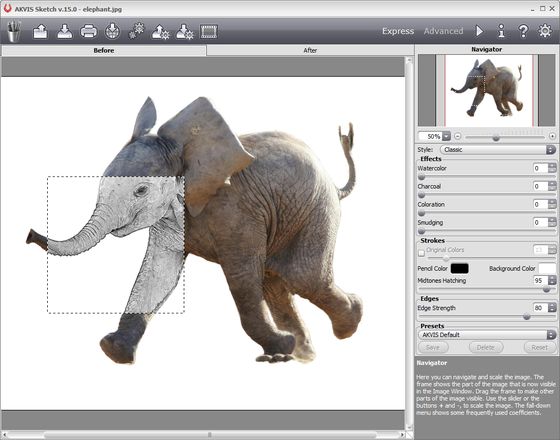
Original Photo in AKVIS Sketch -
Step 2. Adjust the parameters to reduce shading and display the color contours in the image. Process the image by pressing
 .
.
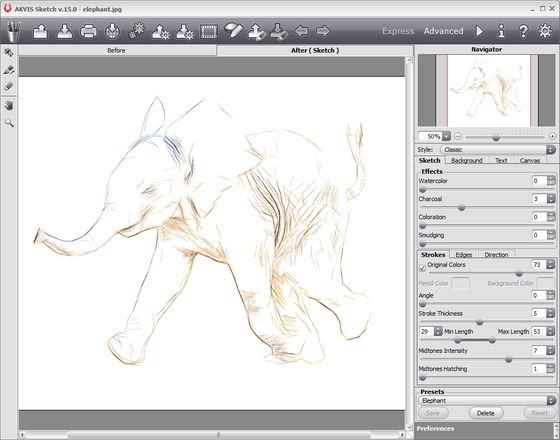
Colored Contours -
Step 3. Use the Background tab for blurring some areas.
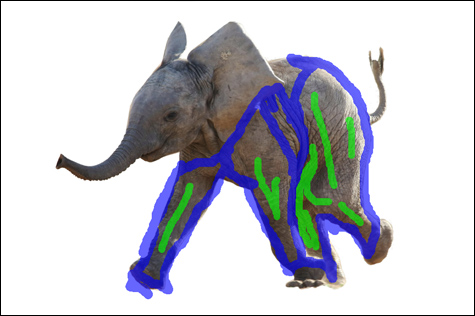
Marked ZonesProcess the image again by pressing
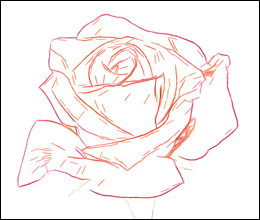
. The resulting figure is perfect for using as a base pattern for embroidering.
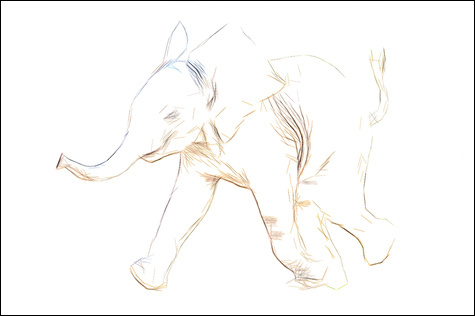
Result
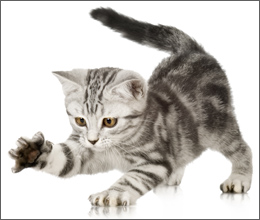
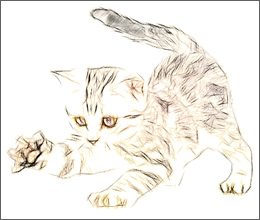
You can use this method with other photos:
Sketch v. 27.1 - Free 10-day Trial

