A Happy Kid
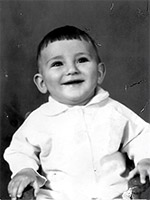
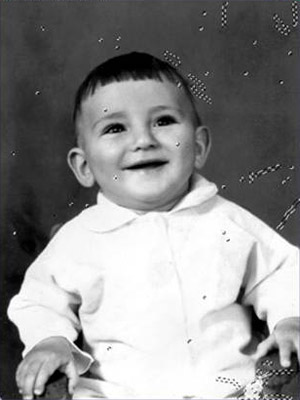
The following example of old photo restoration have been created by Yuriy Karanfil.
Note: This tutorial was created in the old version of Retoucher. Learn here how to use the new version with all its features! Though it processes images in a similar way, new Retoucher offers selection and retouch tools, and some advanced features.
 |
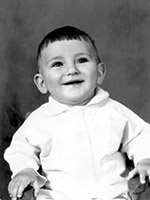 |
Follow the instruction to restore the photo of the kid:
- Step 1. Open the photo in Adobe Photoshop.
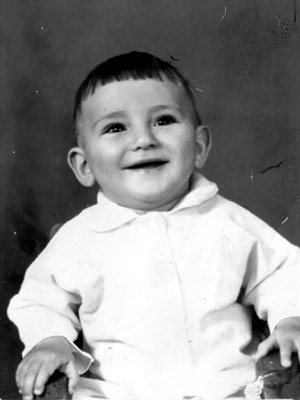
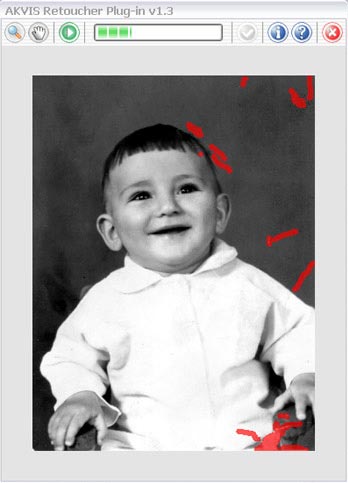
- Step 2. Press the Q-key to switch to Quick mask. Select the Pencil or Brush tool from the Toolbar and paint over the defects.
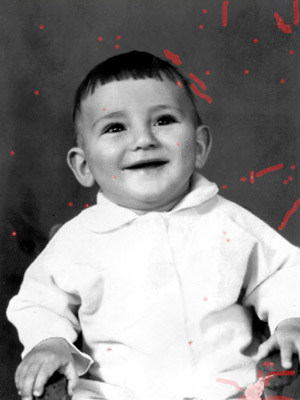
Switch back to the Standard mode (Q) and invert the selection pressing the key combination Shift+Ctrl+I.
- Step 3. Select AKVIS Retoucher from the Filter menu item to start the program.

- Step 4. Press the Run button in the program window to launch the restoration process.
- Step 5. When the restoration process is over, apply the result.

Retoucher v. 12.2 - Free 10-day Trial
