AI Object Removal
For fast and high-quality object removal, use the AI Object Removal mode. In this mode, a neural network-based algorithm eliminates the selected object and fills the area with the image content located immediately adjacent to the selection.
Select an object with the Selection Brush  and start processing
  .
.
Tips:
- The result depends on the size of the selection area. Select an object with a small margin so that there is a smooth transition of the borders.
- When selecting an object, remember to select its shadow and reflection so they are also removed.
- If you don't like the result, reselect the remaining object and run the process.
AI Object Removal Parameters:
- Expand Area (1-200%). The expansion of the sampling area (as a percentage of the selection size) from which the data for filling the selection is taken.

Original Image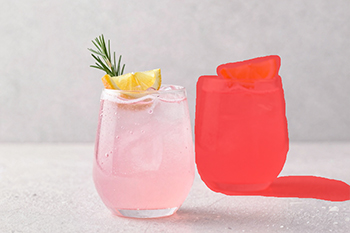
Selection
Expand Area = 5%
Expand Area = 180% - Mask Blurring (0-50%). The degree of blurring of the edges of the restored area. Recommended for use in cases where the restoration process creates a noticeable joint at the boundary between the removed object and the background.

Original Image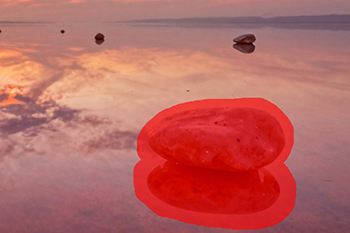
Selection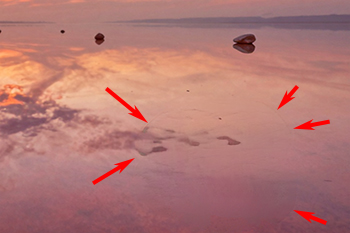
Without Mask Blurring
Mask Blurring = 20% - Scale Method. In the drop-down list, select the scaling method for the fill result.
Retoucher AI v. 13.0 - Free 10-day Trial
