Color Correction
Using the Color Correction parameters, you can perform additional image processing.
- Brightness (-100..100). The parameter is used to change the image brightness. The higher is the value of the parameter, the lighter all pixels are, and vice versa.
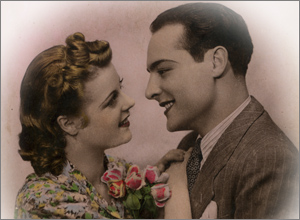
Brightness = -50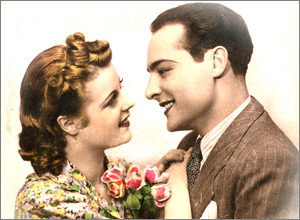
Brightness = 50 - Contrast (-100..100). The parameter is used to increase (if the value is over 0) or reduce (if the value is under 0) the difference between bright and dark parts of the image.
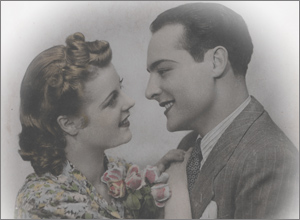
Contrast = -100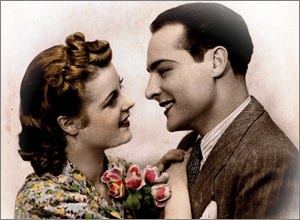
Contrast = 100 - Saturation (-100..100). The parameter is used to change the intensity of colors.
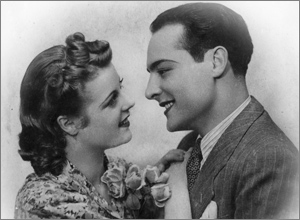
Saturation = -100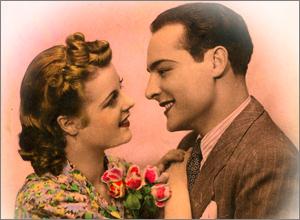
Saturation = 50 - Sepia. Enable the check-box to apply the typical brownish shade of old photographs to your image.
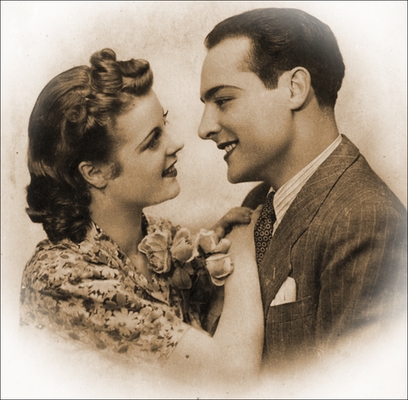
Sepia Effect
Retoucher AI v. 13.0 - Free 10-day Trial
