Stylization with Generative AI
The Generative AI mode stylizes an image according to the selected style and text prompt, using a generative neural network.
Attention! To use this mode, you need to install the Model Loader and download the models required for Inspire AI.
In this mode, you can delegate image processing to another (more powerful) computer. Specify the IP address of the generation server in the program's Preferences.
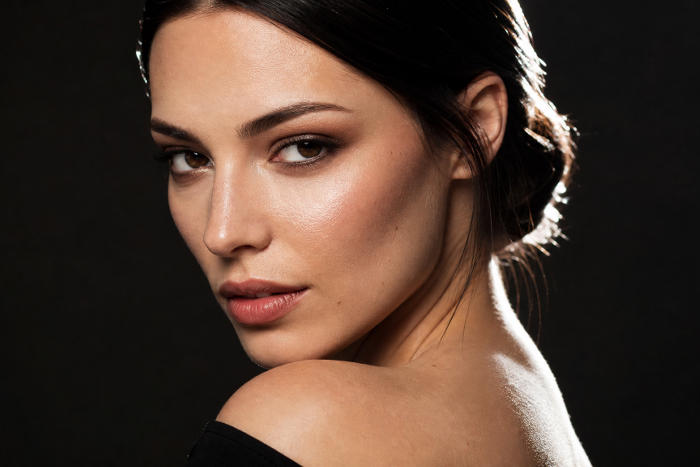
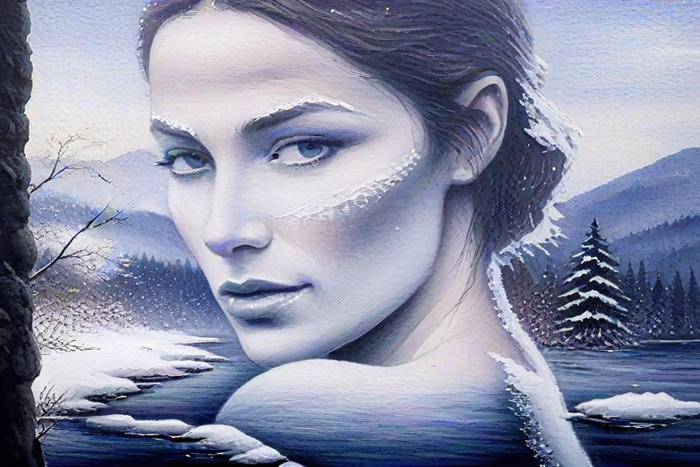
You can stylize an image using the built-in styles available in the Styles Gallery.
Alternatively, you can create a custom style using a reference image, a text description (prompt), or a combination of both.
To load a style sample, click the Load Custom Style button and select an image from your disk. If you wish, you can refine the selected style with a text description (prompt) and exclusions (negative prompt), as well as by adjusting various settings.
Click the Save Style button to save the settings and the sample as a style in the Custom group in the Gallery.
Effect Parameters:
In the AI tab, you can adjust the stylization parameters:
Prompt. A text description that refines the selected style. Enter the prompt in English.

Without Prompt
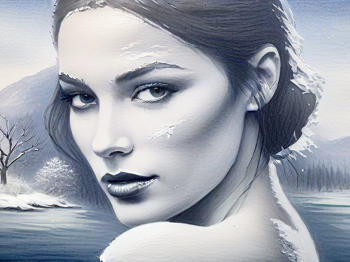
Prompt = "black sketchy pencil contours"
Negative Prompt. Describes objects or elements that should not appear in the generated image. Enter the text in English.
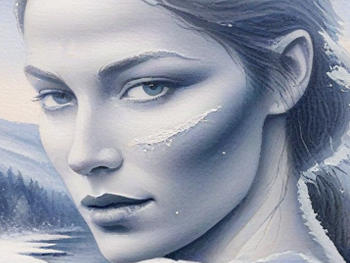
Without Negative Prompt

Negative Prompt = "blue skin"
Magnify & Smooth check-box. Applies an advanced smoothing algorithm when resizing the image. When disabled, the original grain and brushstroke texture are preserved.
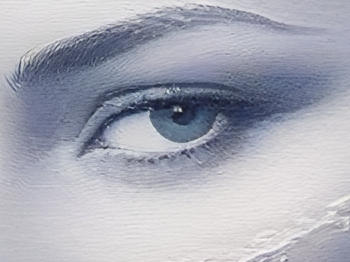
Magnify & Smooth enabled
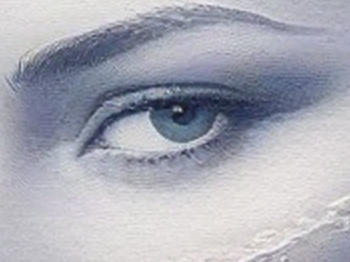
Magnify & Smooth disabled
Keep Aspect Ratio check-box. Preserves the original proportions while scaling. When disabled, the source images are compressed into a square.

Keep Aspect Ratio enabled
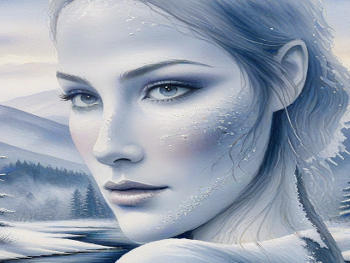
Keep Aspect Ratio disabled
Composition. Choose an algorithm that controls the shape and structure of the generated image:
Fine Details - preserves the outlines and boundaries of objects,
Large Shapes - preserves the volume and spatial arrangement of objects (foreground or background).
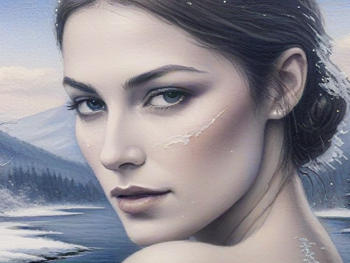
Fine Details
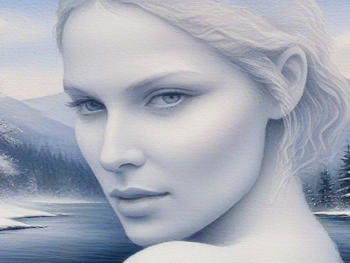
Large Shapes
Image Size (512-1536). Sets the working size of the generated image and affects the level of detail. Smaller sizes produce more simplified results.
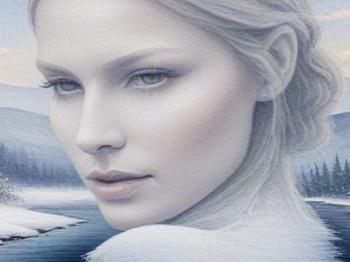
Image Size = 768

Image Size = 1280
Steps (3-10). Sets the number of generation steps. Higher values add more detail but increase processing time.
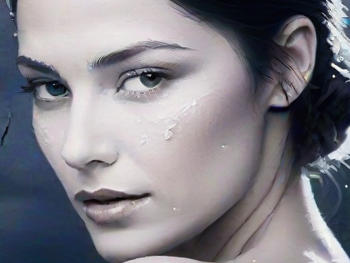
Steps = 3
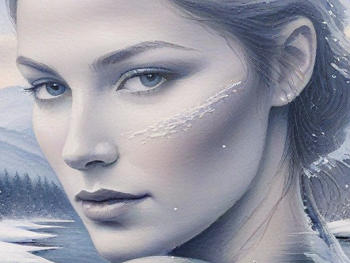
Steps = 8
Precision (1.0-5.0). Controls how closely the result follows the applied style and text prompt. Lower values give the neural network more freedom to interpret the image; higher values make it adhere more strictly to the description.
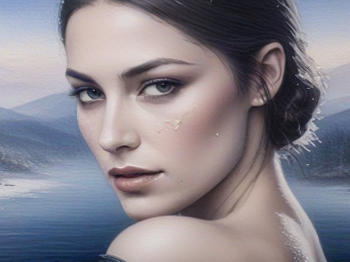
Precision = 1.0
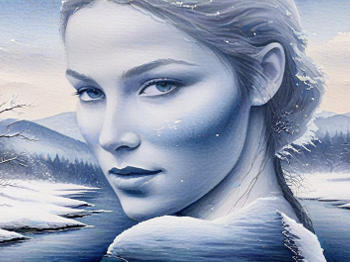
Precision = 3.0
Strength (0.00-1.00). Determines how strongly the source image influences the result. Higher values reduce the impact of the original image.
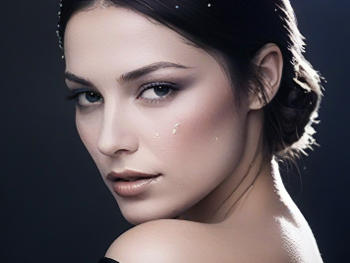
Strength = 0.40

Strength = 0.90
Source Influence (0.00-1.00). Balances the applied style with the original image structure. Higher values preserve more of the original structure.
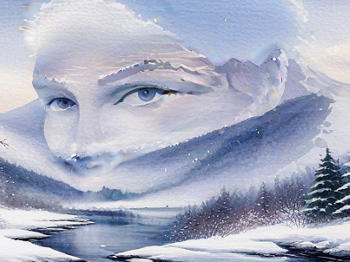
Source Influence = 0.75
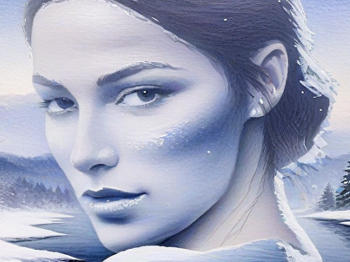
Source Influence = 1.25
Style Influence (0.00-1.00). Controls how strongly the selected style is applied. Higher values make the result follow the style more closely.

Style Influence = 0.75
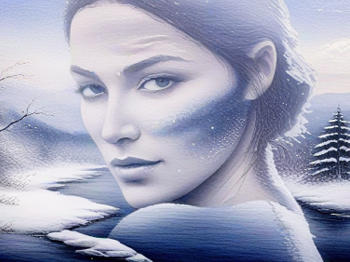
Style Influence = 1.25
Seed (0-999999). The starting number used for image generation.
In the Post-Processing tab, you can fine-tune the result:
Saturation (-100..100). Adjusts the color intensity, from neutral gray tones to vivid, saturated colors.
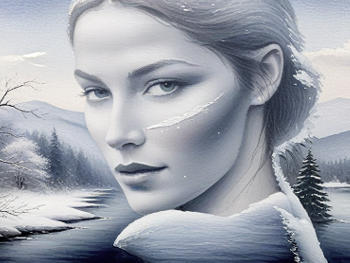
Saturation = -80

Saturation = 30
The Reset button restores all settings to their default values.
Inspire AI v. 3.0 - Free 10-day Trial
