Remove Motion Blur
AKVIS Refocus AI includes a specially trained neural network that helps you to fix blur in a photo that occurs due to camera shake or movement of a subject.
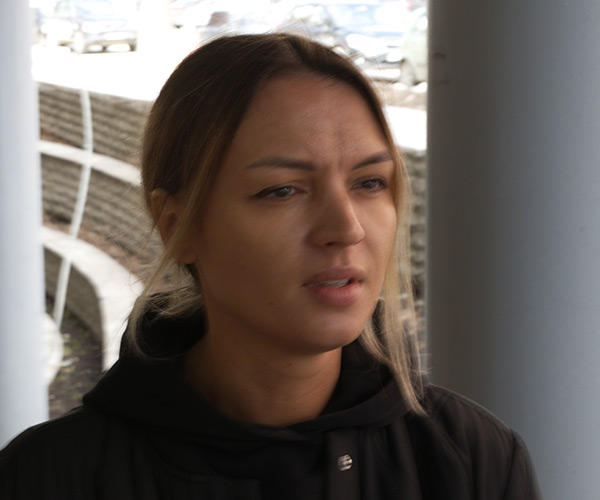
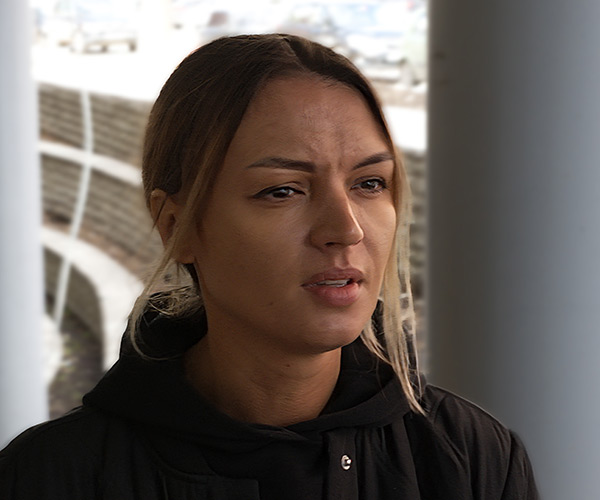
-
Step 1. Run AKVIS Refocus AI in the Refocus AI mode and open a photo.
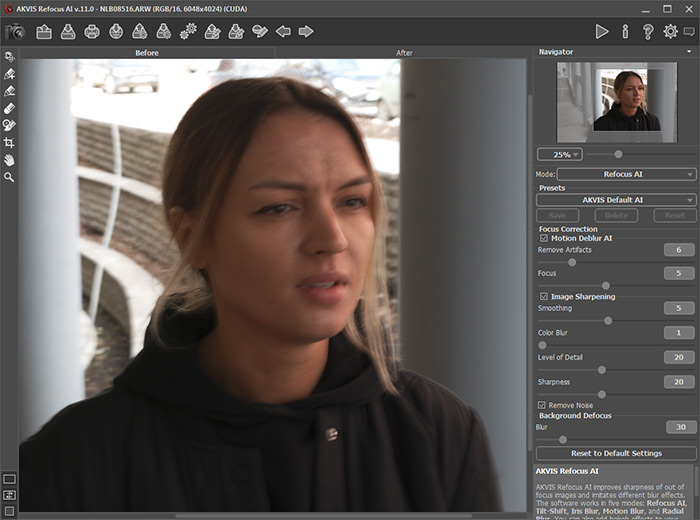
Original Image -
Step 2. The preview area displays the processing result with the selected preset (by default, AKVIS Default AI).
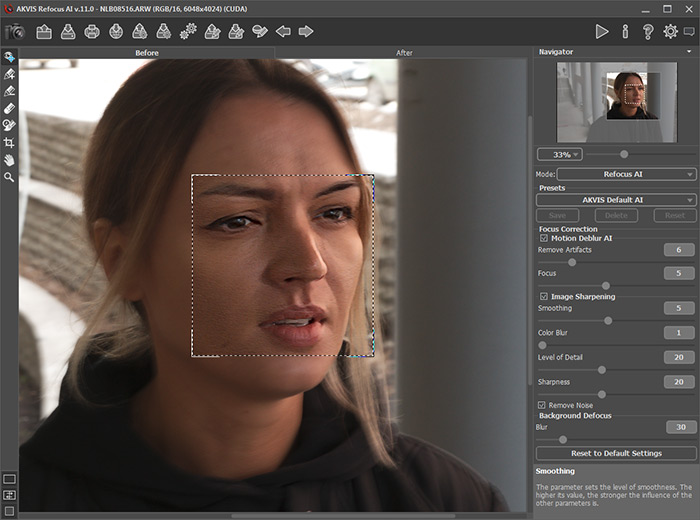
Default Processing Settings -
Step 3. First, we will work with the parameters in the Motion Deblur AI section, so disable the Image Sharpening check-box.
Move the Focus parameter and set it to the value at which the image looks best. For our photo, this is Focus = 6.
Then gradually increase the value of the Remove Artifacts parameter. In this example, we settled on the value = 10.
Let's start the processing with
 to see how the fully processed photo will look like.
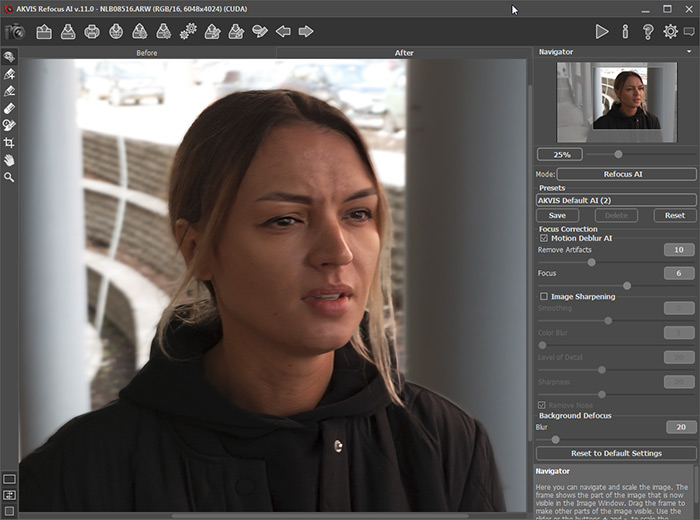
Blur Removal -
Step 4. If the resulting image does not seem sharp enough, enable the Image Sharpening mode and adjust its parameters.
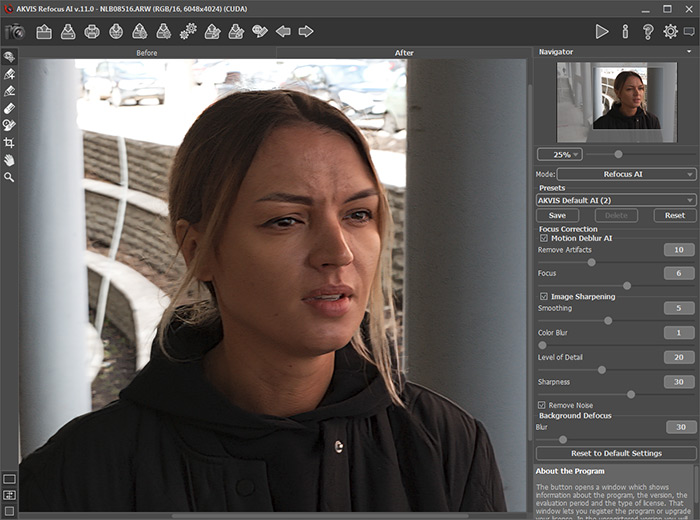
Image Sharpening -
Step 5. And the last step is to split the foreground and background. Select the girl along the contours with
 and the background with
  . If necessary, blur the background using the Blur option in the Background Defocus section.
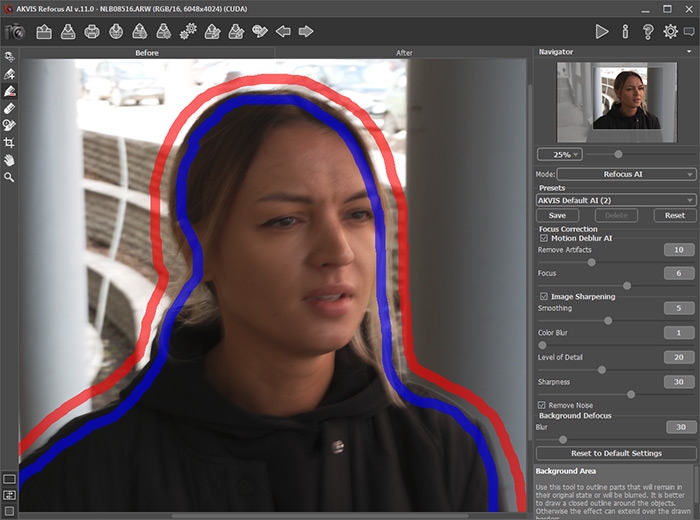
Selecting AreasClick on
for the final processing of the image.
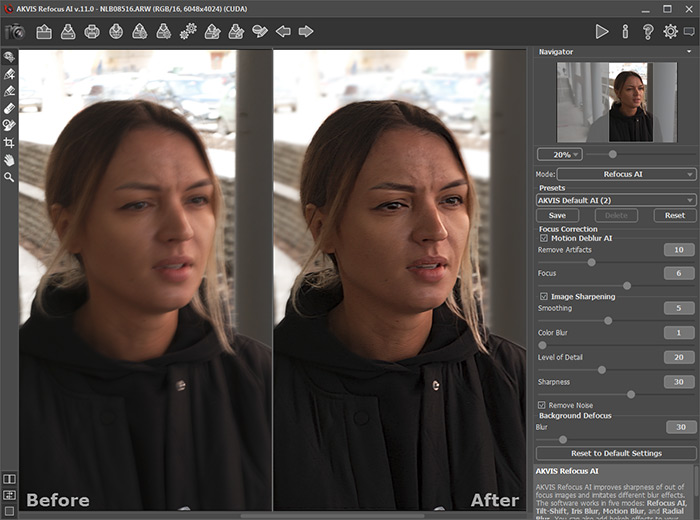
Result
The final result is impressive, now the photograph is clear and has an excellent perspective of the subject highlighted by the background blur.
Refocus AI v. 11.9 - Free 10-day Trial
