Elephant in the Savanna
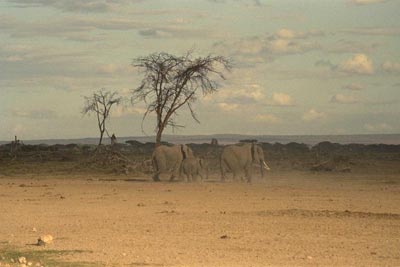
Here we have a photo of elephants in the savanna. If you want to add one more elephant to the foreground, you can use AKVIS Chameleon in AliveColors. It is as easy as falling off a log.
First of all we should find a nice-looking elephant. When outlining the elephant do not forget to include its shadow as well.
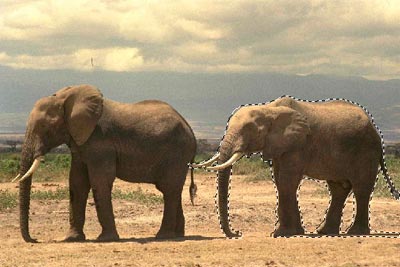
Now call AKVIS -> Chameleon – Grab Fragment from the Effects menu. If everything is done correctly you’ll see a message that the selected object is saved into the clipboard.
Now open the photo that will be the background for your collage. Call AKVIS -> Chameleon - Make Collage from the Effects menu. The AKVIS Chameleon window will open. This window will contain the savanna background and the fragment you selected earlier (elephant).
Note: If you work in the standalone version of AKVIS Chameleon just use the pencil tools in the program to draw red and blue outlines. They are available in the plugin version too.
Select Chameleon mode from the drop-down menu in the Settings Panel.
Use the Transform tool  to mirror the pasted elephant vertically, and to change its size and position it on the savanna background.
Press the button  to start the collage creation process. A preview of the image will appear in the After tab.
If you are satisfied with the result, press the button  to apply the collage to the photo.
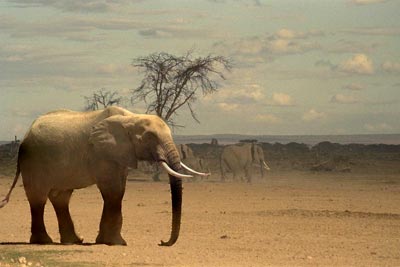
The program has adapted the new-comer to the environment and made the elephant look native to the scenery.
Chameleon v. 12.2 - Free 10-day Trial
