Try on a Tattoo
You would like to make a tattoo, but you are not sure it will suit you? It’s easy to try on a tattoo without resorting to a trip to the tattoo parlor.
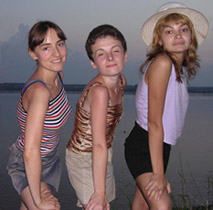
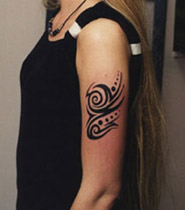
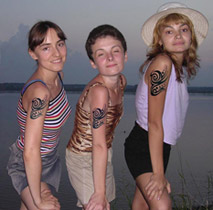
Below you will find instructions on how to do it with AKVIS Chameleon.
Note: If you work in the standalone version of AKVIS Chameleon just use the pencil tools in the program to draw red and blue outlines. They are available in the plugin version too. With these tools you can draw the contours and edit them. But for the plugin it’s possible to transfer the selection from the graphics editor. Here we describe how to make it in the plugin.
-
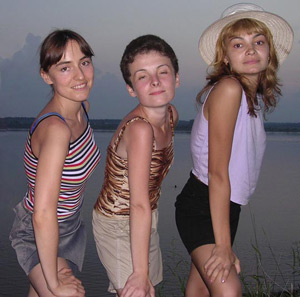
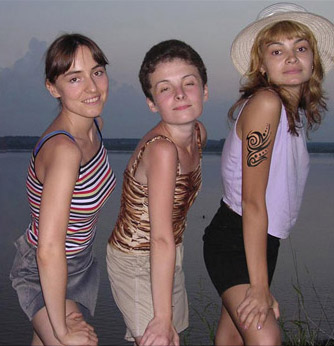
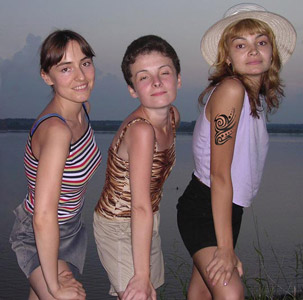
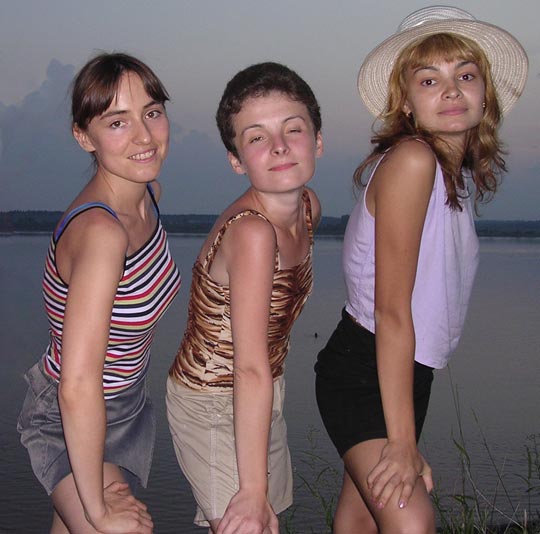
Step 1. Open the photo of the girls in AliveColors.
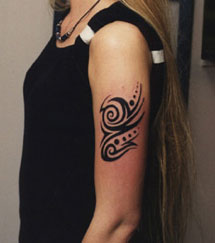
Here is a photo with a tattoo.
-
Step 2. Select the tattoo using the Lasso tool, or any selection tool in your photo editor.
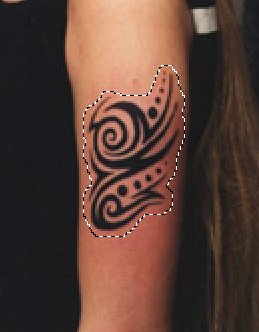
Now call the Chameleon plug-in to grab the fragment. In AliveColors select Effects -> AKVIS -> Chameleon - Grab Fragment. After doing so you should see a message indicating that the fragment has been saved successfully.
-
Step 3. Open the photo of the girls. Call the AKVIS Chameleon plug-in by selectiong Effects -> AKVIS -> Chameleon – Make Collage. You will see the photo of the girls, along with the fragment you selected earlier.
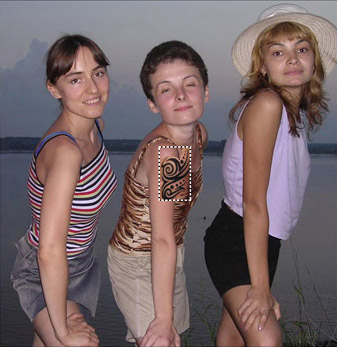
- Step 4. Select Chameleon mode from the drop-down menu in the Settings Panel.
-
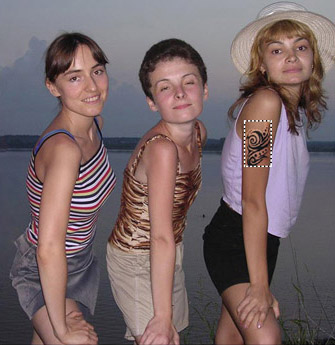
Step 5. Use the Transform tool
 from the Toolbar to change the size, position, and rotation angle of the tattoo. Adjust it to fit the shoulder of the girl on the right.
-
Step 6. Press the button
 to start the collage creation process. The result will appear in the After tab.
-
Step 7. If you like the result, press the button
 to apply the change to the photo.
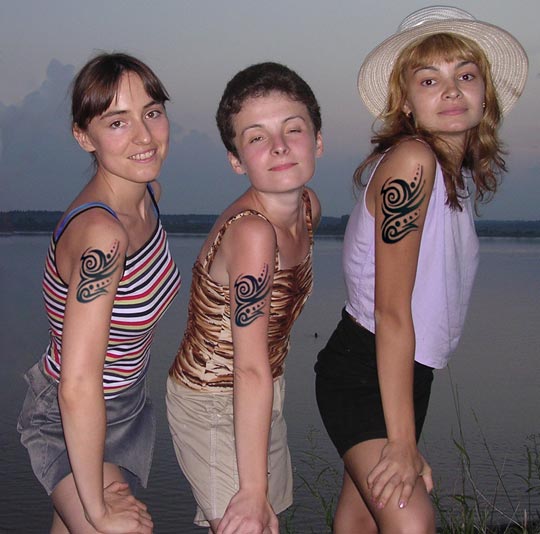
In order to apply tattoos to the other two girls, leave the photo open in your photo editor and repeat steps 3 through 7 for each girl. When you are done you can save the photo.
Chameleon v. 12.2 - Free 10-day Trial
