Prova un tatuaggio
Vuoi fare un tatuaggio ma non sei sicuro che ti si adatti? È facile provarlo senza ricorrere ad un viaggio per andare in un salone tattoo.
Qui di seguito troverai le istruzioni su come farlo con AKVIS Chameleon in AliveColors, ma si potrà usare qualsiasi altro editor d’immagini compatibile o avvalersi della versione standalone di Chameleon che non richiede il supporto di alcun programma.
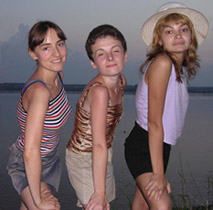
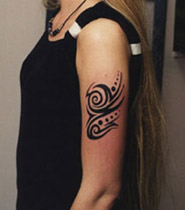
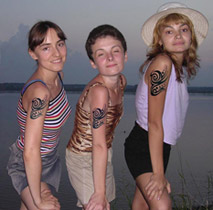
-
Passaggio 1. Aprire le foto nell’editor di grafica.
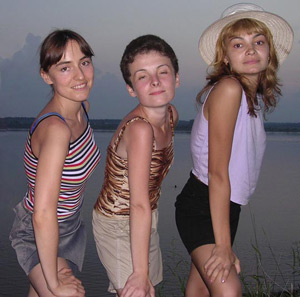
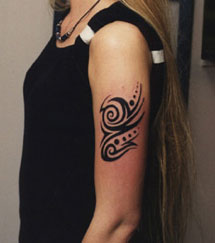
-
Passaggio 2. Selezionare il tatuaggio usando lo strumento Lazo o qualsiasi altro strumento di selezione.
Se si lavora con la versione standalone di AKVIS Chameleon usare le matite del programma per disegnare i contorni blu e rossi. Questi strumenti sono disponibili anche nel plugin e permettono di disegnare o correggere i contorni della selezione, inoltre nel plugin è possibile trasferire la selezione eseguita nell’editor di foto.
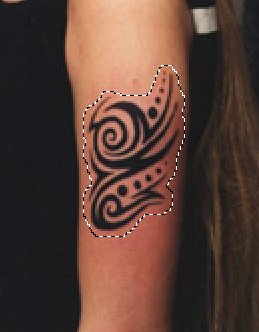
Copiare la selezione lanciando AKVIS -> Chameleon - Grab Fragment dal menu Effetti. Se tutto è stato fatto correttamente verrà visualizzato un messaggio che indica l’avvenuto salvataggio del frammento.
-
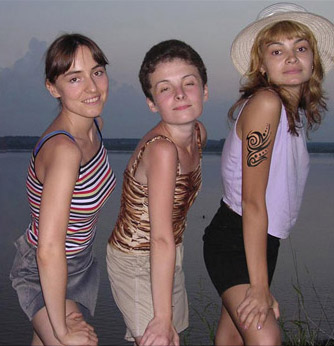
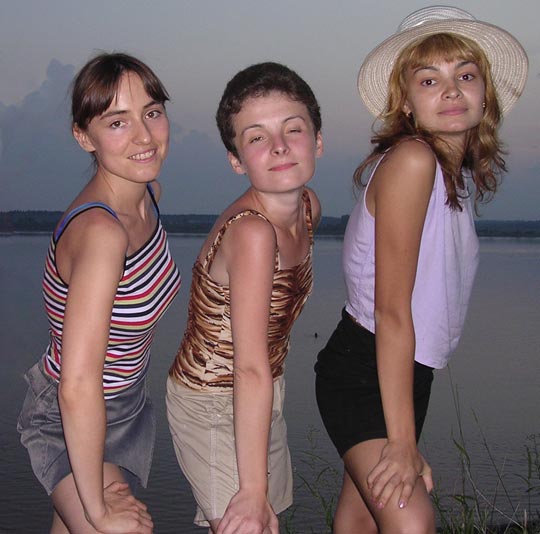
Passaggio 3. Attivare la foto delle ragazze e lanciare AKVIS -> Chameleon - Make Collage dal menu Effetti. Nella finestra del plugin verrà visualizzato lo sfondo (le ragazze) con il frammento (il tatuaggio).
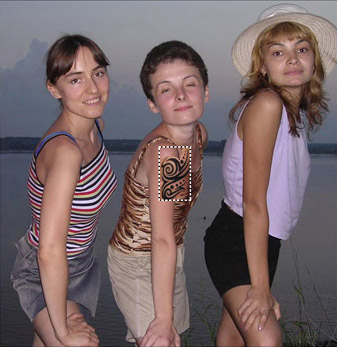
- Passaggio 4. Selezionare la modalità Camaleonte dal menu a discesa nel Pannello impostazioni.
-
Passaggio 5. Utilizzare lo strumento Trasforma
 per modificare la dimensione, la posizione e l’angolo di rotazione del tatuaggio. Definire le giuste misure per adattarlo alla spalla della ragazza sulla destra.
Attenzione! Per cambiare la misura mantenendo le proporzioni attivare l’icona
 posizionata nel Pannello impostazioni.
Avvalersi dell’opzione Opacità per rendere più facile l'inserimento del frammento; rendendolo “trasparente” consente di posizionarlo sullo sfondo con elevata precisione. Tale operazione non pregiudica il risultato finale.
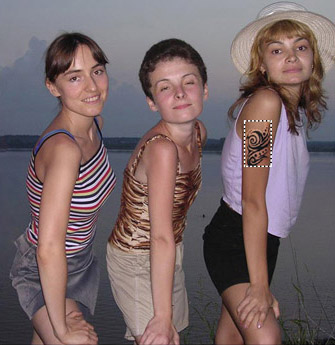
-
Passaggio 6. Premere su
 per avviare il processo di creazione del collage. Il risultato verrà visualizzato nella scheda Dopo.
-
Passaggio 7. Se il risultato è soddisfacente premere su
 per applicare la modifica
alla foto.
per applicare la modifica
alla foto.
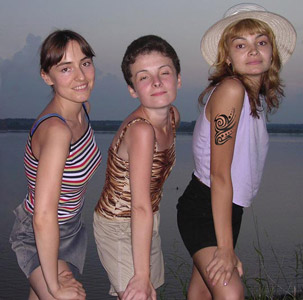
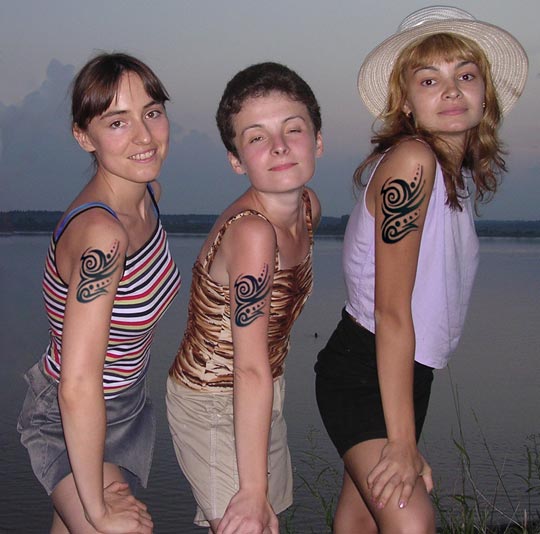
Per applicare il tatuaggio anche alle altre due ragazze ripetere i passaggi dal 3 al 7 per ognuna di loro. Terminato il collage si potrà salvare l’immagine.
Chameleon v. 12.2 - 10-giorni di prova gratuita
