Collage d'autunno
Abbiamo scelto la foto di un pioppo che si staglia su un cielo autunnale e quella di un’affascinante ragazza per creare un collage con AKVIS Chameleon in AliveColors.
Il tutorial è stato realizzato utilizzando AliveColors, ma si potrà usare qualsiasi altro editor d’immagini compatibile o avvalersi della versione standalone di Chameleon che non richiede il supporto di alcun programma.


- Passaggio 1. Aprire le due foto in AliveColors. Attivare quella della ragazza e dal menu scegliere Seleziona -> Seleziona tutto usare i tasti rapidi Ctrl+A per selezionare l’intera immagine, poi andare su Modifica -> Trasforma -> Rifletti orizzontalmente per riflettere il ritratto a specchio.
-
Passaggio 2. Dal menu Effetti aprire AKVIS -> Chameleon - Grab Fragment.
Se tutto è stato fatto correttamente verrà visualizzato un messaggio che avvisa dell’avvenuto salvataggio.
- Passaggio 3. Attivare la foto del pioppo. Dal menu Effetti selezionare AKVIS -> Chameleon - Make Collage, si aprirà la finestra del plugin che conterrà l'immagine di sfondo con il ritratto incollato.
-
Passaggio 4. Selezionare la modalità Fusione dal menu a discesa nel Pannello impostazioni. Usare lo strumento Trasforma
 per modificare la dimensione, la posizione e l’angolo di rotazione del frammento incollato (la ragazza).
Attenzione! Per modificare la misura mantenendo le proporzioni attivare l’icona
 posizionata nel Pannello impostazioni.
-
Passaggio 5. Premere su
 per avviare il processo di creazione del collage, nella finestra Dopo sarà visibile la nuova immagine.
Se si è soddisfatti del risultato premere su
 per chiudere la finestra del plugin, il collage delle foto verrà visualizzato nell’area di lavoro dell’editor fotografico.
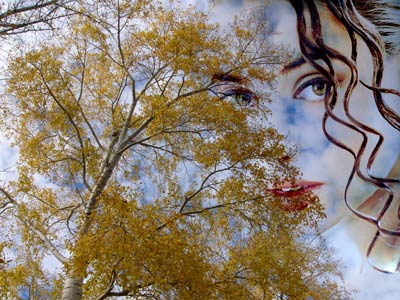
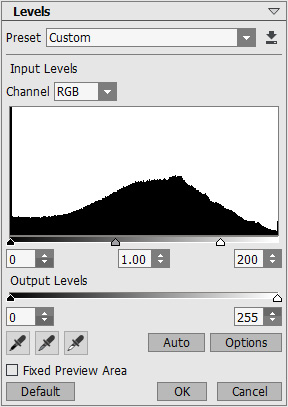
Il collage cambierà in meglio se verrà attenuato con il comando Regolazione -> Istogramma selezionandolo dal menu Immagine. Si aprirà la finestra di dialogo in cui andrà spostato il cursore del punto bianco verso sinistra a circa 200, confermare con OK.
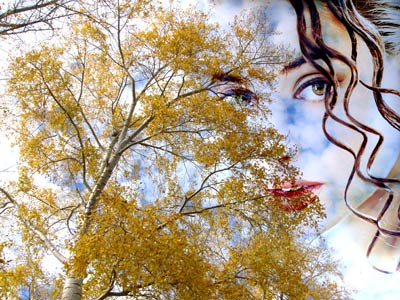
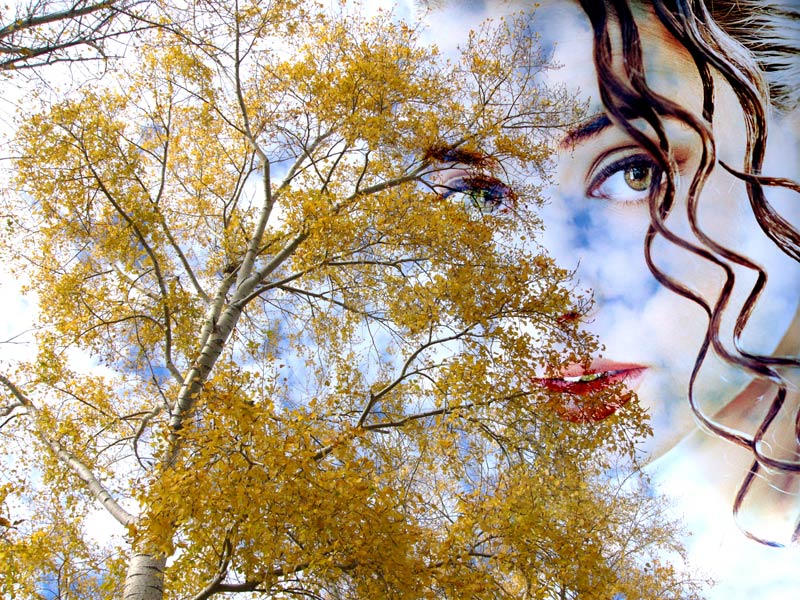
Il risultato è il seguente collage: un pioppo, un cielo blu e il contorno del viso della ragazza.
Chameleon v. 12.2 - 10-giorni di prova gratuita
