The Flying Dutch
In the following example we will show you how to transfer a sailing ship into two different backgrounds.
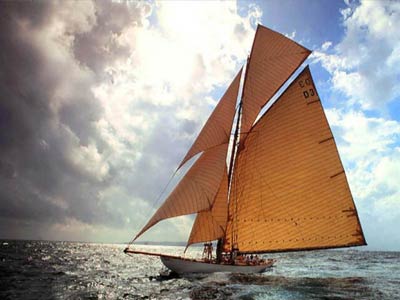
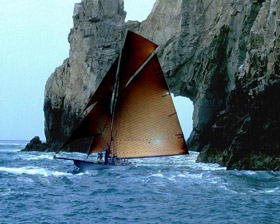
We will use the sailing ship from the photo below:
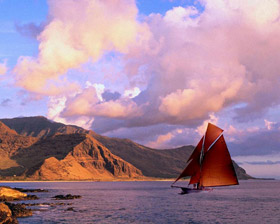
As a background for the sailing ship we take two photos with different color ranges:
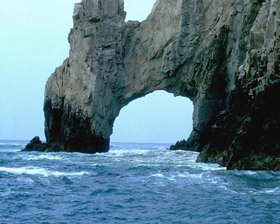
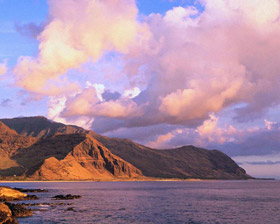
First of all we should select the sailing ship. For the selection to be precise we recommend using the Quick Mask mode (in Adobe Photoshop).
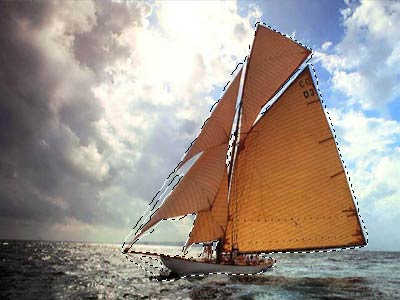
Now we transfer the selected sailing ship to the clipboard by calling AKVIS -> Chameleon – Grab Fragment from the Filter menu. If all goes well you should see a message indicating that the fragment has been saved to the clipboard.
Now open the photo that will be the background for your collage. Call AKVIS -> Chameleon – Make Collage from the Filter menu. The AKVIS Chameleon window will open. This window will contain the background and the fragment you selected earlier (ship).
Select Chameleon mode from the drop-down menu in the Settings Panel.
Use the Transform tool  to change the size of the ship and position it on the background. In the first case we reduced the size of the sailing ship to 80% from the original size, in the second case to 40%.
Press the button  to start the collage creation process. A preview of the image will appear in the After tab.
If you are satisfied with the result, press the button  to apply the collage to the photo.
The sailing ship sets out on a journey.
Chameleon v. 12.2 - Free 10-day Trial
