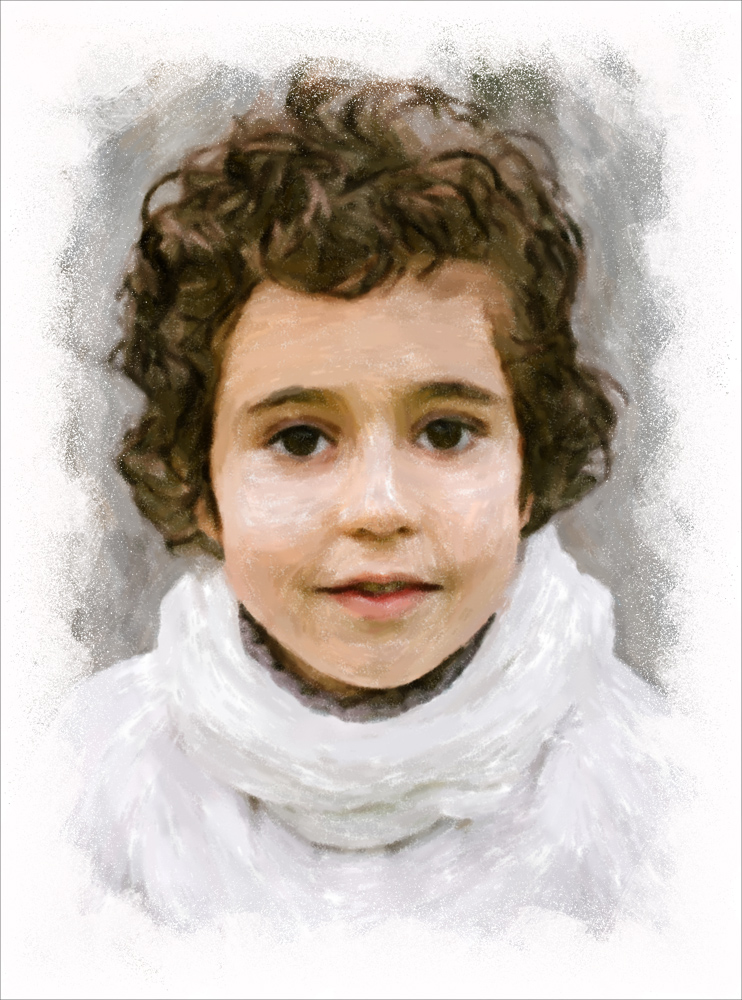
Winter Pastel: Portrait of a Boy
Paintings have proved to be a unique and always appropriate gift, which makes your nearest and dearest feel special. In this tutorial, AKVIS Pastel software is used for creating a portrait of a child. Delicate pastel strokes faithfully reproduce delightful winter colors and let you wallow in nostalgia.
- Step 1. Open a photo in AKVIS Pastel.
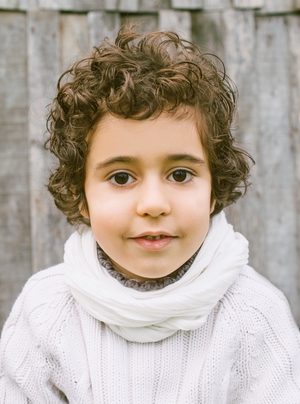
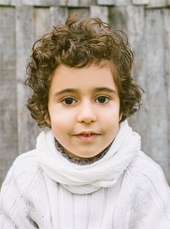
Source Photo - Step 2. In the presets list, select a preset with thick, creamy strokes (e.g. AKVIS Fresco). The preview window displays the approximate result of the current preset settings. You can draw several guidelines using the Stroke Direction tool
 .
.
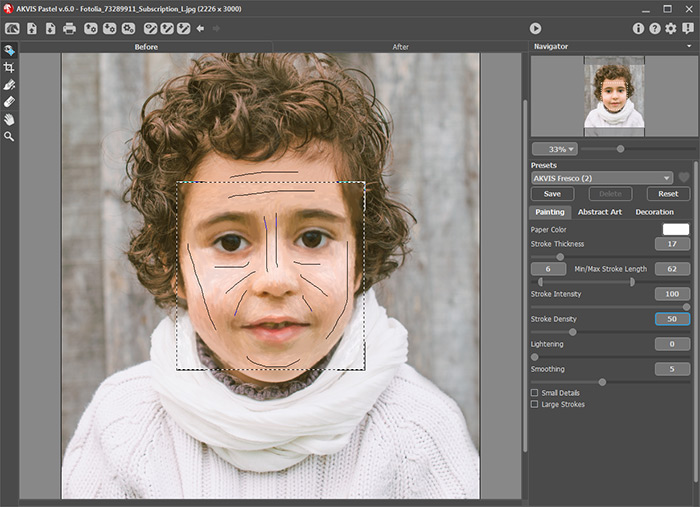
Program Window in AKVIS Pastel - Step 3. To edit the whole image, click on the button
 .
.
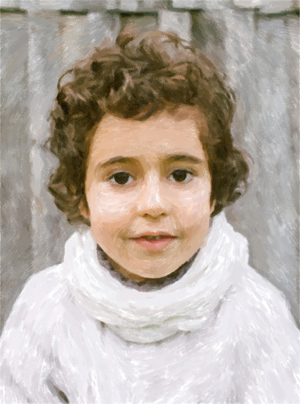
Pastel Painting - Step 4. You can also add a few hand-painted strokes using the Pastel Chalk
 to make the image look more realistic.
If you cannot draw, use AKVIS Draw to add eye-catching accent details. Open the source image in the program and choose a preset which converts your photo into a quick sketch.
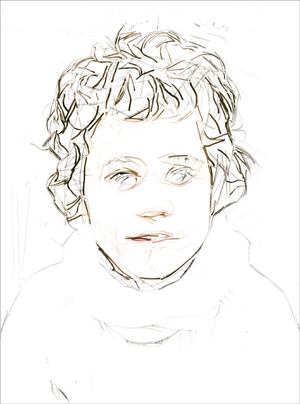
Sketch in AKVIS Draw (picture 1)You can experiment with settings and create several sketches, for example, with long strokes and with high level of detail.
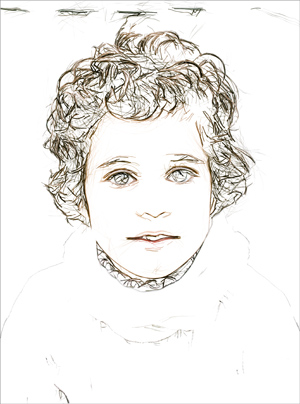
Sketch in AKVIS Draw (picture 2)Merge sketches created with AKVIS Draw using any blending mode in the image editing program. Then apply AKVIS Pastel to the resulting pencil sketch to give the lines a velvety texture:
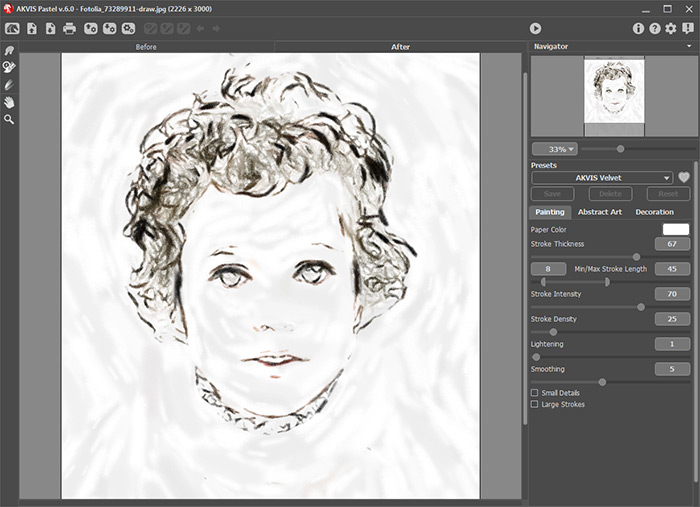
Pastel Strokes in AKVIS Pastel - Step 5. In the graphics editor, merge two pastel drawings into one layer. Change the blending mode to Multiply and reduce the Opacity to approximately 80%. The boy's facial features become more expressive and lively.
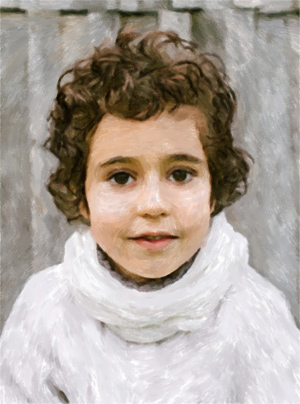
Combining Layers - Step 6. To add the finishing touch, insert the drawing into an artistic frame.
Call the AKVIS ArtSuite plugin (Filter -> AKVIS -> ArtSuite) and select the Ragged Frame with following parameters: 74%/1/0.
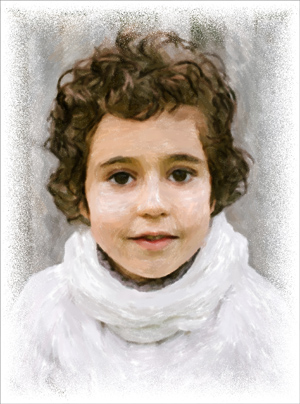
Ragged FrameYou can also use a white brush to give the impression that the painting border has been left unpainted:
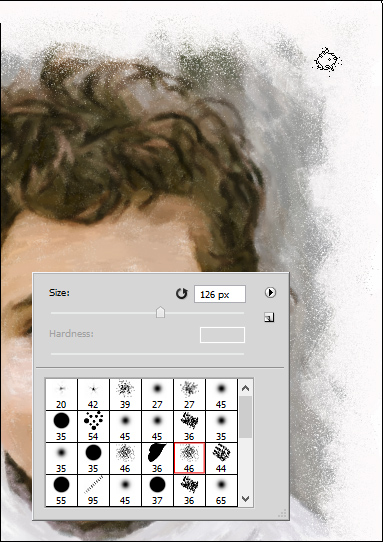
Using White Brush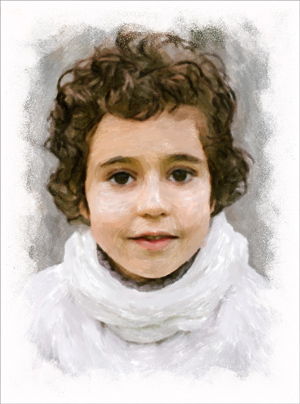
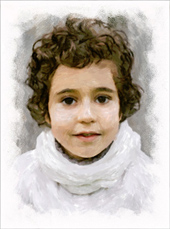
Result
(click to enlarge)
Pastel v. 7.1 - Free 10-day Trial
