Frost Frame
The Frost frame imitates frost crystals that grow on windows when a pane of glass is exposed to below-freezing temperatures. Apply this effect to add some winter freshness to your image.
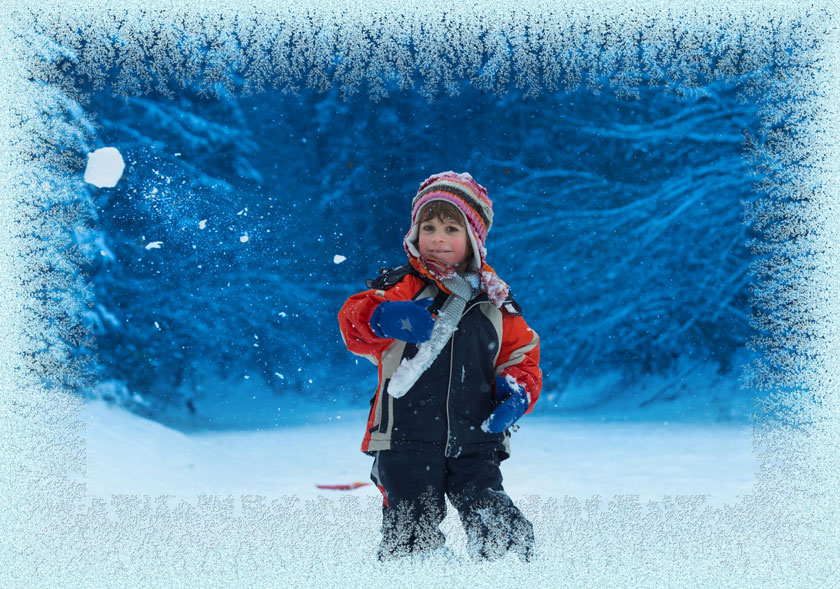
The Settings Panel offers the following parameters for this frame:
Symmetric. When the check-box is enabled, the frost pattern is symmetric. You can disable the check-box to get a fancier pattern, but it will increase the processing time.
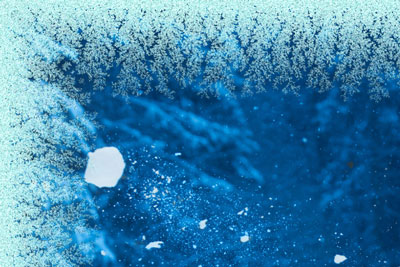
Check-box "Symmetric" is enabled
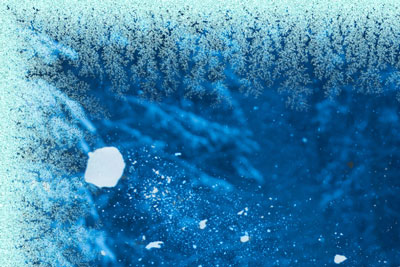
Check-box "Symmetric" is disabled
Ice Color. This parameter sets the color for the frame. Click the color plate and select a color from the Select Color dialog.
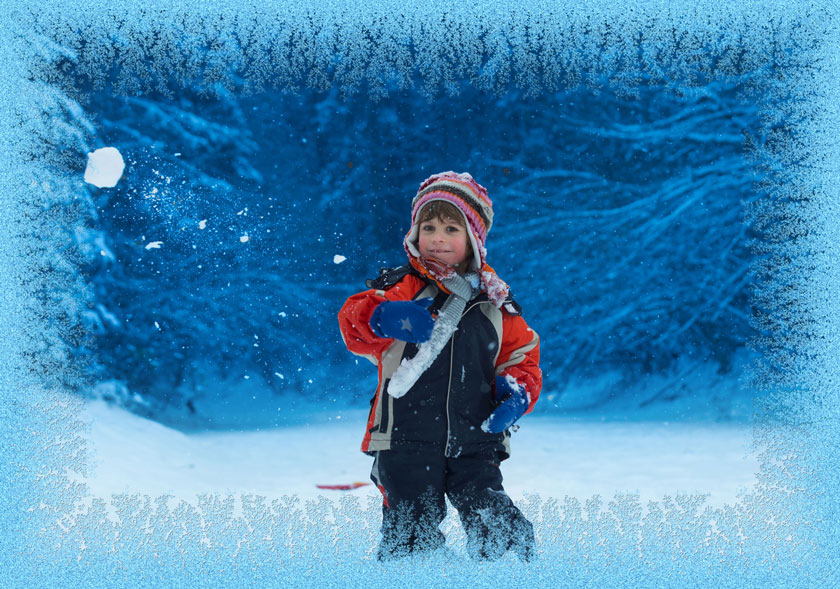
Ice Color: rosa
Width (10-100%). This parameter defines the area of the image that will be "frozen". At 100% the width of the frame is a third of the minimum image size (as to its width or height).
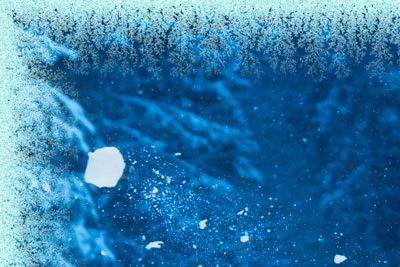
Width = 20%
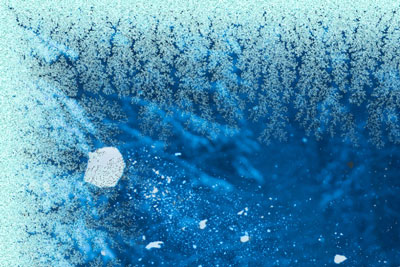
Width = 75%
Freeze Level (1-10). This parameter sets the freezing intensity. At 1 the frame is softly frozen, at 10 the freezing is more intensive.
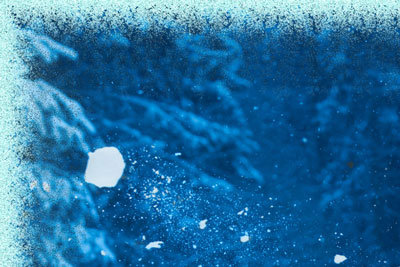
Freeze Level = 1
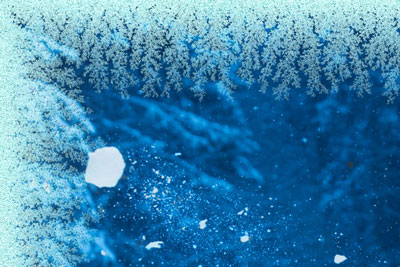
Freeze Level = 10
Melting (0-100). This parameter sets the ice state - the higher the parameter, the more melted the ice looks.
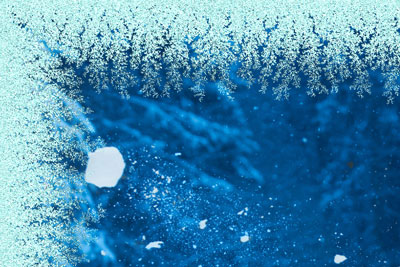
Melting = 0%
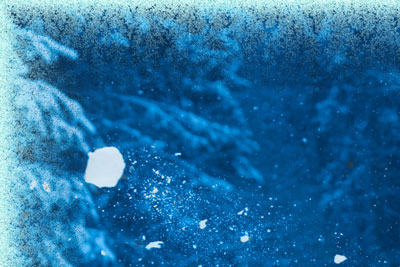
Melting = 80%
Ice Density (1-50). This parameter sets the density of the frost. The higher the value of the parameter, the denser the ice is. The "freezing" starts at the frame edge, therefore the frost on the outer border is denser than on the inner border.
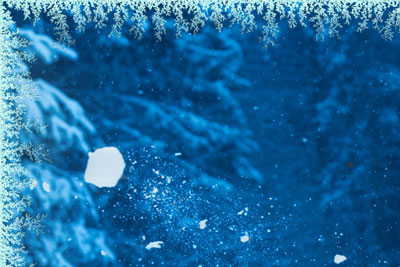
Ice Density = 2
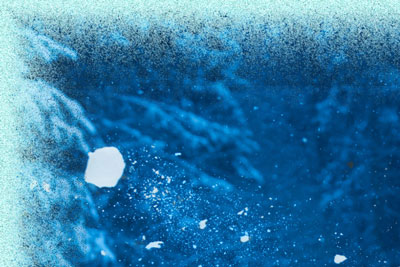
Ice Density = 15
Shadow (0-100%). This parameter sets the size of the shadow the frost casts. At 0 there are no shadows. As you increase the value, the size of the shadows increases. High values of the parameter give volume to the frame.
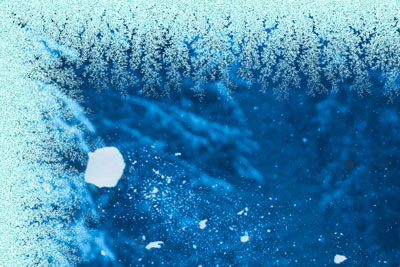
Shadow = 0%
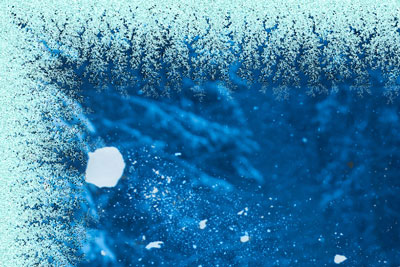
Shadow = 100%
Homogeneity (1-200). This parameter sets the amount of color shades used when generating frost. The higher the value of the parameter, the fewer shades are used and the flatter the frost looks.
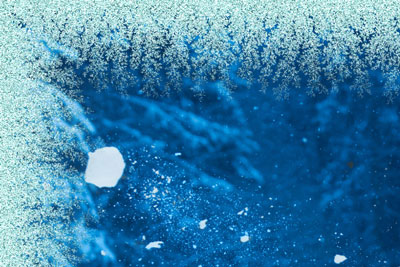
Homogeneity = 50
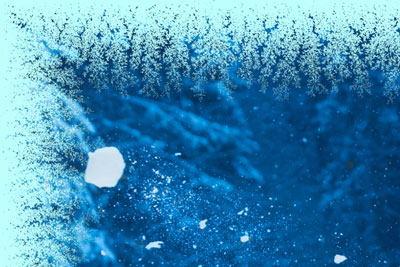
Homogeneity = 200
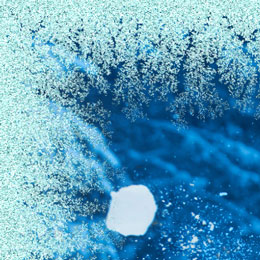
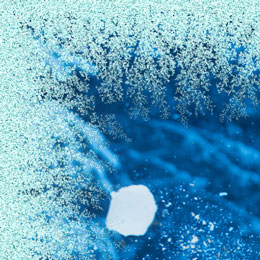
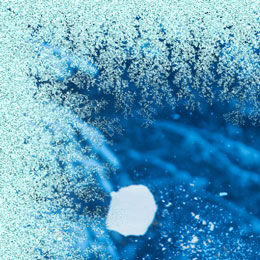
Pattern (0-9999). Every value of this parameter corresponds to a unique combination of frost crystals. The defined value is the starting number for the random number generator that creates a unique frost pattern on the frame.
ArtSuite v. 21.1 - Free 10-day Trial
