Happy New Year! Year of the Tiger!
The author of this tutorial is Maria, from Russia.
| I will write a letter to Grandfather Frost, |
| To ask him to fulfill a wish. |
| I do not need to receive more toys, |
| I want to receive a tiger as a gift! |
| (Author Unknown) |
New Year's Day approaches - a favorite holiday of children and adults. One of the most popular gifts for this holiday is New Year cards. Let's try to make a New Year themed card.


This tutorial was made in the AliveColors graphic editor using the ArtSuite plugin, but you can repeat it in any photo editor compatible with the AKVIS plugins. Alternatively, it's possible to use the AKVIS SmartMask AI and AKVIS ArtSuite standalone programs.
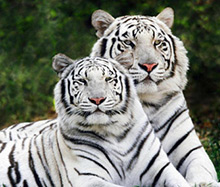
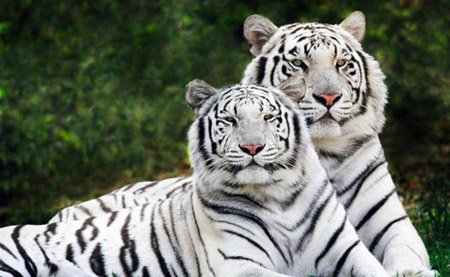
- Step 1. First pick a suitable image of a tiger. 2010 is the Year of the White Tiger, so find such an image and open it in the graphics editor.
- Step 2. Find a beautiful New Year photo, which will serve as the background for our card.

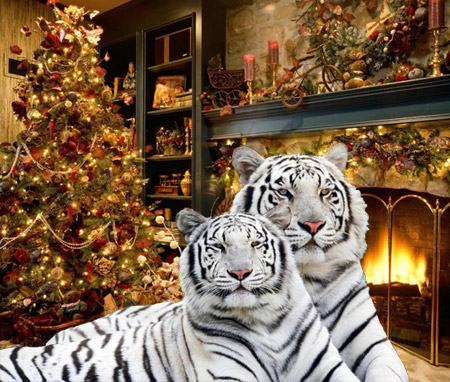
- Step 3. It would be nice if the tigers could warm themselves next to the fireplace in this room. Let's fix it.
We return to the image of tigers and select them. This can be done with any of the graphics editor's selection tools or using AKVIS SmartMask AI.
Place the tigers onto the New Year background.
- Step 4. Let's give one of the tigers a more festive look, with him "wearing" a New Year's cap. The cap can be taken from any image (if desired, both tigers can "wear" caps).
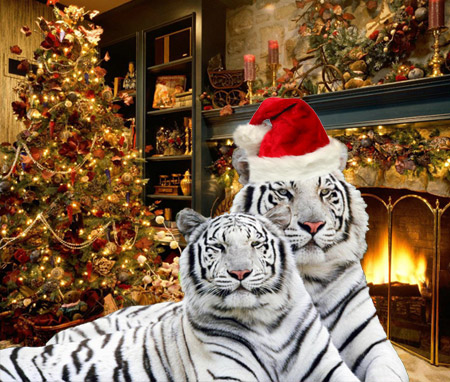
Merge all layers.
- Step 5. Now pick a suitable frame with the AKVIS Artsuite plugin.
Choose Effects -> AKVIS -> ArtSuite from the graphics editor's filter menu. The plugin's window opens. The image will automatically be placed in a classic frame by default.
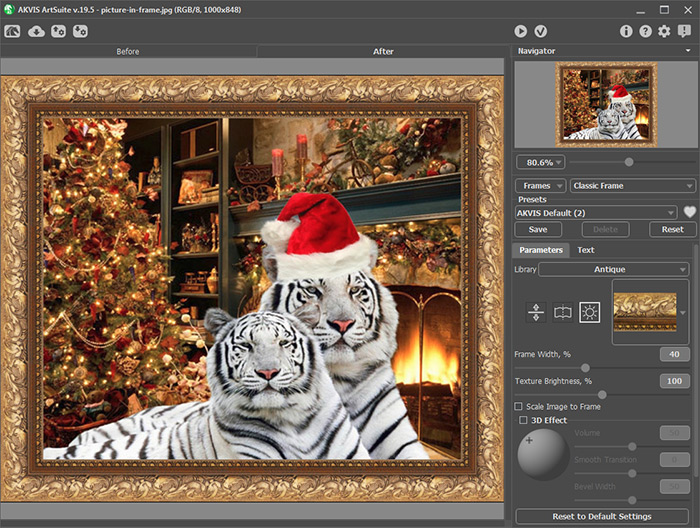
You can choose another classic frame in the Library by clicking the small square with a sample.
Choose, for example, a wooden frame.
When processed with the default settings, the image will look like this:
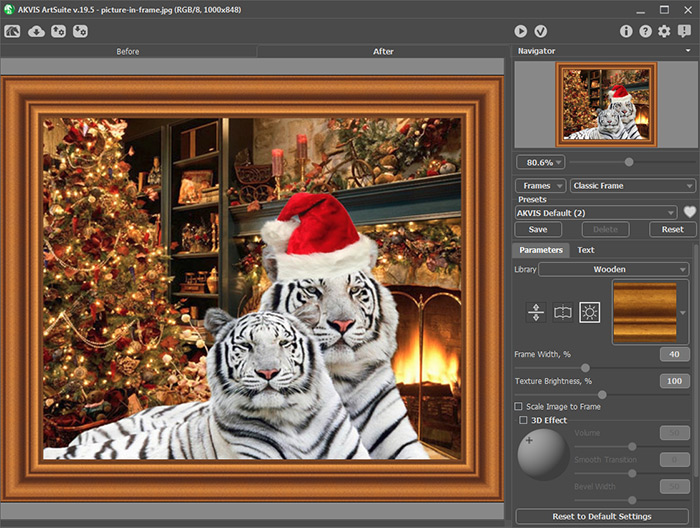
- Step 6. Change the frame's parameters.
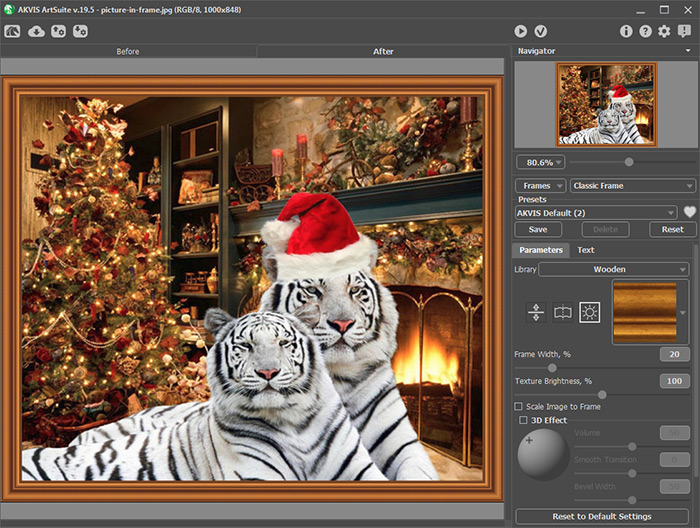
Press the
 button to accept the result and return to the graphics editor.
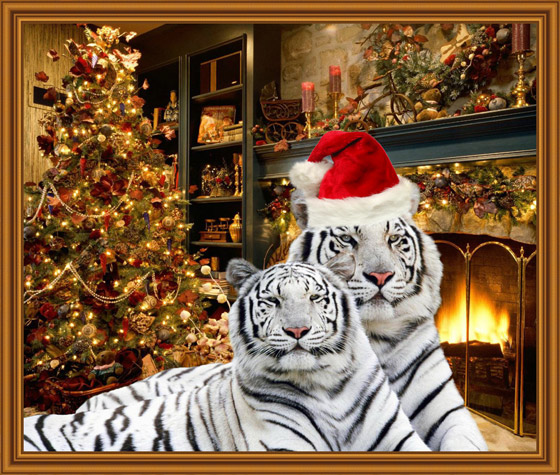
- Step 7. In addition to the classic frame styles, the AKVIS ArtSuite plugin offers many other styles of frames. Try out each with the image.
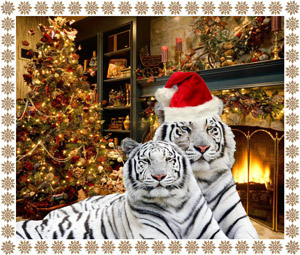
Pattern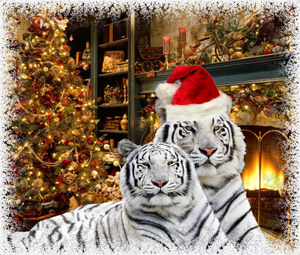
Frost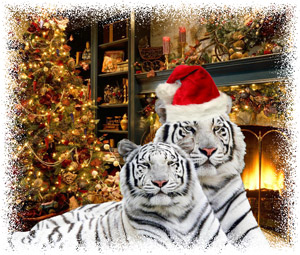
Ragged
Spray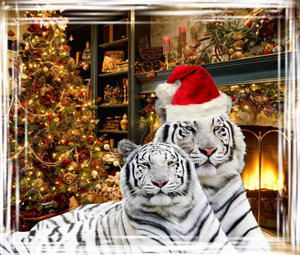
Strokes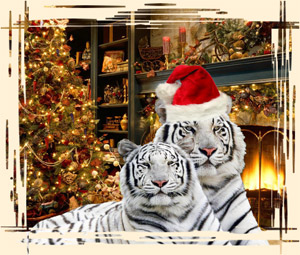
Scratches
Squares
Artistic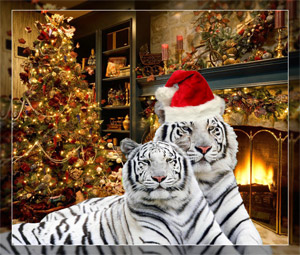
Artistic CropAs you can see, the image looks good in any frame style, but we'll keep the classic frame.
- Step 8. Add an inscription. The New Year card is ready.
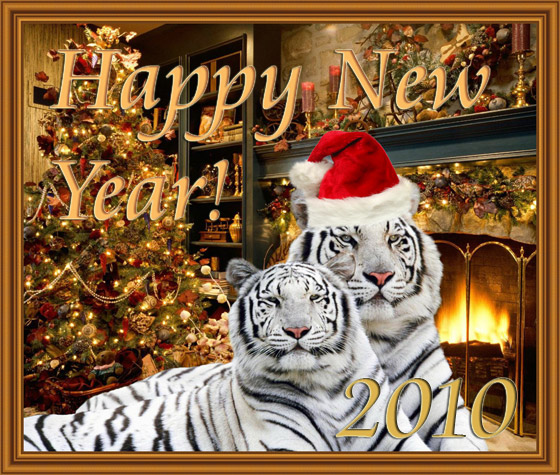
Happy New Year!
ArtSuite v. 21.1 - Free 10-day Trial
