Two Keys
The Two Keys effect allows you to transform an image (change color tints, replace colors, adjust contrast and brightness, etc) using two key colors.

Original Image:
Black key color (0,0,0),
White key color (255,255,255)

Result:
Black key color (49,10,98),
White key color (242,255,172)
The effect has the following controls that are represented by two color boxes:
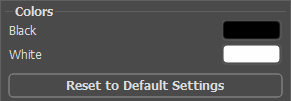
Original key colors
The color that will serve as the black key color is set in the upper color box; the white key color is defined in the lower box. By default the corresponding colors are chosen, and your image is in its original state.
How to define another key colors:
- Click the color box (the pointer will transform into an eyedropper), choose the necessary color on the image and left-click it. The color box will change its color to the selected one.
- Double-click the color box to open the Select Color dialog.
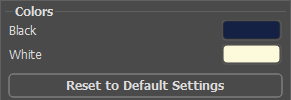
Set new key colors
As a result, all colors that are darker than the black key will shift to the black color; all colors that are lighter than the white key will shift to the white color.
You can also set only one key color (black key or white key). If you define only the black key, the dark colors will shift to the black color, while the light colors will not change.
Please note, that the lighter the black key color is, the darker the image will be; the darker the white key color is, the lighter your image will be.
Note: If you don't want to change the color shades on your image, use the color grey as the key color (in this case the color components (green, red and blue) are equal).

Original Image:
Black key color (0,0,0),
White key color (255,255,255)
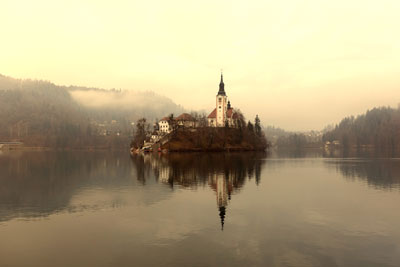
Result:
Black key color (23,34,42),
White key color (170,188,233)
ArtSuite v. 21.1 - Free 10-day Trial
