Escarcha
El marco Escarcha imita un marco de cristales, semejantes a los cristales de escarcha que crecen en las ventanas cuando el vidrio está expuesto a temperaturas de congelación.
Aplicar este efecto para añadir la frescura de invierno a su imagen.
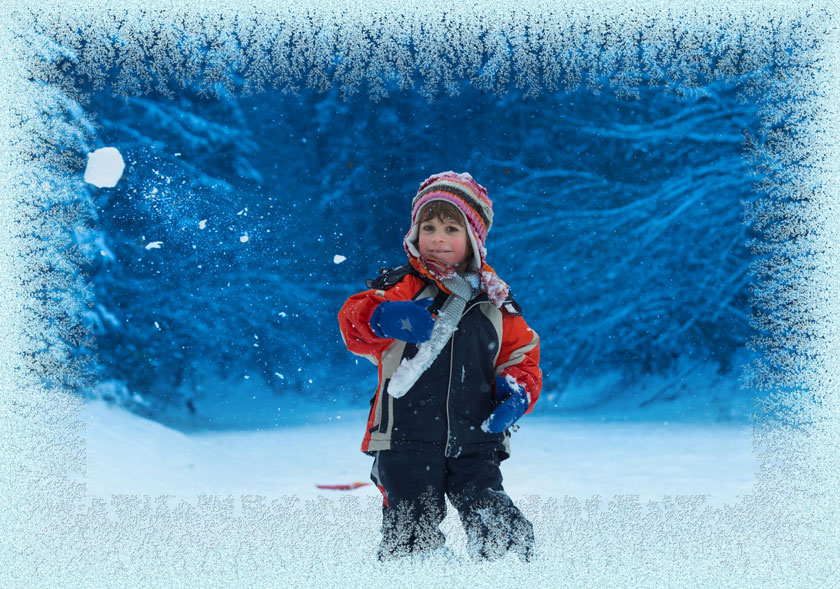
El Panel de ajustes ofrece los siguientes parámetros para ajustar el marco digital.
Simétrico. Cuando la casilla está activada, la helada es simétrica. Puede desactivar la casilla para obtener un modelo más elegante, pero esto aumentará el tiempo de procesamiento.
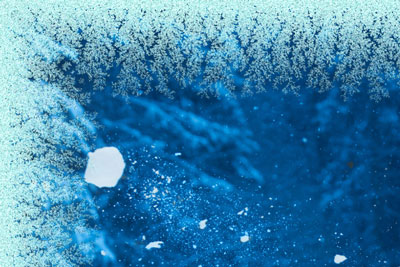
Casilla "Simétrico" está activada
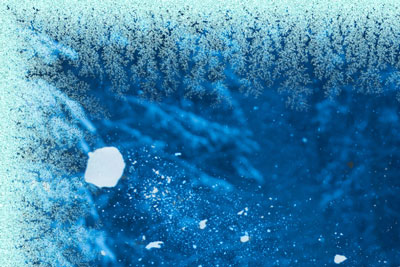
Casilla "Simétrico" está desactivada
Color del hielo. Este parámetro fija el color del marco. Seleccione un color haciendo doble clic en el rectángulo de color y eligiendo un color.
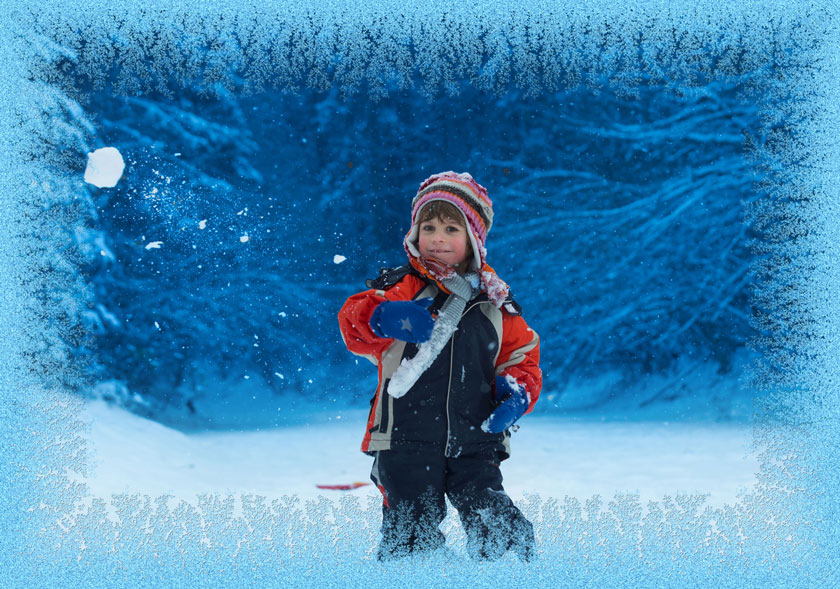
Color del hielo: rosa
Ancho (10-100%). El parámetro fija el área de la imagen que será "congelada". Al 100%, el marco ocupa la tercera parte del mínimo tamaño de la imagen (en cuanto a su ancho o alto).
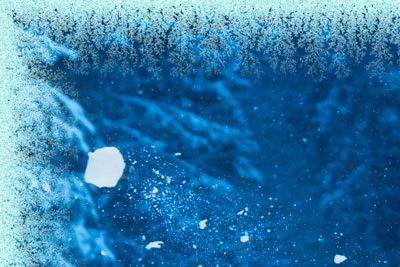
Ancho = 20%
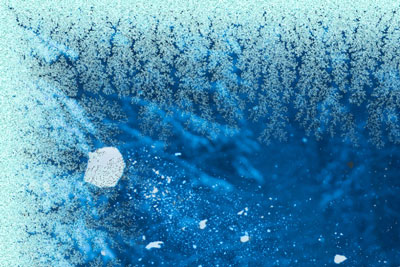
Ancho = 75%
Nivel de hielo (1-10). El parámetro define la intensidad del hielo. Al valor de 1 el hielo es débil, al valor de 10, el hielo es más intenso.
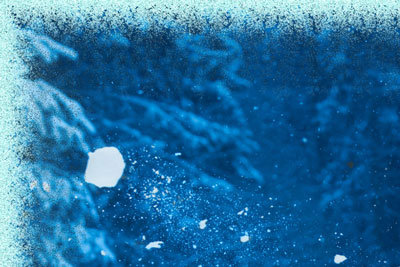
Nivel de hielo = 1
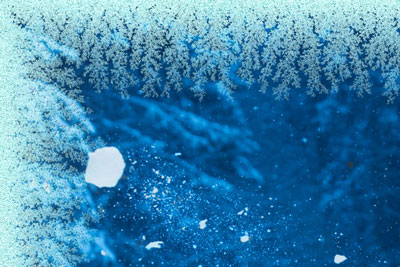
Nivel de hielo = 10
Fusión (0-100). El parámetro define el estado del hielo - cuanto más alto es el parámetro, más alto es el nivel de fusión de los cristales.
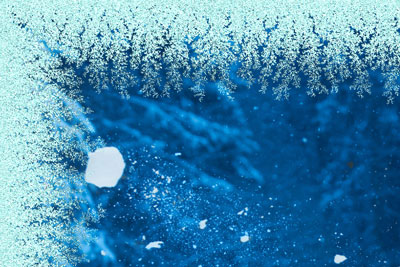
Fusión = 0%
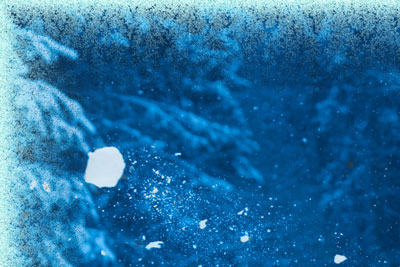
Fusión = 80%
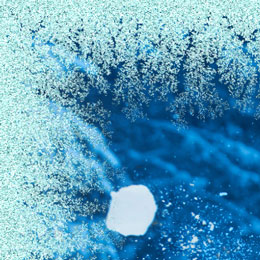
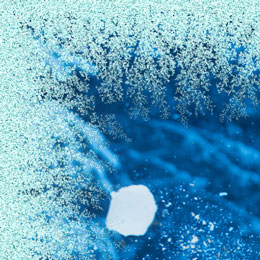
Densidad del hielo (1-50). El parámetro fija la densidad del hielo. Cuanto más alto es el valor del parámetro, más denso es el hielo. El hielo se inicia en el borde del marco, por lo tanto, la helada en el borde exterior es más denso que en el borde interior.
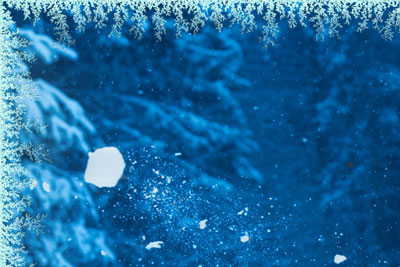
Densidad del hielo = 2
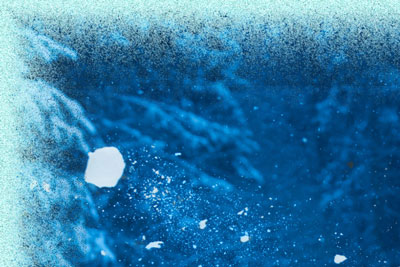
Densidad del hielo = 15
Sombra (0-100%). El parámetro fija el tamaño de la sombra del hielo. A 0 no hay sombras. Como se aumenta el valor, el tamaño de la sombra aumenta también. Los valores altos del parámetro dar volumen a la estructura.
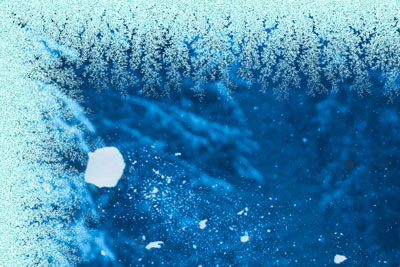
Sombra = 0%
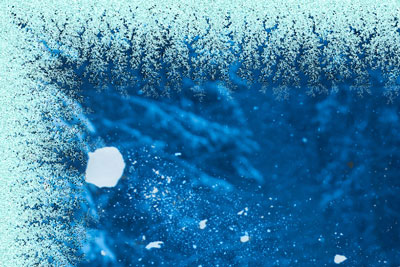
Sombra = 100%
Homogeneidad (1-200). El parámetro fija la cantidad de tonos de color utilizados en la generación del hielo. Cuanto más alto es el valor del parámetro, menos tonos se utilizan y el hielo tiene un aspecto más plano.
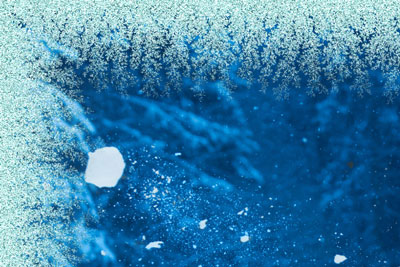
Homogeneidad = 50
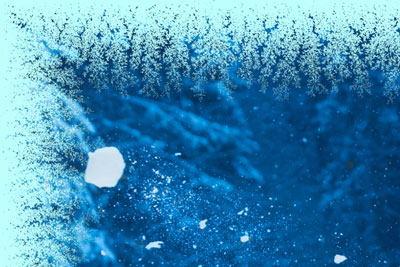
Homogeneidad = 200
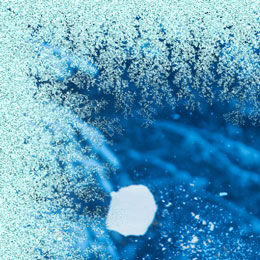
Número aleatorio (0-9999). Cada valor del parámetro crea una combinación única de cristales de hielo. Es el número inicial para el generador de números aleatorios que define la distribución de cristales.
ArtSuite v. 20.0 - Prueba gratuita de 10 días

