Cornice ghiacciata
La Cornice ghiacciata imita i cristalli di ghiaccio che si formano sui vetri delle finestre quando sono esposte a temperature sotto lo zero. Applicate questo effetto per aggiungere un po’ di freschezza invernale alle vostre immagini.
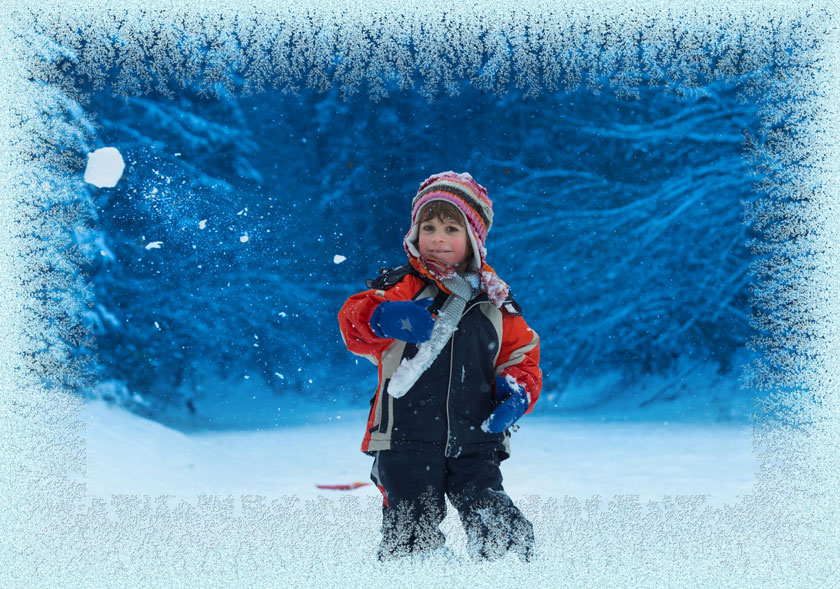
Cornice ghiacciata
Regolare i parametri:
Symmetrico. Quando la casella è selezionata, il modello del gelo è più regolare. È possibile disattivare la casella per ottenere un modello più complesso, ma aumenterà il tempo di elaborazione.
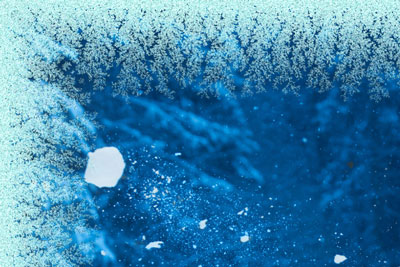
Casella "Simmetrico" selezionata
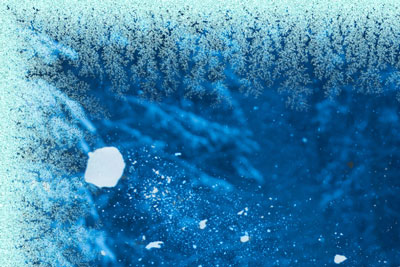
Casella "Simmetrico" disattivata
Colore ghiaccio. Questo parametro definisce il colore della cornice. Selezionare un colore facendo clic sulla casella rettangolare colore e sceglierne uno dalla finestra di dialogo Selezione colore.
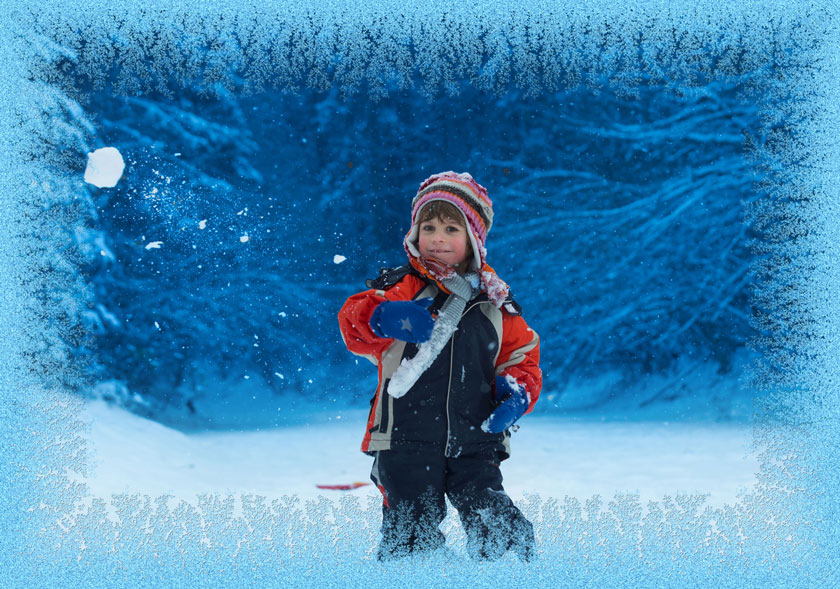
Ghiaccio colore rosa
Larghezza (10-100%). Questo parametro definisce l'area dell’immagine che sarà "congelata" creando una cornice. Al 100% la larghezza del bordo è un terzo della dimensione minima dell’immagine (in larghezza e altezza).
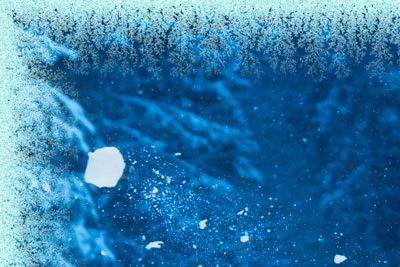
Larghezza = 20%
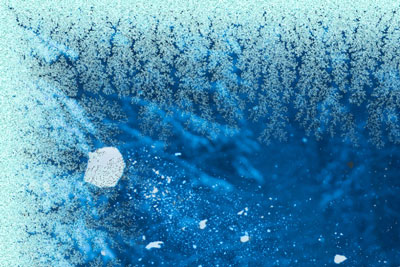
Larghezza = 75%
Livello congelamento (1-10). Questo parametro imposta l’intensità di solidificazione del ghiaccio. A 1 la cornice è delicatamente gelata, a 10 il congelamento è più intenso.
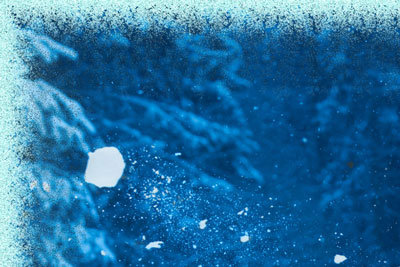
Livello congelamento = 1
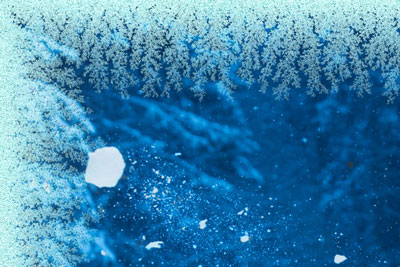
Livello congelamento = 10
Fusione (0-100). Questo parametro imposta lo stato del ghiaccio. Più alto è il valore più il ghiaccio sembra sciogliersi.
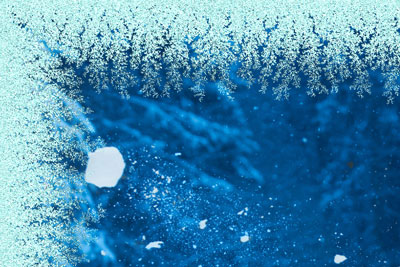
Fusione = 0%
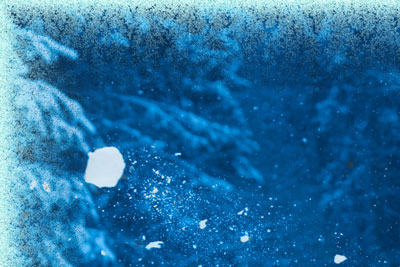
Fusione = 80%
Densità ghiaccio (1-50). Questo parametro imposta la densità del ghiaccio. Più alto è il valore più il ghiaccio è consistente. Il "congelamento" inizia sul bordo esterno della cornice, è per questo che all’esterno il gelo è più denso che all’interno.
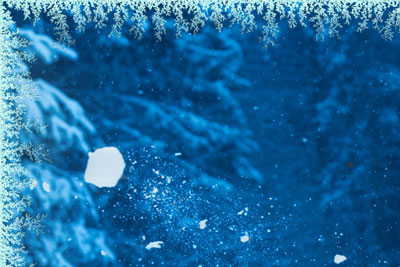
Densità ghiaccio = 2
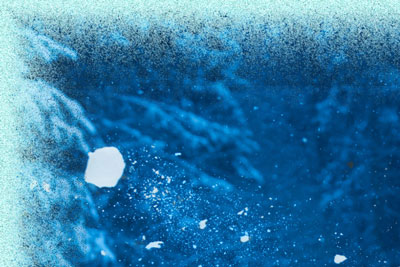
Densità ghiaccio = 15
Ombra (0-100%). Questo parametro imposta la dimensione dell’ombra che il ghiaccio crea. A 0 non ci sono ombre, aumentando il valore aumenta l’ombreggiatura. Elevati valori del parametro danno volume alla cornice.
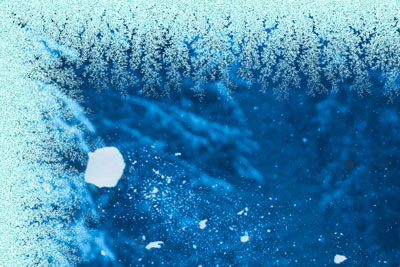
Ombra = 0%
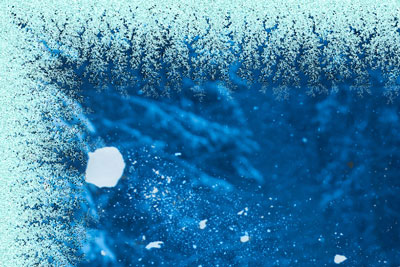
Ombra = 100%
Uniformità (1-200). Questo parametro imposta la quantità di sfumature di colore utilizzate durante la generazione del ghiaccio. I valori del parametro variano da 1 a 200. Più alto è il valore meno tonalità di colore sono utilizzate e il ghiaccio ha un aspetto piatto.
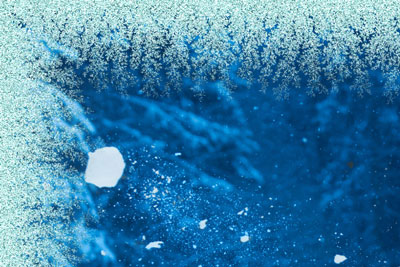
Uniformità = 50
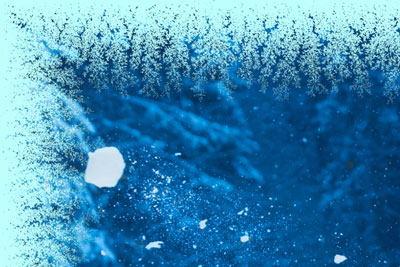
Uniformità = 200
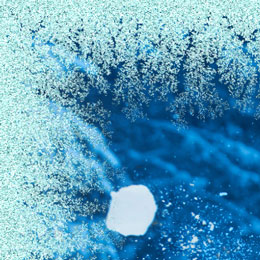
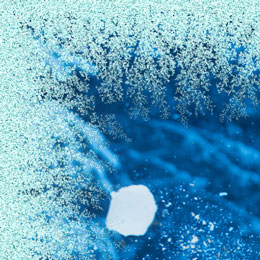
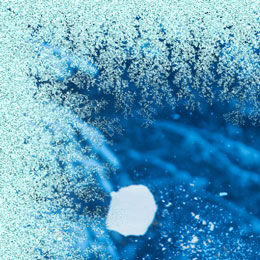
Effetti casuali (0-9999). Questo è il numero di partenza per il generatore di numeri casuali che crea un modello unico di ghiaccio sulla cornice. Ogni valore di questo parametro corrisponde ad una combinazione unica di cristalli di ghiaccio.
ArtSuite v. 21.1 - 10-giorni di prova gratuita
