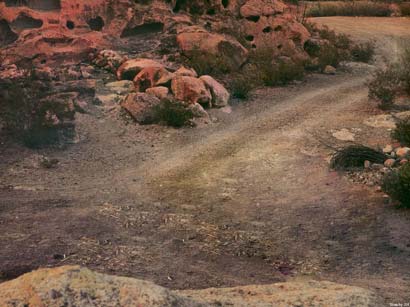
Removing a car from the landscape
The example was made in the old version of AKVIS Stamp.
Starting from version 4.0 the program is called AKVIS MultiBrush.
The tool used in this tutorial is now called the Chameleon Brush tool.
- Step 1. Open the photo with the landscape in your photo editor.
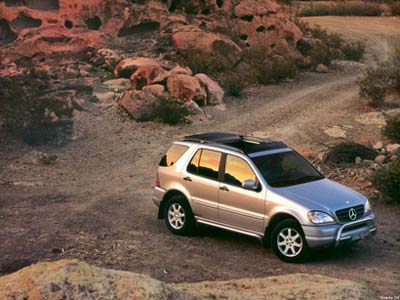
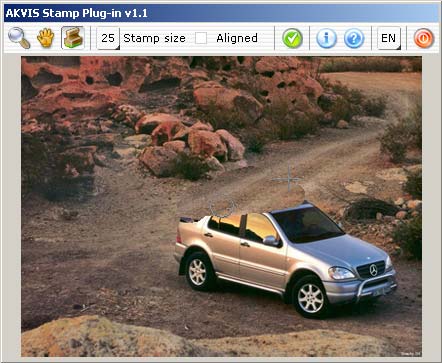
- Step 2. Call the plugin AKVIS Stamp. In Adobe Photoshop, you should select the menu item Filter - AKVIS - Stamp, in Jasc Paint Shop Pro - the menu item Effects - Plugins- AKVIS - Stamp; and in Corel Photo-Paint - Effects - AKVIS - Stamp.
- Step 3. Activate the Stamp tool by pressing the button
 and ajust the size of the brush.
- Step 4. Press the button ALT and choose a source for cloning by left-clicking on the sample area - the road over the car.
- Step 5. Apply strokes to clone the road pattern over the car. You can also sample patterns from other parts of the road.
- Step 6. Finally we smooth the surface of the road using the AKVIS Stamp tool.