Graphic software for Windows Mac graphic software  
AKVIS ニュースの購読を申し込むには, 電子メールアドレスを入力してください。
 
  
  プログラム     ダウンロード     サイバーショップ     チュートリアル     サポート     会社情報
en  fr  de  es  pt  it  jp  ru    
 

チュートリアル: AKVIS ArtSuite

Art gallery


あいにく, このページは英語にだけ使用可能です。日本語のバージョンは遠からず出ります。

Arts play an important role in the expression of inner thoughts and beauty in our life. There are so many genius painters in the wolrd history. They have presented true masterpieces to the world. But it is impossible to visit all museums and exhibitions.

Using AKVIS Frame Suite you can choose your favourite pictures, artists and create your own art gallery.

The author of this tutorial is Gordon Sisson. He used Adobe Photoshop, but you can work with any other photo editor compatible with AKVIS plugins or the standalone version of AKVIS Frame Suitе.

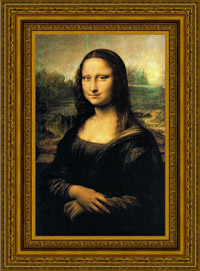
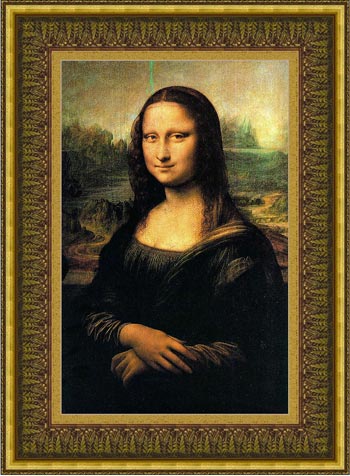
So let's start with Leonardo da Vinci and his famouse painting "Mona Lisa"

  • Step 1. Open an image in Adobe Photoshop.
  • Step 2. Call the plugin from the main menu of the photo editor Filters->AKVIS->Frame Suite.
  • Step 3. Let's choose the frame style from the drop menu Frame at the Setting Panel. The first will be the Classic style.
  • Step 4. Double click with the left mouse button on the texture window to open the Library.
  • Step 5. Double click on the appropriate texture.

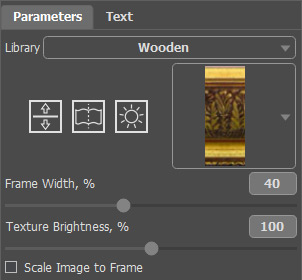
  • Step 6. Change the value of the parameters as shown below.
    Choose the appropriate frame
  • Step 7. Press the button Run to start the process of framing your image. The result will be shown in the After tab.
  • Step 8. Press the button Apply to apply the result and close the plugin window.
    Mona Lisa in the new frame
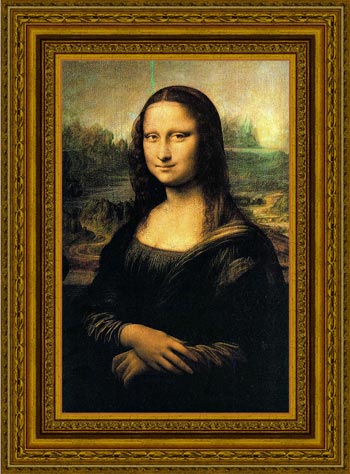
  • Here is the same picture, but we have changed the texture.

    Classic frame

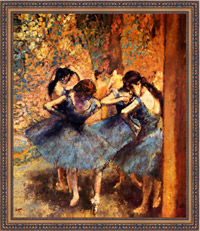
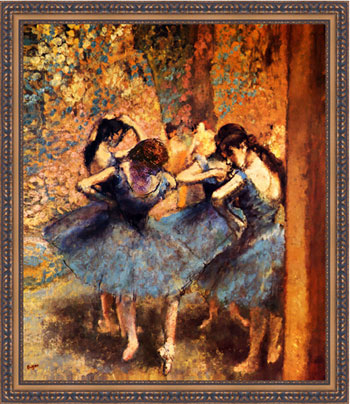
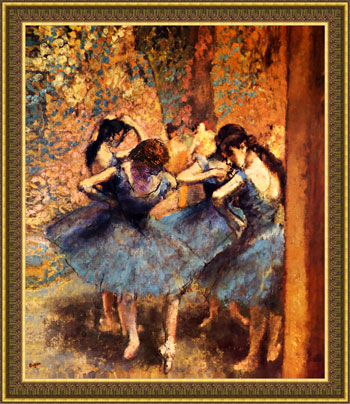
Let's take Edgar Degas "Dancers in Blue". This painting is calling us to dance with these ballet-dancers.

Here are the variantes of the frames:

Edgar Degas ‘Dancers in Blue’   Change the frame

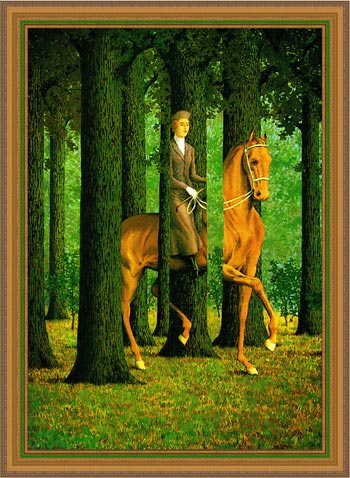
The next painting is Rene Magritte "The Blank Signature" that brings us to the world of absurdity and muddle.

Let's try to frame his painting in the different frames and then choose the most suitable one.

“The Blank Signature”   Another frame

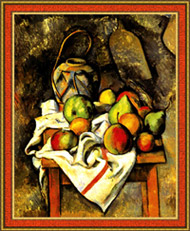
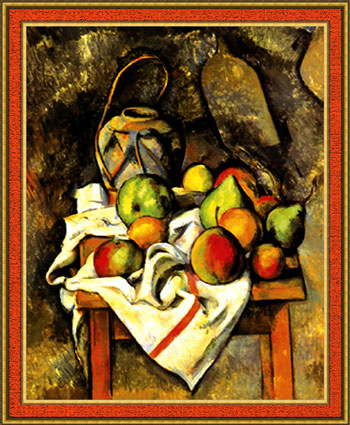
Here is Paul Cezanne’s "Ginger Jar and Fruit". This painting worths to be framed too.

Ginger Jar and Fruit

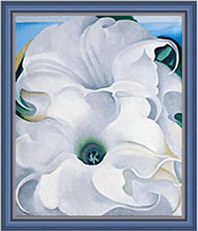
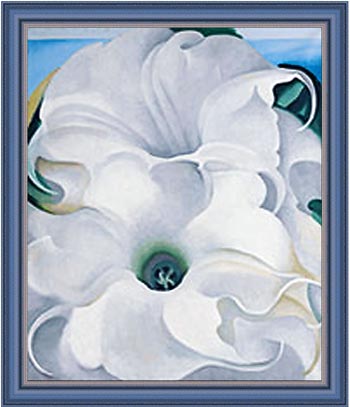
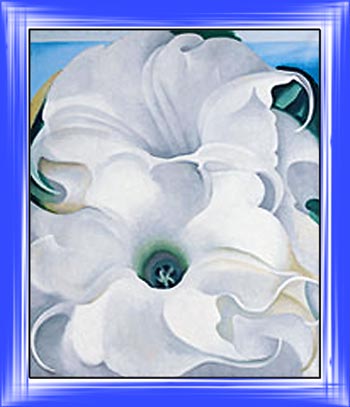
And the last but not at least is Georgia O’Keeffe’s "Bella Donna".

Here is another choice of a classic frame from the texture library:

Bella Donna

Let's try to use another style of the frame with "Bella Donna":

  • Step 1. Let's increase the canvas size. Call from the main menu of Adobe Photoshop Image->Canvas Size, set the values of the parameters and save them.
  • Step 2. Call the plugin AKVIS Frame Suite from the main menu of the photo editor.
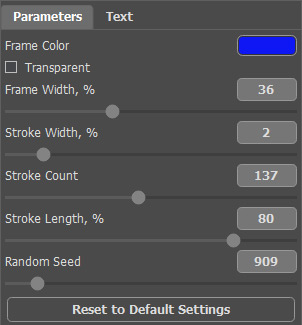
  • Step 3. We choose Classic frame for this painting but you can choose any other frame from the drop-down menu Frame and set the values of the parameters as shown below.
    Settings
  • Step 4. Press the button Run to start the process of the plugin and then press the button Apply to apply the result and close the plugin window

    Here is the result:

    Result

    You can try other frames.

There are enought styles, colors and frame types to experiment. Have fun!!!

 
操作方法 操作方法
   — ワークスペース — ワークスペース
   — 操作方法 — 操作方法
効果 効果
   — 白黒 — 白黒
   — カラーシフト — カラーシフト
   — チャンネルミキサー — チャンネルミキサー
   — テクスチャ — テクスチャ
   — 2つの基本 — 2つの基本
   — グラマー エフェクト — グラマー エフェクト
フレーム フレーム
   — クラシック フレーム — クラシック フレーム
   — パターン フレーム — パターン フレーム
   — ストローク — ストローク
   — スクラッチ — スクラッチ
   — 正方形フレーム — 正方形フレーム
   — ラグフレーム — ラグフレーム
   — スプレーフレーム — スプレーフレーム
   — 芸術的なフレーム — 芸術的なフレーム
   — ページカール — ページカール
   — 芸術的切り取り — 芸術的切り取り
   — 霜フレーム — 霜フレーム


   プライバシー | サイトマップ | Web サイトの検索 | English  | Français  | Deutsch  | Español  | Português  | Italiano  | 日本語  | Pусский  | © 2004-2008, AKVIS Software Inc. All rights reserved.