Cree su propia galería de arte
El arte desempeña un importante papel en la expresión de los pensamientos y la belleza en nuestra vida. Hay tantos grandes pintores en la historia del mundo… Ellos le han presentado verdaderas obras maestras al mundo. Sin embargo, es imposible visitar todos los museos y exhibiciones.
Utilizando AKVIS ArtSuite usted puede elegir sus pinturas y artistas favoritos y crear su propia galería de arte.

El autor de este tutorial es Gordon Sisson. El utilizó AliveColors, pero usted puede trabajar con cualquier otro editor gráfico que sea compatible con los plugins AKVIS o la versión Standalone de AKVIS ArtSuitе.
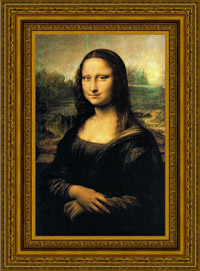
Así que empezamos con Leonardo da Vinci y su famosa pintura "Mona Lisa".
- Paso 1. Abra una imagen en AliveColors.
- Paso 2. Abra el plugin desde el menú principal del editor gráfico Efectos -> AKVIS -> ArtSuite.
- Paso 3. Elija el estilo del marco desde el menú desplegable Marcos en el Panel de configuración. El primero será el estilo Clásico.
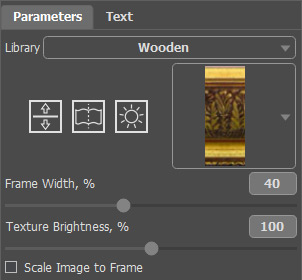
- Paso 4. Seleccione un grupo en la Biblioteca, clickee en la textura, y elija un patrón apropiado.
- Paso 5. Ajuste los parámetros del marco.
El resultado será mostrado en la pestaña Después.
- Paso 6. Presione el botón
 para aplicar los cambios y cerrar la ventana del plugin.
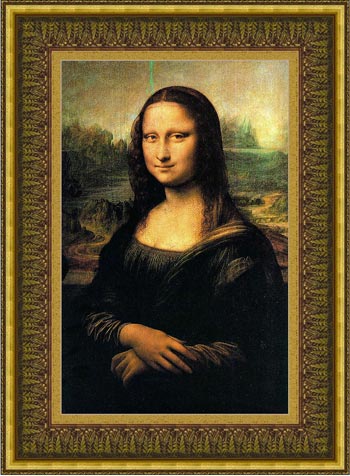
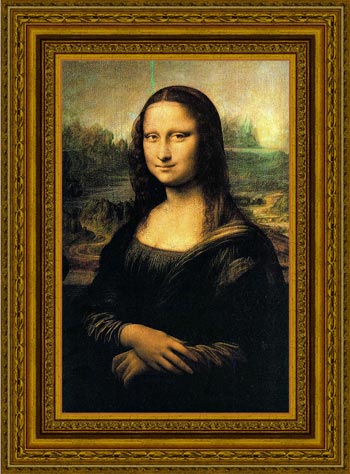
Aquí tenemos la misma pintura, pero le hemos cambiado la textura.
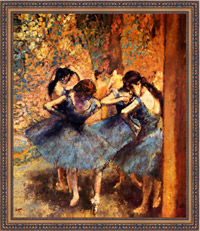
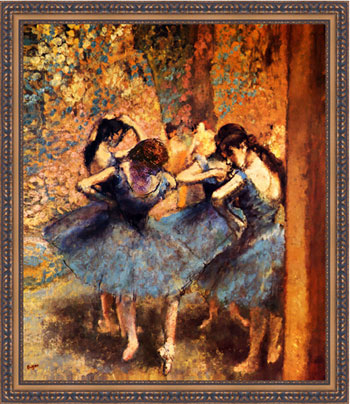
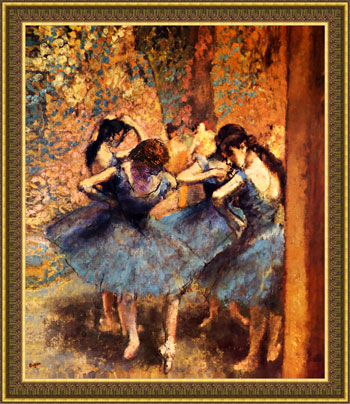
Tomamos la obra "Bailarinas azules" de Edgar Degas. Esta pintura nos está invitando a bailar con las bailarinas de ballet.
Aquí están las variantes de los marcos:
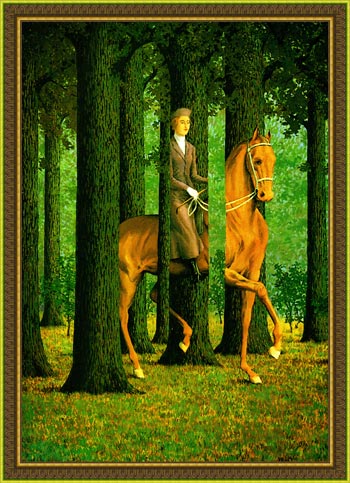
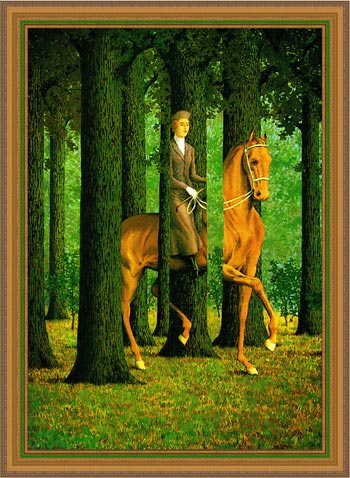
La próxima pintura es "Carta blanca" de Rene Magritte, que nos lleva al mundo de lo absurdo y la confusión.
Intentemos encuadrar su pintura con diferentes marcos y luego elegir el más adecuado.
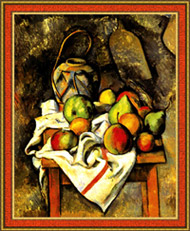
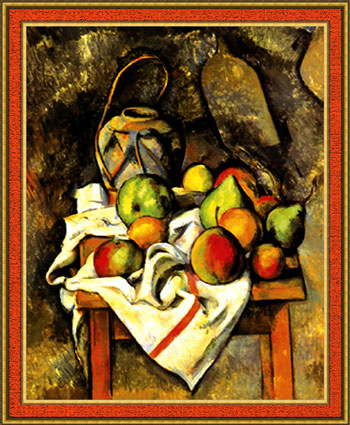
Aquí tenemos la obra "Tarro de jengibre y frutas" de Paul Cézanne. Esta pintura también merece ser encuadrada.
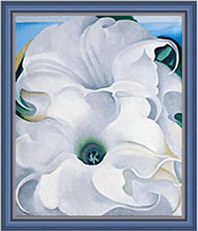
Y la última, pero no menos importante es la obra "Bella Donna" de Georgia O’Keeffe.
Aquí tenemos otra elección de un marco clásico de la biblioteca de textura:
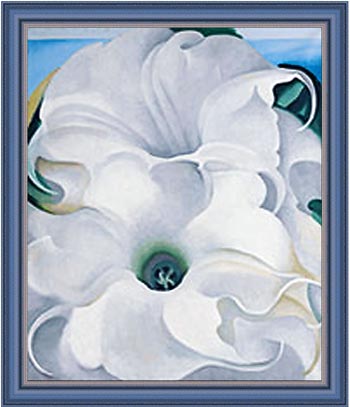
Intentamos utilizar otro estilo para el marco de "Bella Donna":
- Paso 1. Aumente el tamaño del lienzo. Abra Imagen -> Tamaño de lienzo desde el menú principal de AliveColors y establezca los valores de los parámetros y guárdelos.
- Paso 2. Abra el plugin AKVIS ArtSuite desde el menú principal del editor gráfico.
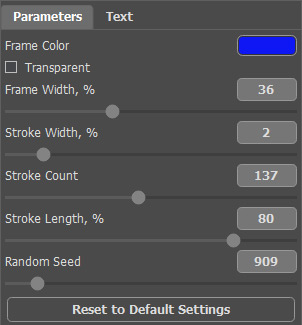
- Paso 3. Elija el marco Rayas para esta pintura, pero usted puede elegir cualquier otro marco del menú desplegable Marcos, y establezca los valores de los parámetros como se muestra a continuación.
- Paso 4. Aplique los cambios y cierre la ventana del plugin.
Aquí está el resultado:
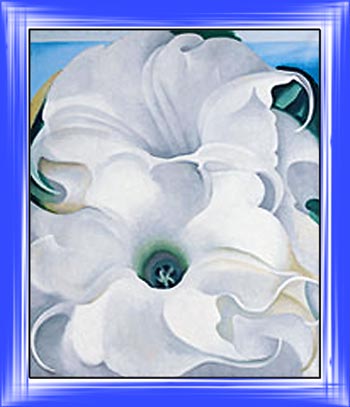
Usted puede probar otros marcos.
Hay mochos estilos, colores y tipos de marcos para experimentar ¡Diviértase!
ArtSuite v. 21.1 - Prueba gratuita de 10 días
