Frog Prince House: Fun Patterned Frame


Ingrese su email para suscribirse a la lista de AKVIS.
 
 
  Productos     Descargar     Tienda online     Tutorial     Apoyo técnico     Compañia      Área de clientes
en  fr  de  es  pt  it  jp  ru    
 

Tutorial: AKVIS ArtSuite

Frog Prince House


Esta información está disponible solamente en inglés. La version en español aparecerá pronto.

The author of this tutorial is Holger Gerlach.

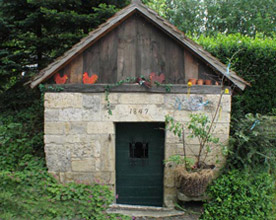
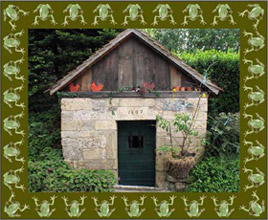
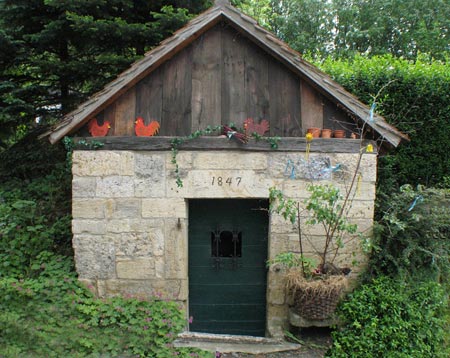
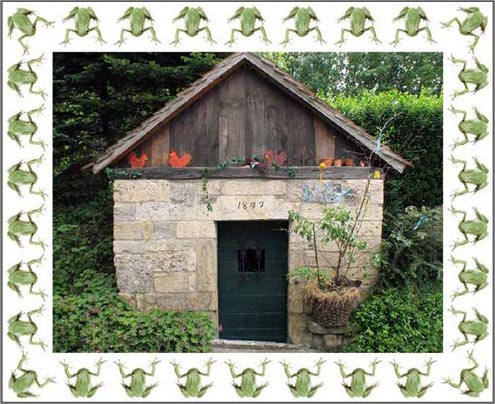
Everything in the world has a birthday: people, buildings, cultural events... The photo was made at the 160th anniversary of the well that is shown at the image below. Let's frame this image using AKVIS ArtSuite.

Original image Result

This tutorial was made in Adobe Photoshop, but you can work with any photo editor compatible with AKVIS plugins, or use the standalone version of AKVIS ArtSuite.

  • Step 1. Open your image in the photo editor.
    Old well
  • Step 2. Call AKVIS ArtSuite from the main menu of the photo editor Filter->AKVIS->ArtSuite.
  • Step 3. Choose Frame from the drop menu and choose the frame type Pattern.
    Choose a frame
  • Step 4. Select a pattern from the Library.
    Choose a texture
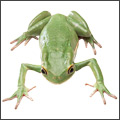
  • Step 5. Select a texture from the Texture Library. To open the Texture Library click with the left mouse button on the sample box. Let's choose a frog.
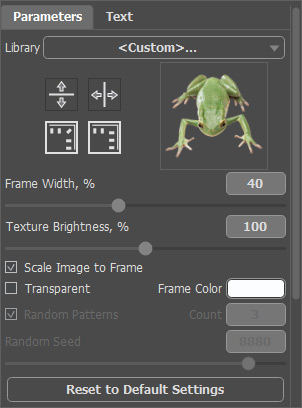
  • Step 6. In the Settings panel put Frame Width to 52% and activate the check box Scale Image to Frame. Other parameters stay the same.
    Set the parameters

    The result will be shown in the After tab.

    Frame
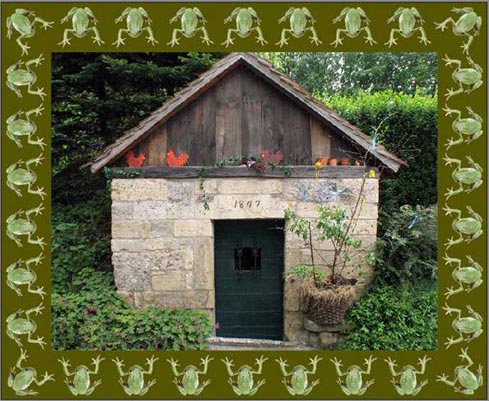
  • Step 7. Change the color of the frame. Left-mouse click on the Frame Color and set a color from the Standard Color Selection Dialog. The hemp color is more suitable for us.
    Change a color

    Our frame is ready!

    Framed image
    Press the button to apply the result and close the plugin window.
 
Cómo funciona Cómo funciona
   — Área de trabajo — Área de trabajo
   — Utilizar el programa — Utilizar el programa
   — Opciones — Opciones
Efectos Efectos
   — Blanco y negro — Blanco y negro
   — Desplazar colores — Desplazar colores
   — Mezclar canales — Mezclar canales
   — Textura — Textura
   — Glamour — Glamour
   — Dos claves — Dos claves
Marcos para fotos Marcos para fotos
   — Clásico — Clásico
   — Patrones — Patrones
   — Rayas — Rayas
   — Arañazos — Arañazos
   — Esquina doblada — Esquina doblada
   — Cuadrados — Cuadrados
   — Roto — Roto
   — Spray — Spray
   — Artístico — Artístico
   — Recorte artístico — Recorte artístico
   — Escarcha — Escarcha
   — Pintado a mano — Pintado a mano
Ejemplos Ejemplos
   — ¡Feliz Año Nuevo! El año del Tiger — ¡Feliz Año Nuevo! El año del Tiger


volver arriba


   Política de privacidad | Mapa Web | Buscar    
   Contáctenos | Twitter | Facebook | YouTube Channel    
| English  |Français  |Deutsch  | Español  |Português  |Italiano  |日本語  |Pусский  | © 2004-2012 AKVIS. Todos los derechos reservados.