Frog Prince House
Questa pagina al momento è usufruibile in lingua inglese. La versione italiana sarà presto disponibile.
The author of this tutorial is Holger Gerlach.
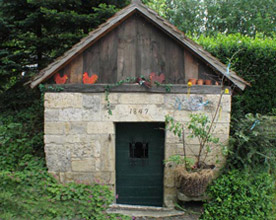
Everything in the world has a birthday: people, buildings, cultural events... The photo was made at the 160th anniversary of the well that is shown at the image below. Let's frame this image using AKVIS ArtSuite.
 |
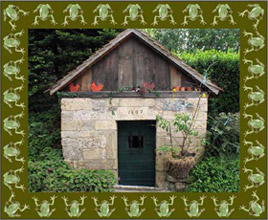 |
| Original image | Result |
This tutorial was made in AliveColors, but you can work with any photo editor compatible with AKVIS plugins, or use the standalone version of AKVIS ArtSuite.
- Step 1. Open your image in the photo editor.
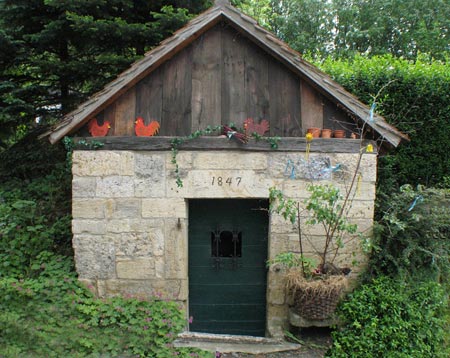
- Step 2. Call AKVIS ArtSuite from the main menu of the photo editor Effects -> AKVIS -> ArtSuite.
- Step 3. Choose Frame from the drop menu and choose the frame type Pattern.
- Step 4. In the Settings Panel put Frame Width to 52% and activate the chech-box Scale Image to Frame. Other parameters stay the same.
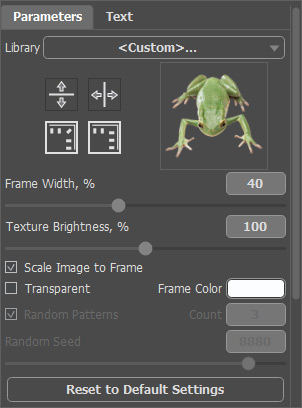
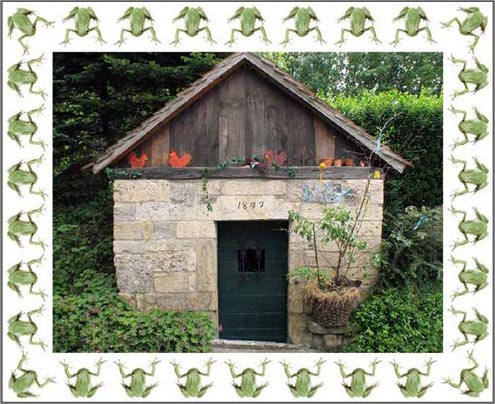
The result will be shown in the After tab.
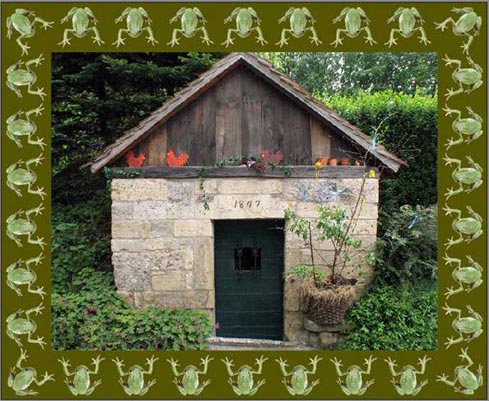
- Step 5. Change the color of the frame. Click on the Frame Color with the left button of your mouse and set a color from the Select Color dialog. The hemp color is more suitable for us.

Our frame is ready!
Press the button
 to apply the result and close the plugin window.
ArtSuite v. 21.1 - 10-giorni di prova gratuita
