La maison du Prince Grenouille
L'auteur de ce tutoriel est Holger Gerlach.
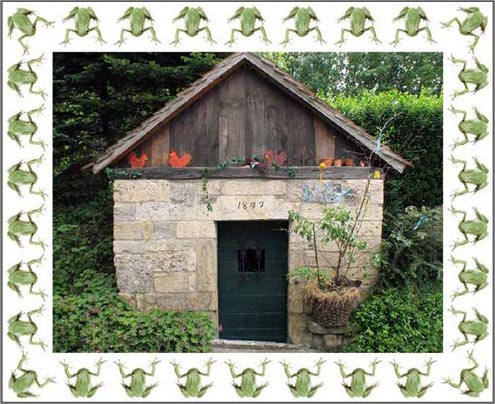
Tout dans le monde a un anniversaire : des personnes, des bâtiments, des événements culturels... Cette photo a été faite lors du 160e anniversaire du puits qui est montré à l'image ci-dessous. Nous allons encadrer cette image en utilisant AKVIS ArtSuite.
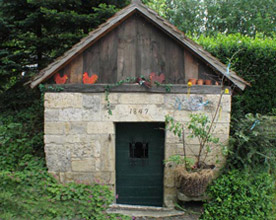
Image originale
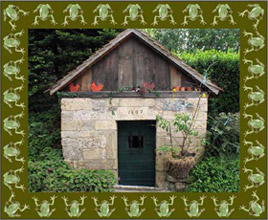
Résultat
L'auteur de ce tutoriel a utilisé AliveColors, mais vous pouvez travailler avec n'importe quel autre logiciel de retouche photo qu'il est compatible avec les plug-ins de AKVIS. Vous pouvez également utiliser la version autonome (standalone) de AKVIS ArtSuite.
- Étape 1. Ouvrez une image dans un logiciel de retouche photo.
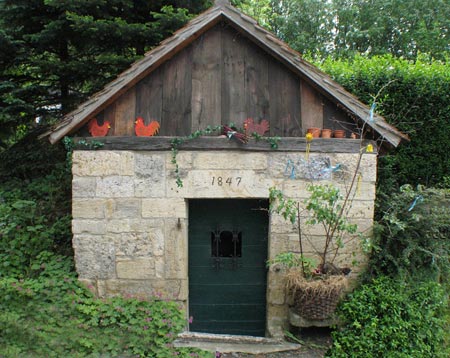
- Étape 2. Activez le plugin à partir du menu principal du logiciel : Effets -> AKVIS -> ArtSuite.
- Étape 3. Choisissez le style de cadre dans le menu déroulant Cadre : Motifs.
- Étape 4. Dans le panneau Paramètres mettez la valeur du paramètre Largeur du cadre à 52% et activez la case à cocher Ajuster l'image au cadre. Les autres paramètres restent les mêmes.
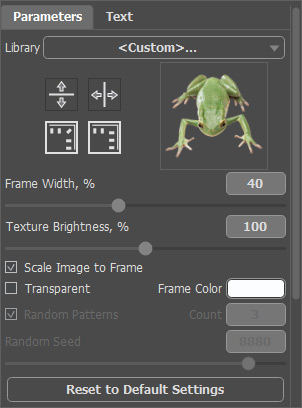
Le résultat sera affiché dans le tab Après.
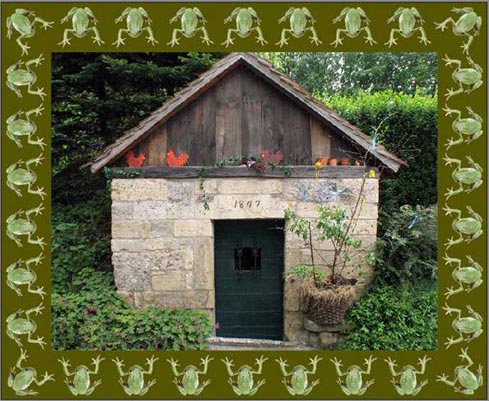
- Étape 5. Changez la couleur du cadre. Pour ce faire, double-cliquez sur la couleur de la palette et sélectionnez une nouvelle couleur dans la fenêtre qui s'ouvre. La couleur de chanvre est plus approprié pour nous.

Notre cadre est prêt !
- Étape 6. Appuyez sur la touche
 pour appliquer le résultat et fermer la fenêtre du plugin.
ArtSuite v. 21.1 - 10 jours d'essai
