La galerie d'Art
L'art joue un rôle important dans l'expression de nos pensées et dans la beauté de notre vie. Il y a tant de peintres de génie dans l'histoire du monde. Ceux-ci ont présenté de véritables chefs-d'œuvre au monde. Mais il est impossible de visiter tous les musées et toutes les expositions.
Avec AKVIS ArtSuite vous pouvez choisir vos sujets préférés, les artistes et créer votre propre galerie d'art.

L'auteur de ce tutoriel s'appelle Gordon Sisson. Il a utilisé AliveColors, mais vous pouvez travailler avec n'importe quel autre logiciel de retouche photo pourvu qu'il soit compatible avec AKVIS plugins. Vous pouvez également utiliser la version autonome (standalone) de AKVIS ArtSuitе.
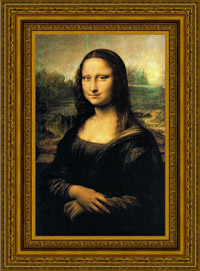
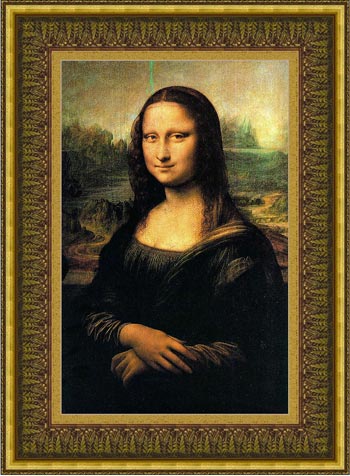
Commençons donc avec Leonardo da Vinci et sa fameuse peinture "Mona Lisa" :
- Étape 1. Ouvrez une image dans AliveColors.
- Étape 2. Activez le plugin à partir du menu principal du logiciel : Effets -> AKVIS -> ArtSuite.
- Étape 3. Choisissez le style de cadre dans le menu déroulant Cadre du Panneau de Configuration. Le premier sera du type Classique.
- Étape 4. Cliquez avec le bouton gauche de la souris sur la fenêtre de texture pour ouvrir la Bibliothèque.
- Étape 5. Cliquez sur la texture appropriée.
- Étape 6. Modifiez la valeur des paramètres comme indiqué ci-dessous.
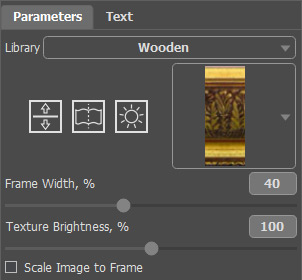
Le résultat sera affiché dans le tab Après.
- Étape 7. Appuyez sur le bouton
 pour accepter le résultat et fermez la fenêtre du plugin.
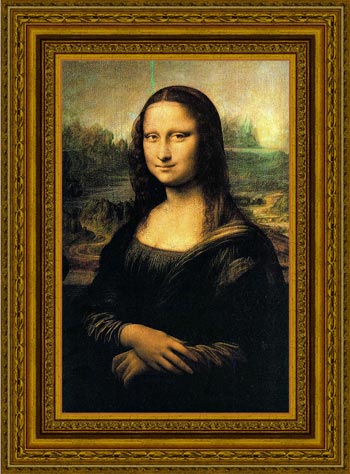
Voici la même image, mais nous avons changé la texture.
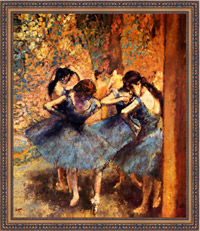
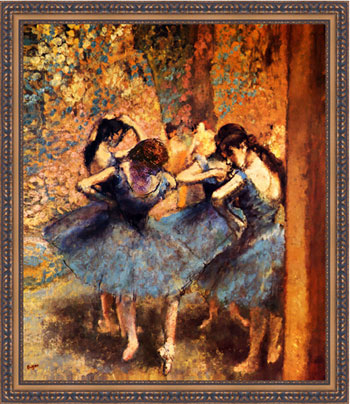
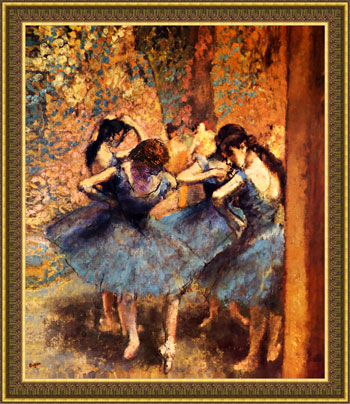
Prenons maintenant l'image de "Danseurs Bleus" du peintre Edgar Degas. Cette peinture nous appelle à la danse avec ces danseuses de ballet.
Voici quelques variantes de cadres utilisés :
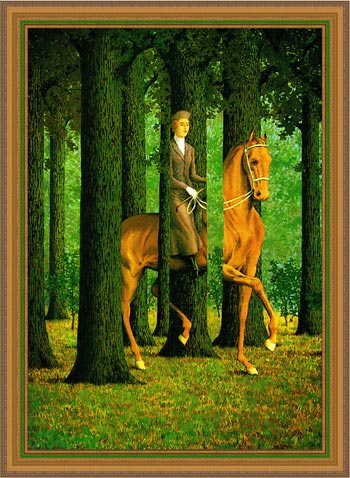
Le tableau suivant est "Le blanc-seing" peint par Rene Magritte. Il nous amène au monde de l'absurdité et la confusion.
Essayons de formuler ces peintures dans des cadres différents et ensuite choisir la plus appropriée.

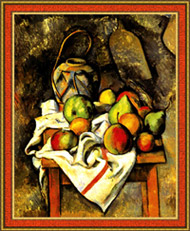
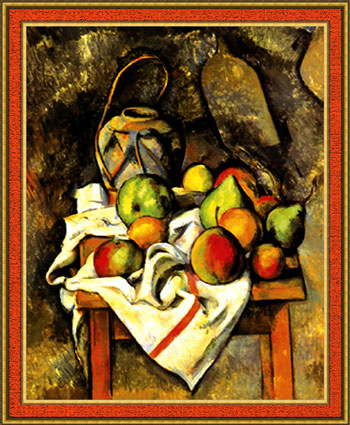
Voici “Le vase paille” peint par Paul Cézanne. Cette peinture est également mise en valeur par un cadre.
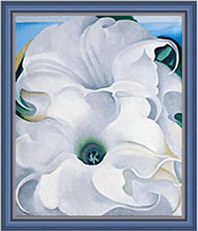
Et le dernier mais non le moindre est "Bella Donna" créée par Georgia O’Keeffe.
Voici un autre choix d'un cadre classique de la bibliothèque de texture :
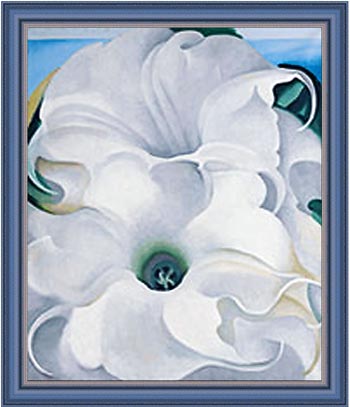
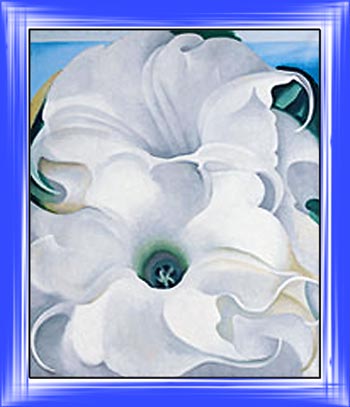
Essayons maintenant d'utiliser un autre style de cadre avec "Bella Donna":
- Étape 1. Augmentez la taille du canevas. Appelez Image -> Taille de la zone de travail à partir du menu principal de AliveColors, définissez les valeurs des paramètres et enregistrez les.
- Étape 2. Appelez le plugin AKVIS ArtSuite à partir du menu principal du logiciel de retouche photo.
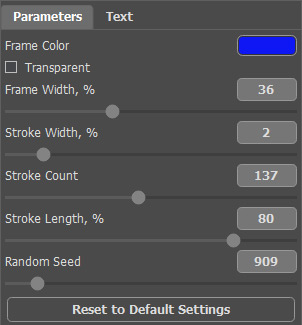
- Étape 3. Nous choisissons le cadre Traits pour cette peinture, mais vous pouvez choisir n'importe quel autre cadre du menu déroulant Cadre et définir les valeurs des paramètres comme indiqué ci-dessous.
- Étape 4. Appliquez le résultat et fermez la fenêtre du plugin.
Voici le résultat :
Vous pouvez essayer beaucoup d'autres cadres.
Il existe suffisamment de styles, de couleurs et types de cadres à expérimenter. Ayez beaucoup de plaisir à les essayer !
ArtSuite v. 21.1 - 10 jours d'essai
