Marco Roto
El marco Roto consiste en partículas aleatorias de tamaño medio que crean un efecto de bordes rotos. El ancho del marco, el número y el nivel de fusión de las partículas pueden ser establecidos en el Panel de ajustes.
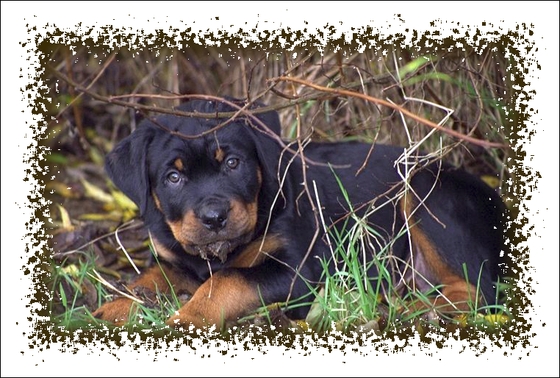
El Panel de ajustes ofrece los siguientes parámetros para ajustar el marco digital.
Color del marco. Este parámetro determina el color del marco. Seleccione un color haciendo doble clic en el rectángulo de color y eligiendo un color del Diálogo estándar de selección de color.
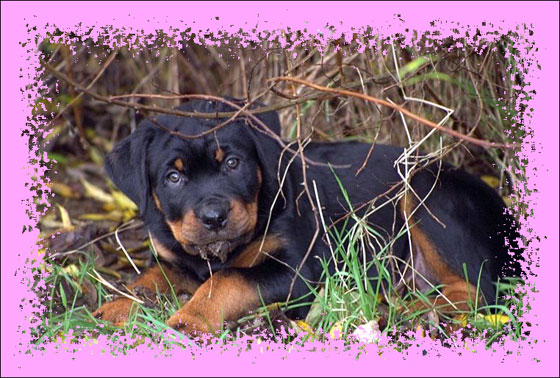
Color de rosa
Transparente. Cuando la casilla Transparente está marcada, las partes de la imagen bajo el marco se ponen transparentes. Esto es práctico si tiene una imagen con varias capas; de este modo, la imagen en la capa inferior es visible y sirve de marco.
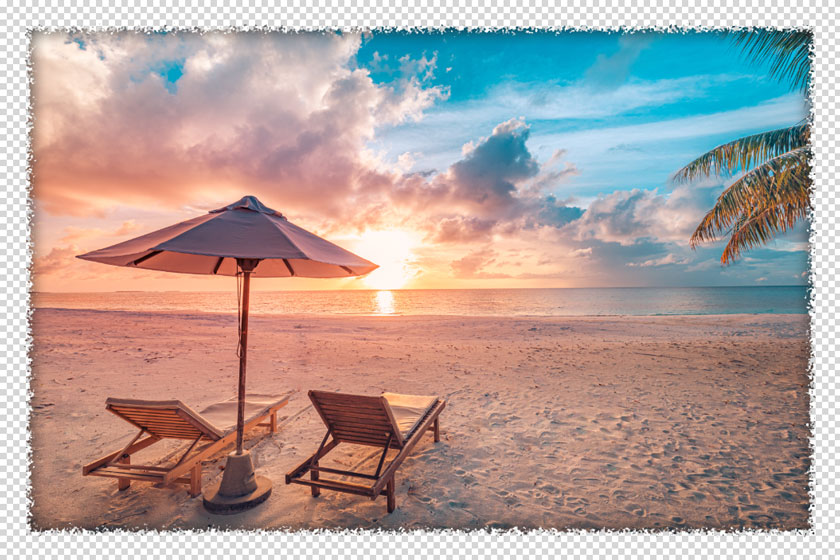
la casilla Transparente está marcada
Ancho del marco (0-100%). Este parámetro establece el ancho del marco. En 0% no hay marco, en 100 % el ancho del marco es una cuarta parte de la medida mínima de la imagen (en lo que se refiere a su ancho o altura). Por ejemplo, para una imagen de 600 x 800 pixeles, el ancho de 100 % del marco se calcula como sigue: 1/4 de la medida mínima (600 pixeles en la altura) es 150 pixeles.
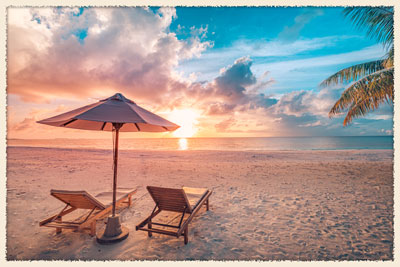
Ancho del marco = 15%
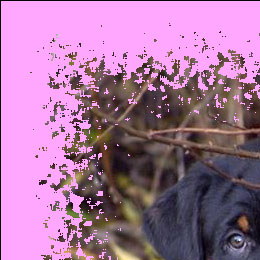
Ancho del marco = 100%
Nivel de fusión (0-8). El parámetro define el nivel de fusión de las partículas en el borde interior del marco. En Nivel de fusión = 0, el marco consiste en pequeñas partículas aleatorias; cuando se aumenta el valor, las partículas se hacen más grandes y se funden para formar un marco rasgado.
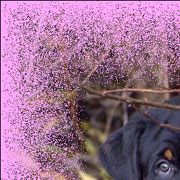
Nivel de fusión = 0
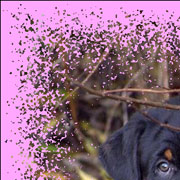
Nivel de fusión = 1
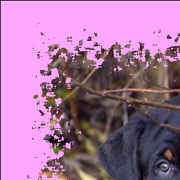
Nivel de fusión = 3
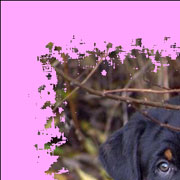
Nivel de fusión = 4
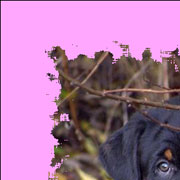
Nivel de fusión = 6
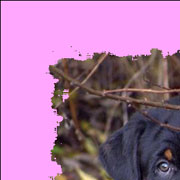
Nivel de fusión˙ = 8
Número aleatorio (0-9999). Es el número inicial para el generador de números aleatorios que define la distribución de partículas. Cada número corresponde a una distribución particular de las partículas (siempre y cuando todos los demás parámetros permanezcan igual).
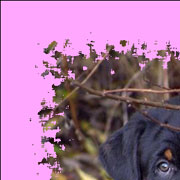
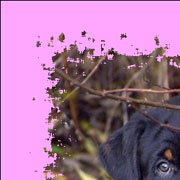
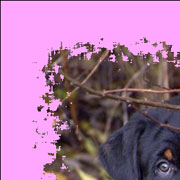
Color de borde. El parámetro determina el color de brillo en el borde interior del marco. Es posible crear un efecto de sombra al elegir un color oscuro. Para cambiar el color, haga clic en la placa de color y seleccione una nueva en el cuadro de diálogo Seleccionar color.
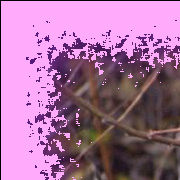
Color de borde = Morado

Color de borde = Blanco
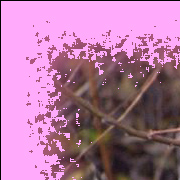
Color de borde = Morado claro
Intensidad de resplandor (0-100). El parámetro especifica el ancho y el brillo del efecto de resplandor.
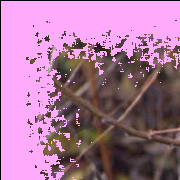
Intensidad de resplandor = 0
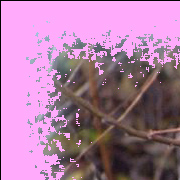
Intensidad de resplandor = 40
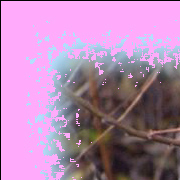
Intensidad de resplandor = 90
ArtSuite v. 20.0 - Prueba gratuita de 10 días

