Technical illustration
AKVIS Enhancer is useful not only for correction of family and art photos, but can be effective as well in technical use. Publishers of technical literature can apply Enhancer to show equipment illustrations in detail; doctors can use the program to increase the level of detail on roentgenograms, etc.
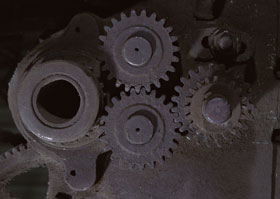
Before
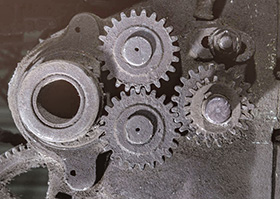
After
-
Step 1. Open this technical illustration in AKVIS Enhancer.
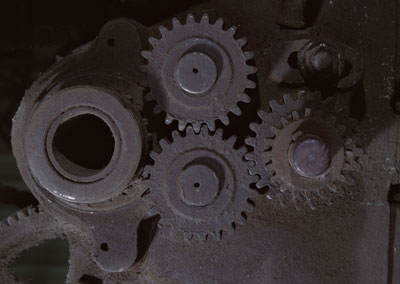
-
Step 2. Choose Improve Detail mode and select one of the built-in presets or customize the settings to your liking.
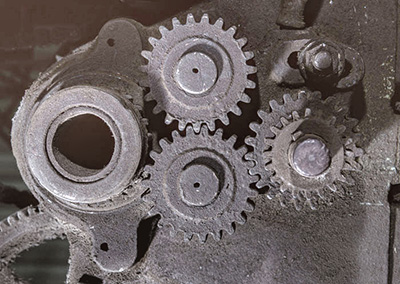
- Step 3. Save the result.
After processing in AKVIS Enhancer the image has become clearer and the level of detail has increased. Now you can see every detail of the gear as well as scratches and the roughness of its surface.
Enhancer v. 17.8 - Free 10-day Trial
