Remove smog from the photo
The author of the example is Catherine Schulthies. She took the photo in Italy. Unfortunately, on that day there was smog in the air and the photo doesn't show the mountains in the background.
Catherine applied AKVIS Enhancer to improve the photo and remove the smog.
AKVIS Enhancer did a good job - it revealed details on the pictures, and the mountains in the background became visible.

Original Photo
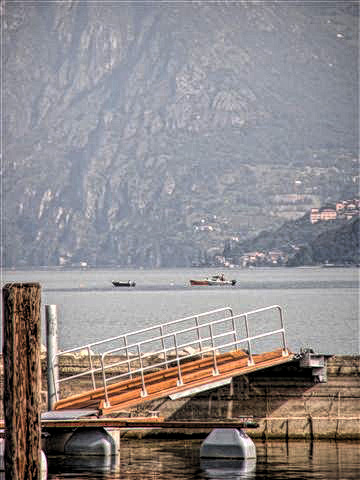
After Using Improve Detail Mode
Enhancer v. 17.8 - Free 10-day Trial
