Town at Night: Fix a Dark Photo
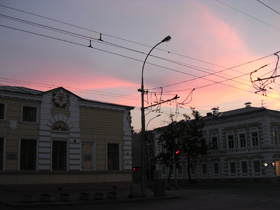
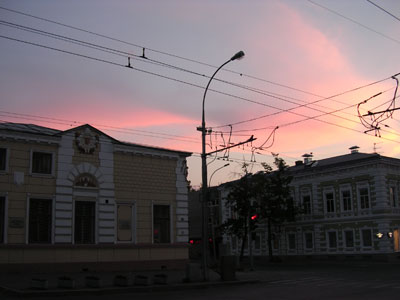
Shooting with automatic settings at night doesn’t produce good results. At dusk the streets of the town are already gloomy, while the sky still glows with the last rays of the sun. The automatic settings focus on the sky, as a result the other parts of the shot are too dark. You can easily fix such photos with AKVIS Enhancer.
 |
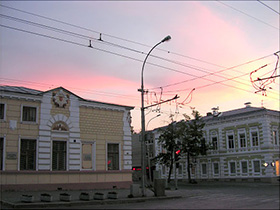 |
| Before | After |
-
Step 1. Open the original photo of a night town in AKVIS Enhancer.
-
Step 2. Select the Improve Detail mode and adjust the parameters.
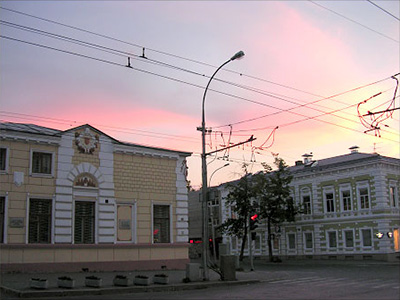
- Step 3. That's all! Now you can save the image.
Enhancer v. 17.7 - Free 10-day Trial
