Archery
Though the photo is not bad, it stills needs to be improved. We want to encrease the contrast and reveal detail on the dark areas without spoiling the light parts. It's ease to achieve with AKVIS Enhancer.
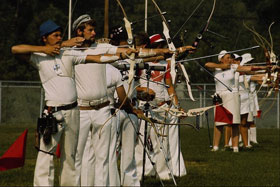
|
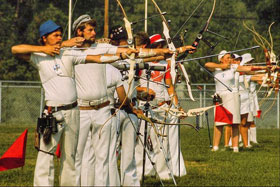
|
| Before | After |
- Step 1. If you use AKVIS Enhancer in its standalone edition, run the program and open the original photo.
If you use the plugin version of Enhancer, open the image in your photo editor and call the Enhancer plugin from the Filter menu.
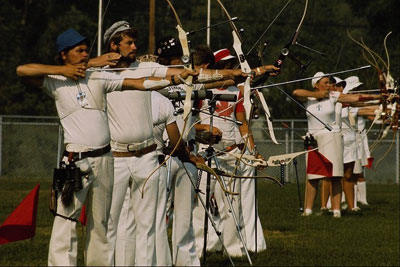
- Step 2. In Improve Detail mode we make adjustments until the image looks as desired.
Now the details in the shadows are visible, while the level of detail in the bright parts of the image haven't worsened. The photo gains in clearness and contrast.
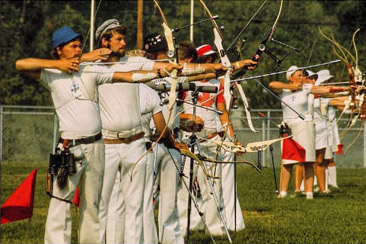
- Step 3. Now you can save the image
 .
.
If you work with the plugin version, apply the changes with
 .
.
Enhancer v. 17.8 - Free 10-day Trial
