Tiro con l’arco
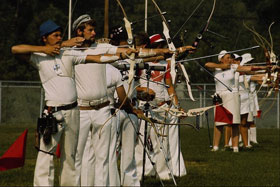
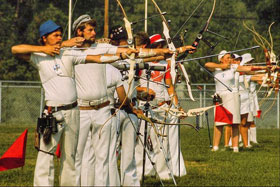
Anche se questa foto non è male c'è sempre spazio per migliorarla. Vogliamo d'aumentare il contrasto e migliorare i dettagli sulle aree scure senza guastare le parti di luce. Questo è facile da fare con AKVIS Enhancer.
|
|
| Fotografia originale | Risultato dopo la correzione |
- Passaggio 1. Se si utilizza la versione standalone di AKVIS Enhancer, eseguire il programma e aprire l’immagine originale.
Se si utilizza la versione plugin, aprire la foto nell’editor grafico e poi selezionare il plugin Enhancer.
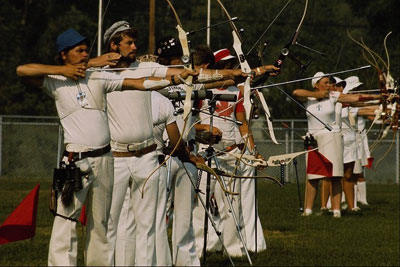
- Passaggio 2. In modalità Migliorare i dettagli impostare i valori dei parametri.
Adesso i dettagli nell’ombra sono perfettamente visibili, mentre quelli delle aree luminose sono rimasti inalterati. La fotografia ha sicuramente guadagnato in luminosità, nitidezza e contrasto.
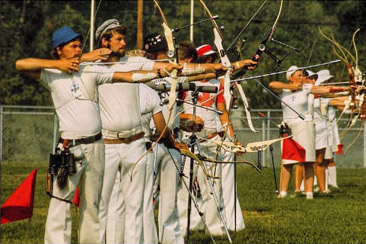
- Passaggio 3.
Se si lavora con la versione plugin, applicare le modifiche premendo su
 .
Salvare l'immagine.
.
Salvare l'immagine.
Enhancer v. 17.8 - 10-giorni di prova gratuita
