Comics Technique
The Comics effect lets you replicate works of famous comics artists with just a few clicks. This effect reduces the tones of the photo to create an image similar to a poster or a cartoon. A similar effect is achieved from rotoscoping - a time-lapse filming method (this method was used to create the famous animated film "A Scanner Darkly").
A posterized image has a limited number of tones (colors). Due to the lack of halftones it looks similar to a poster. This technique is widely used in art photography to achieve such an effect.
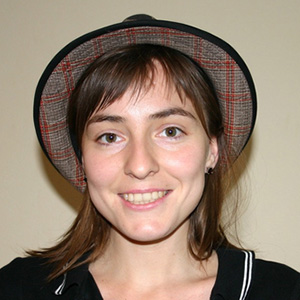
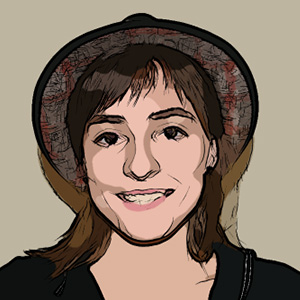
In the Painting tab you can adjust the parameters to convert a photo into an image in a style similar to comics art.
The parameters of this effect are grouped in two sections: Image and Outlines.
Image:
These parameters affect the simplification of the painting and the reproduction of colors:
Radius of Simplicity (0-20) - degree of posterization of the image. This parameter effects the size of the area which is simplified. The higher the value, the more homogeneous areas become. This effect is especially evident with a high value of the Blur Parameter. The higher the value of Blur, the greater the Radius of Simplicity.
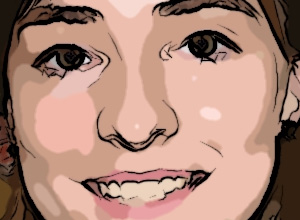
Radius of Simplicity = 2
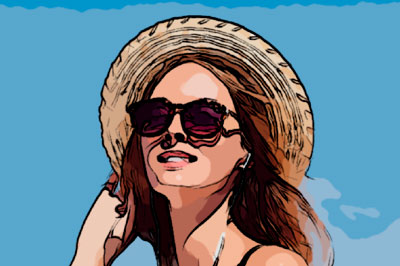
Radius of Simplicity = 18
Blur (0-100). Smoothness of an image by blurring similar colors in homogeneous areas.
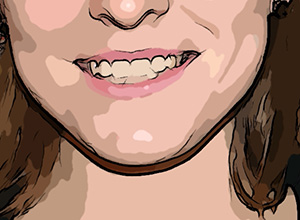
Blur = 20
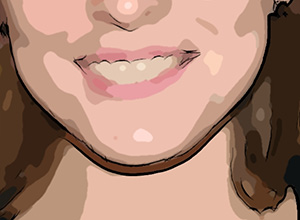
Blur = 80
Posterizing (0-100) - The association of similarly colored pixels. This parameter effects the number of distinguishable colors during simplification. At higher values of this parameter, fewer colors are used, and the image becomes more uniform and flat.
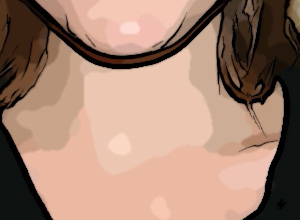
Posterizing = 10
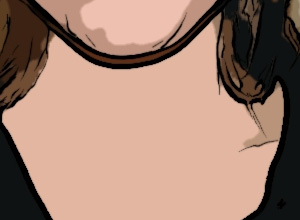
Posterizing = 70
Smoothing (0-10) - This parameter determines the smoothness of lines dividing posterized colors: the higher the value, the smoother the lines between these areas. At lower values the border between colors becomes more "jagged".
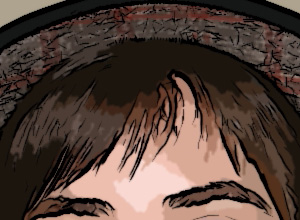
Smoothing = 1
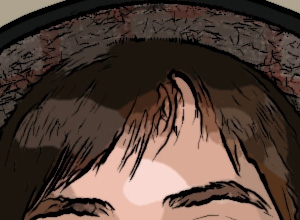
Smoothing = 9
Outlines:
Activating the Outlines check box adds black boundary lines to the image and activates settings for these boundaries.
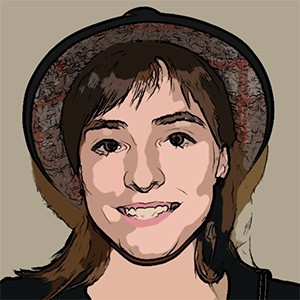
"Outlines" Check Box Activated
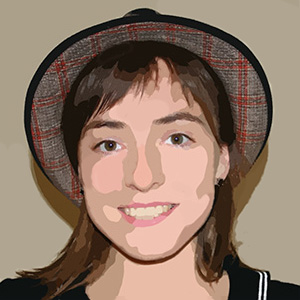
"Outlines" Check Box Deactivated
Level of Detail (1-100) – level of detail and strokes that form the border.
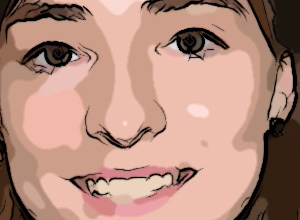
Level of Detail = 30
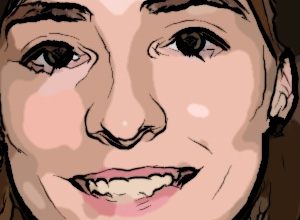
Level of Detail = 45
Sensitivity (0-100) – This parameter affects the intensity of boundary lines. The higher the value of this parameter, the more lines are applied to the image. The value should be reduced to remove extra lines.
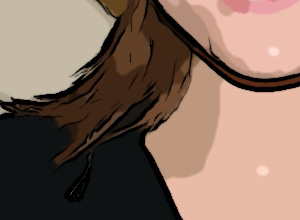
Sensitivity = 50
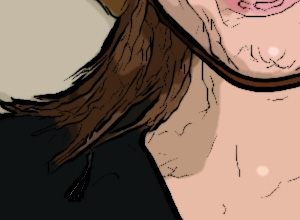
Sensitivity = 90
Thickness (1-100) - This parameter affects the thickness of the black boundary lines. At the minimum value lines are one pixel in width, while increasing the value makes lines thicker.
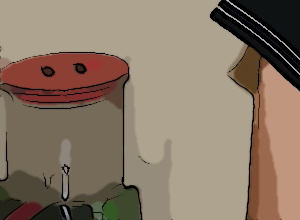
Thickness = 20
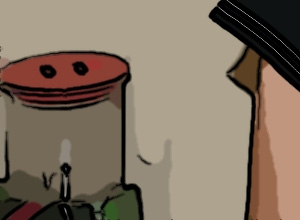
Thickness = 90
Definition (0-8) – This parameter affects the size, appearance, and position of lines, as well as how lines define areas of an image. At higher values of this parameter more lines are used and the details of an image are more defined.
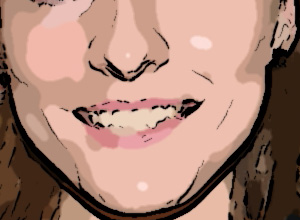
Definition = 1
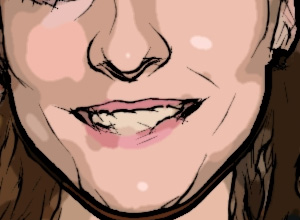
Definition = 7
Sharpen (0-100) – This parameter affects the sharpness of lines. At higher values lines have more clarity and more vividly and accurately trace areas. At lower values lines become thicker and blurred.
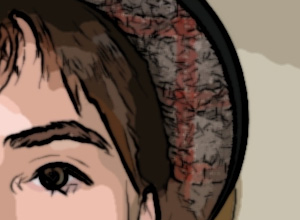
Sharpen = 10
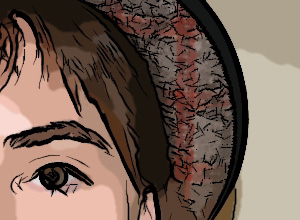
Sharpen = 90
Post-Processing Tools
The History Brush tool  fades the effect and restores the image, partially or fully, to its original state.
Note: The tool is only available on the After tab and only under the Home Deluxe and Business licenses.
Attention! If you switch to the Before tab and run the processing  again, the changes made with the tool will be lost!
ArtWork v. 15.1 - Free 10-day Trial
